Fences 5 File Version Mismatch Message
from  Stardock Forums
Stardock Forums
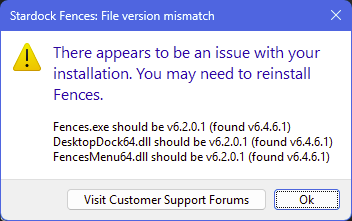
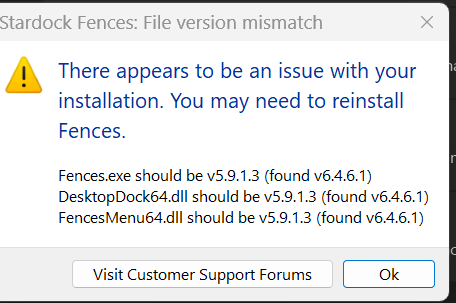
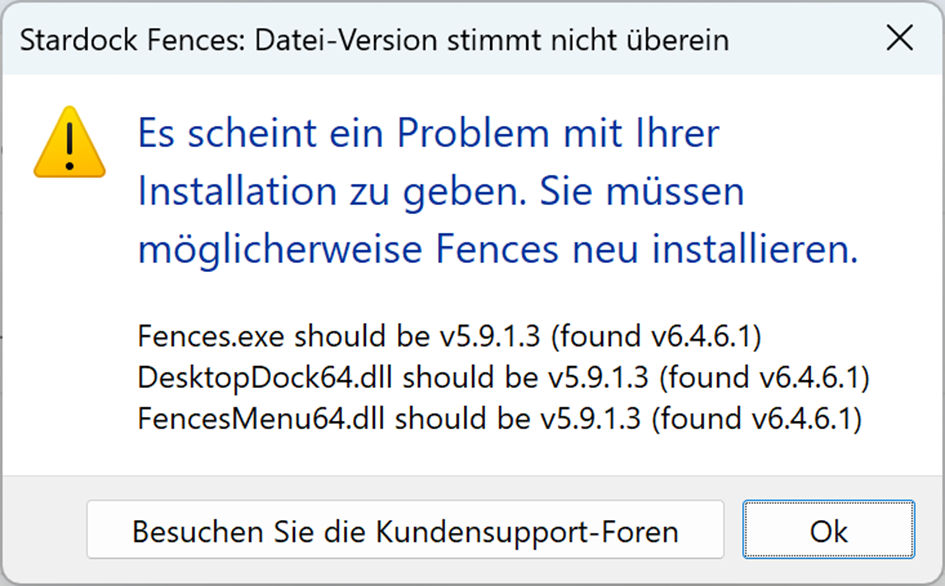
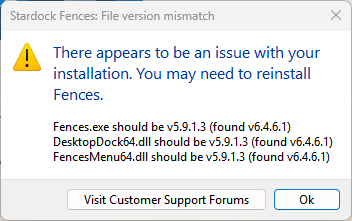
In an effort to improve the reliability of Fences 5 installs that are done overtop an already existing installation of Fences 5, we have added some messaging that will display if there are any file version mismatches.

If you received that message, we would like to get more information from you.
- Did the instructions to perform a reinstallation with the same installer work to resolve it?
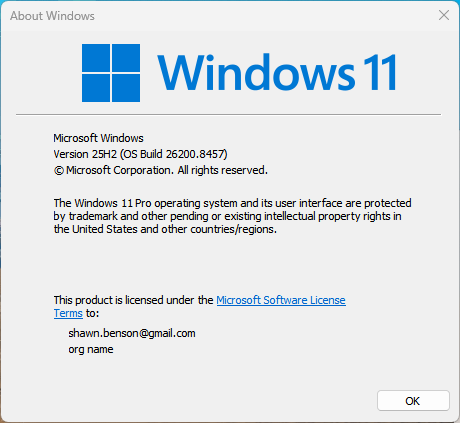
- What version of Windows are you running?
- What anti-virus software are you using?
Thanks for your feedback and time.
Sean Drohan
Stardock Product Lifecycle Manager