Start 11 - Tray Icons Non-Responsive

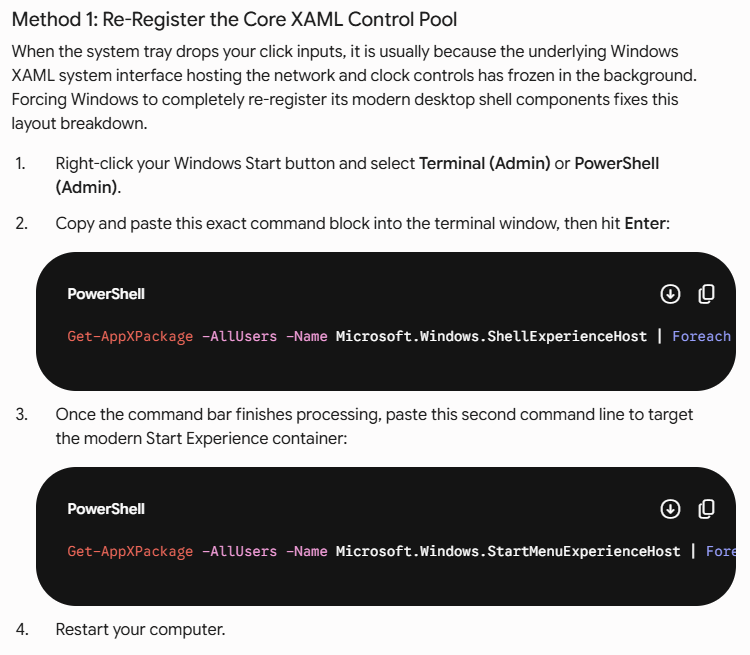
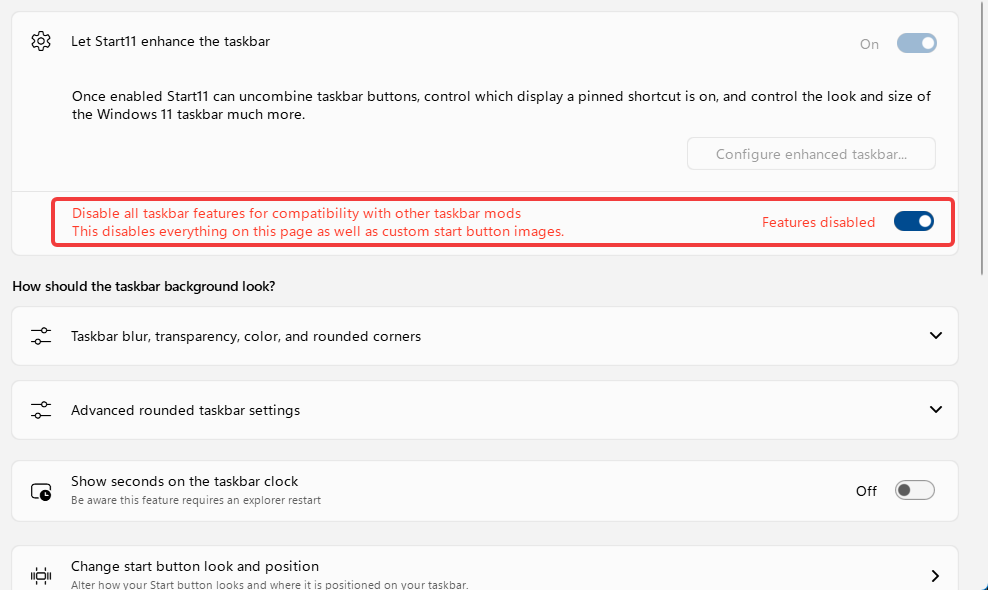
Up until a few days ago, Start 11 v2 was working fine.  However, now, none of my tray icon s will respond to any clicks.  They still show up, but nothing happens when I left-click, right-click, or hover over any of them.  The only way I can make them respond again is by flipping the "Disable Enhanced Taskbar" switch.  This, of course, wrecks my nice taskbar I've set up with Start11.  Everything on the main taskbar responds perfectly fine, it's just the tray I'm having issues with.  I haven't installed anything new, definitely no other taskbar mod apps.  I've uninstalled & reinstalled Start11, and still no resolution.  Any idea how to fix?
835 views 6 replies
Reply #1 Top

Hello,

Sorry to hear you are having issues. Need to know few more things.

  1. Windows 11 full version and OS Build number. Please use Winver.exe to get these numbers.
  2. Start11 full version number installed.
  3. Do you have any other 3rd party application that also add or change how your taskbar work. Such as DisplayFusion, StartAllBack, OpenShell etc.

Thank you,

Basj,

Stardock Community  Assistant.

Reply #2 Top

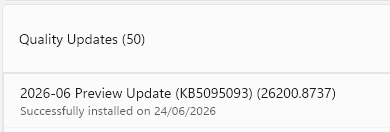
I figured it out.  The latest Windows Insider Beta update broke Start11.  Switched back to Release Preview and all is right with the world (tray works fine) 😎.

Thanks for the help! 

Reply #3 Top

Great, glad to hear that. Just if you could, please share which Windows 11 and OS Build was you on before switched back to released version?

Thank you,

Basj,

Stardock Community  Assistant

Reply #4 Top

It was one of these two:

Windows 11, version 25H2 Insider Preview Quality Update (26220.8575)

Windows 11, version 25H2 Insider Preview Quality Update (26220.8680)

Reply #5 Top

Thank you.

Reply #6 Top

I just updated a box to 26220.8680 and am not encountering any issues with tray icons.  They can be double clicked on and right clicked on just fine.