Hello,
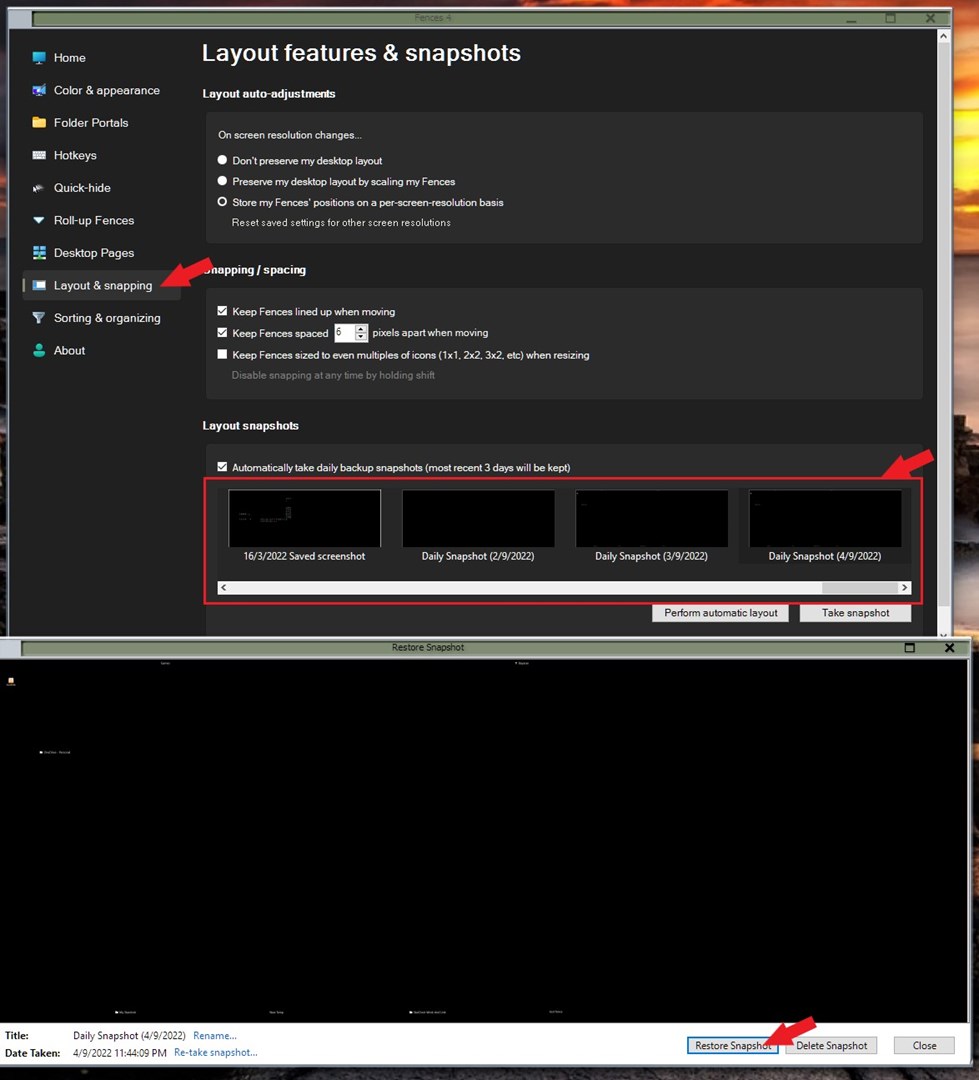
Thank you for the video. Desktop pages do not work like that. If you want all your fences to move to your second monitor you will need to move them one at a time. Click the Fences title bar one at a time to your secondary monitor. Once all it done. You can save your layout using the "Save layout snapshot". You should also consider saving your initial layout for the primary monitor. Once that are done. You can load your layout snapshot to which every monitor you wish to via your saved layout snapshots.
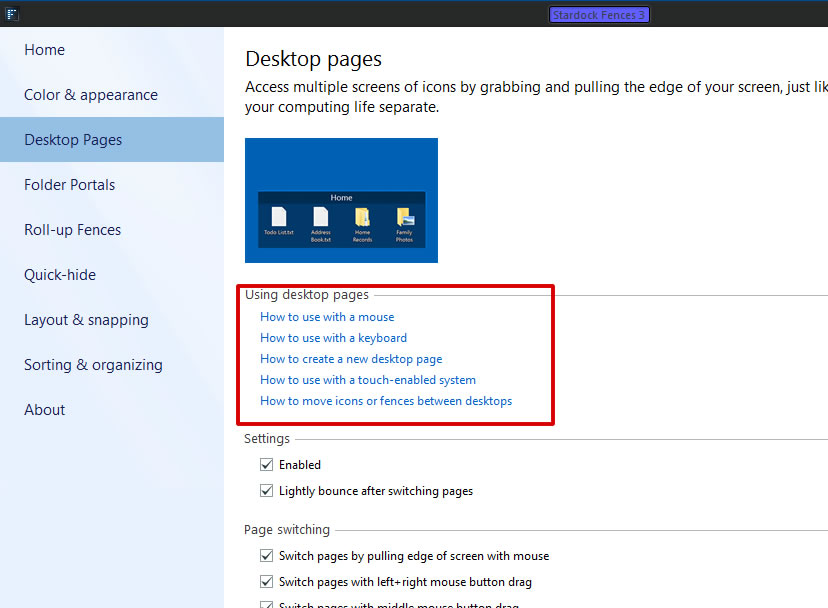
Do know, Fences Desktop page work for both your monitors at the same time. It consider your desktop area is the total area of both of your monitors. Or if have three monitors. All three monitors will be one desktop. If you switch Fences desktop all 3 of them will on another desktop.
Thanks
Basj,
Stardock Community Assistant.


 Stardock Forums
