Can't configure fences

Fences 4.  New install. Windows 10, Version 21H2, Build19044.1706.

Can't open "Open Fences Settings" or "Configure Fences".  When right clicking and dragging the "Create Fence Here" option comes up but a Fence is not created.

Tried the purge and re-install. Same issue.

16,510 views 23 replies
Reply #1 Top

Hello,

Sorry to hear you are having issues.

Check with a right click on your desktop and scroll

down to Lock Fences if it's checked un check it

then see if that works for you now .


AzDude
Stardock Community Assistant

Reply #2 Top

Fault bucket 1508458601223469932, type 1
Event Name: APPCRASH
Response: Not available
Cab Id: 0

Problem signature:
P1: SdDisplay.exe
P2: 1.9.2.2351
P3: 5edf9cda
P4: KERNELBASE.dll
P5: 10.0.19041.1706
P6: 40a40d01
P7: e0434352
P8: 0012c3a2
P9:
P10:

Reply #3 Top

The Lock Fences was not checked.  I checked and then unchecked it.  No change, same issue.

Reply #4 Top

Hello,

Would you do this PURGE: https://forums.stardock.com/486084/fences-support-faq#reinstalling

Reboot and ReInstall the latest version from your account https://store.stardock.com/myaccount/products/

Reboot , test and report back please .


AzDude
Stardock Community Assistant

Reply #6 Top

Hello,
Sorry to hear you are having issues. Please review this thread : https://forums.stardock.com/494957/get;3749819. Maybe some product introduce its own desktop manager overlay, hence clashing with Fences.

Thanks
Basj,
Stardock Community Assistant.

Reply #7 Top

I don't believe that post applies to my situtation

Does the following from Event Viewer provide a clue as to why it is failing

Fault bucket 1508458601223469932, type 1
Event Name: APPCRASH
Response: Not available
Cab Id: 0

Problem signature:
P1: SdDisplay.exe
P2: 1.9.2.2351
P3: 5edf9cda
P4: KERNELBASE.dll
P5: 10.0.19041.1706
P6: 40a40d01
P7: e0434352
P8: 0012c3a2

And

Faulting application name: SdDisplay.exe, version: 1.9.2.2351, time stamp: 0x5edf9cda
Faulting module name: KERNELBASE.dll, version: 10.0.19041.1706, time stamp: 0x40a40d01
Exception code: 0xe0434352
Fault offset: 0x0012c3a2
Faulting process id: 0x2950
Faulting application start time: 0x01d87da692715cf4
Faulting application path: C:\program files (x86)\stardock\fences\SdDisplay.exe
Faulting module path: C:\Windows\System32\KERNELBASE.dll

Reply #9 Top

Did a Clean Boot - no change, same issue.  Post the Clean Boot also tried a purge and re-install but still no good.

Reply #10 Top

Hello,

I am not sure if I missed it or not, what version of Fences4 are you using?

Paul Scroggins
Associate Technical Support Analyst

Reply #11 Top

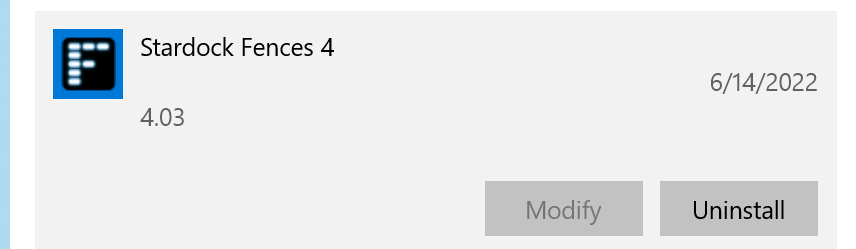
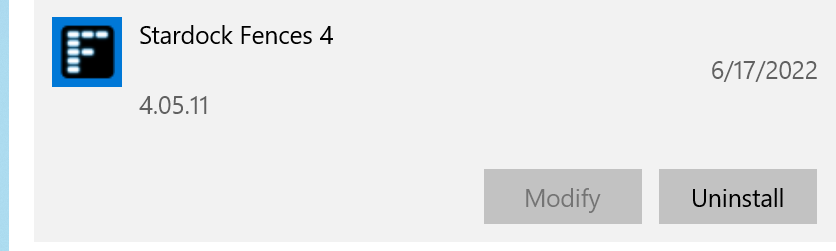
4.03, at least that's what shows up looking via setting Windows Uninstall App

Reply #12 Top

Hello,

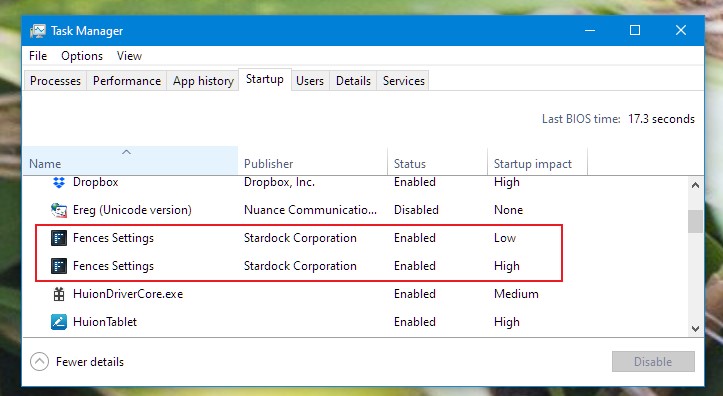
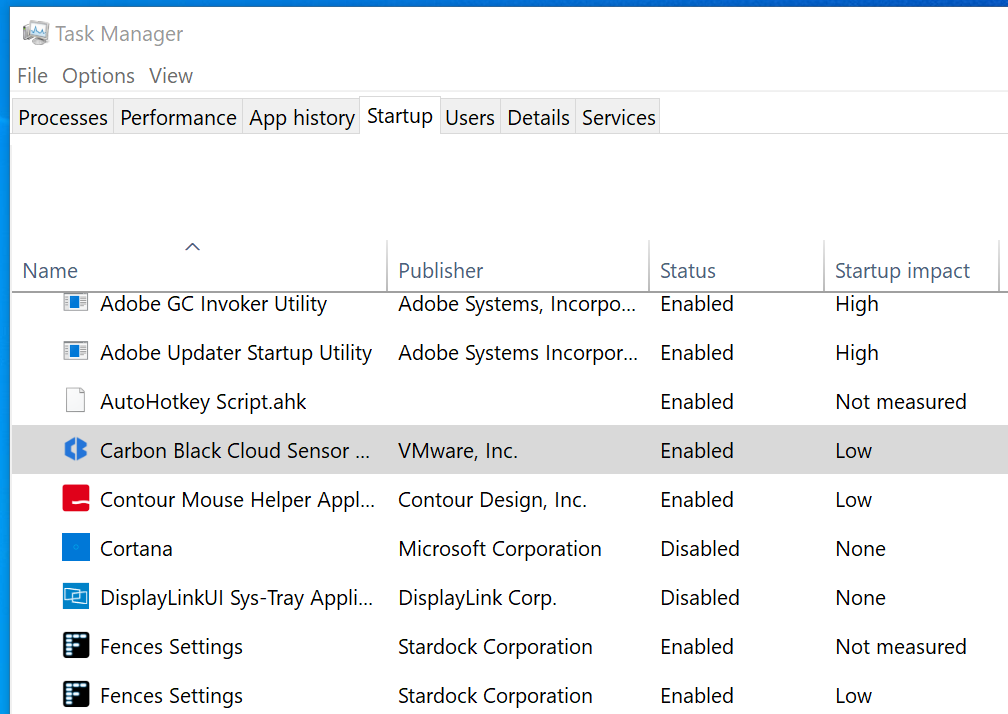
I wonder if you have Fences listed twice in the task manager startup listing. Which is very important for Fences to work correctly. Please check it and report back.

Thank you,

Basj,
Stardock Community Assistant

Reply #14 Top

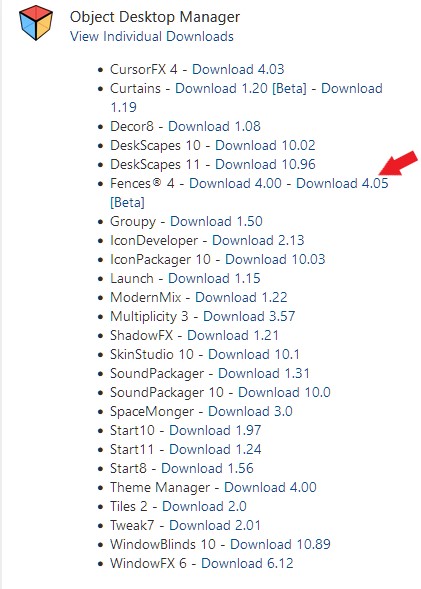
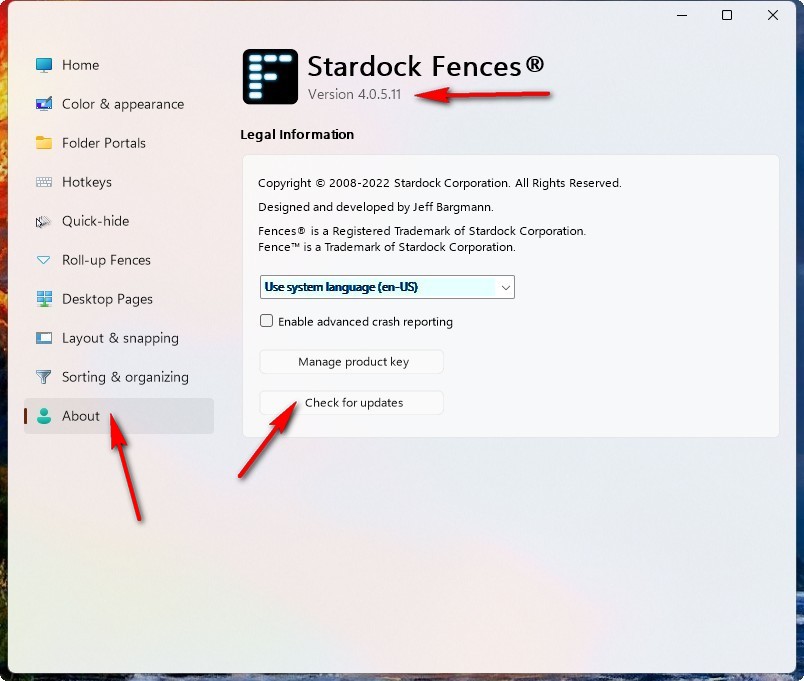
I would like to suggest to use the latest Fences Beta V4.0.5.11. Should be available in your account product page.

Thank you,

Basj,
Stardock Community Assistant

Reply #15 Top

I could not find Fences Beta V4.0.5.11anywhere on my account page or on the Stardock site


Reply #16 Top

If you have active Object Desktop subscription, It should look like something below. But, if you purchase standalone Fences, it should have Beta download list just beside the final release version.

Thank you,

Basj,
Stardock Community Assistant

Reply #17 Top

I purchased as stand alone.  It is not listed in my account under Downloads.  It is listed under Order History, but there is no beta version listed there

Reply #18 Top

Hello,

Sorry to hear you are having issues.

Open your Fences app and check for the latest version 


AzDude
Stardock Community Assistant

Reply #19 Top

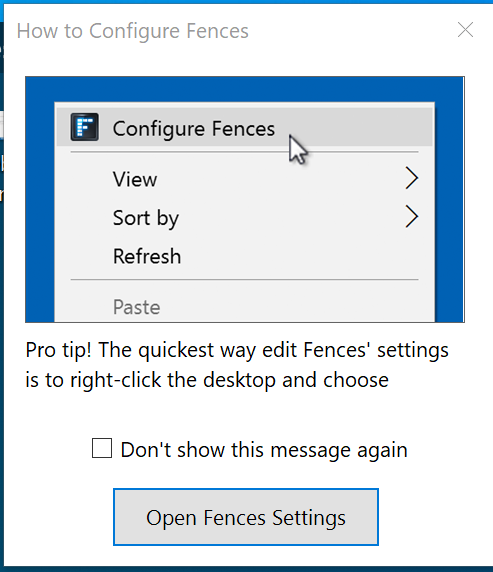
when I open Fence I get this

clicking on Open Fences Settings closes the window and nothing else come up.

Via a different thread I did download Fences Beta V4.0.5.11, ran the Fence Purge program and installed V4.0.5.11.  No change,same issue.


Reply #20 Top

Hello,

I have forwarded your report to the Stardock support team for their review and recommendations.

Please keep an eye on this thread for any updates.

We really do appreciate your feedback, thanks.

Reply #21 Top

Hello,

Sorry to hear you are having issues.

 Could you send us the text file located in %appdata%\Stardock\Fences\TroubleshootingLog

Thanks.


AzDude
Stardock Community Assistant