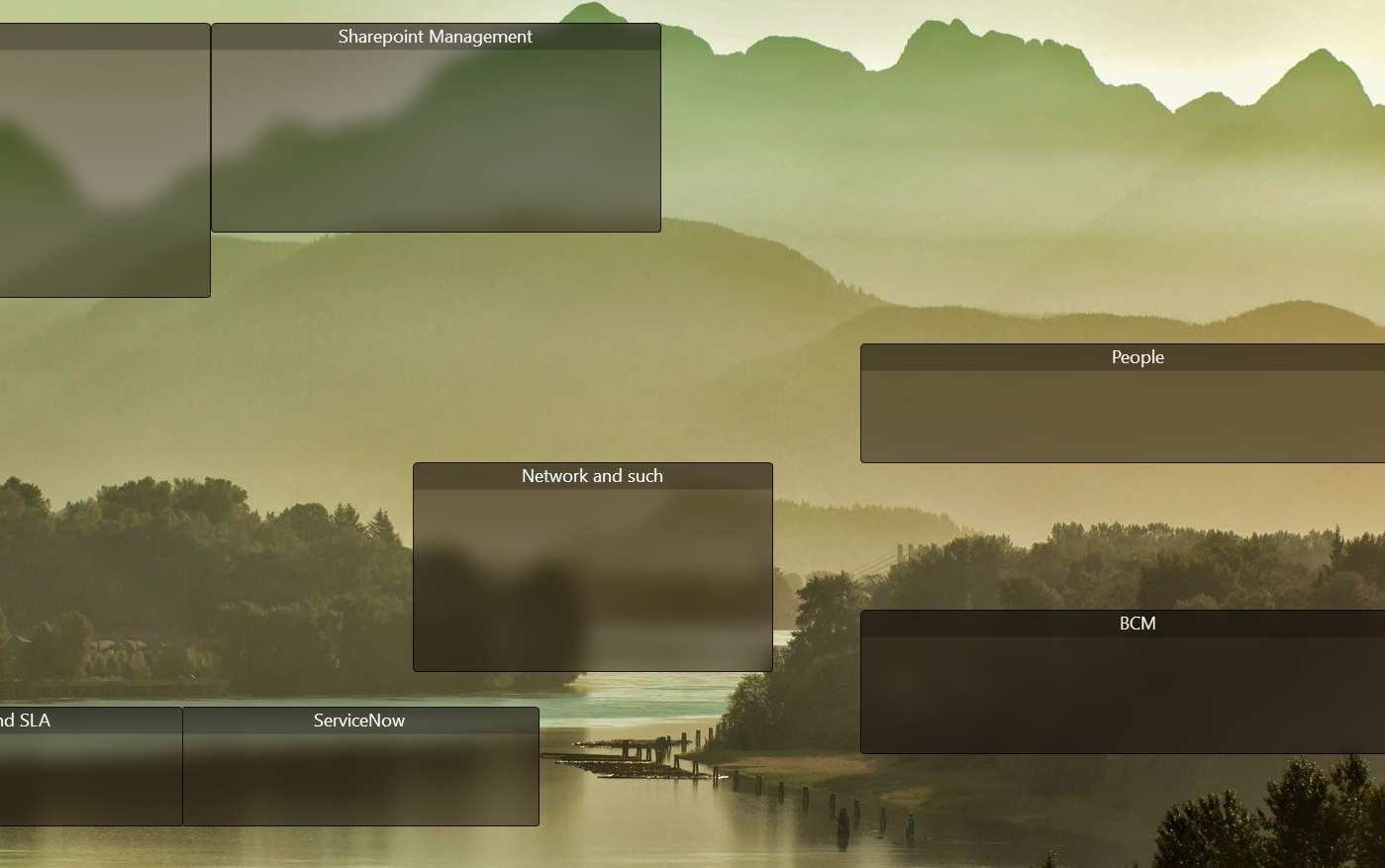
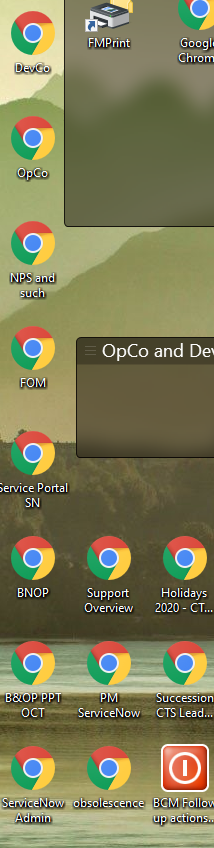
All shortcuts are outside the fences

Quite annoying, there seems to be something wrong every now and then.


When I started my laptop this morning, all the shortcuts within the fences are now placed outside them on the desktop.


Restoring them via the app doesn't work.


What to do?

7,564 views 7 replies
Reply #1 Top

Hello,
Sorry to hear you are having issues. Need to know more on your system.

  1. Windows version. Please use Winver.exe to get the full Windows version numbers.
  2. Fences version.
  3. Have you tried rebooting?

Thanks
Basj,
Stardock Community Assistant.

Reply #2 Top

1. Windows 10, V2004, Build 19041.508

2. V 3.0.9.11

3. Yes


And also tried the restore function within the app.

Reply #3 Top

Please try purge and reinstall steps as mentioned here: https://forums.stardock.com/486084/fences-support-faq#reinstalling Just make sure to redownload the latest version from your account. Reboot after the purged. Reinstall, and Reboot again after the installation. Retest it. Report back here.

Thank you,

Basj,
Stardock Community Assistant

Reply #4 Top

No, didn't help. It's a complete mess.


Just a screenshot (very small portion of the screen):

Empty fences:


Shortcuts which used to be in there are now all organized to the left on the desktop:


Reply #5 Top

Hello,

Do you have OneDrive Desktop Sync turn on? If you do, that does not work with Fences.

Fenced icons have absolute paths - syncing the desktop to OneDrive has your desktop icons at a different location, thus breaking it.  

You have two options:

-Stop syncing the desktop, move all your icons back to the actual local desktop folder, restore a Fences snapshot.

-Keep it as is and replace your icons in the Fences they were in.


Thank you,

Basj,
Stardock Community Assistant

Reply #6 Top

All the icons are gone when I startup this morning! This is a mess!