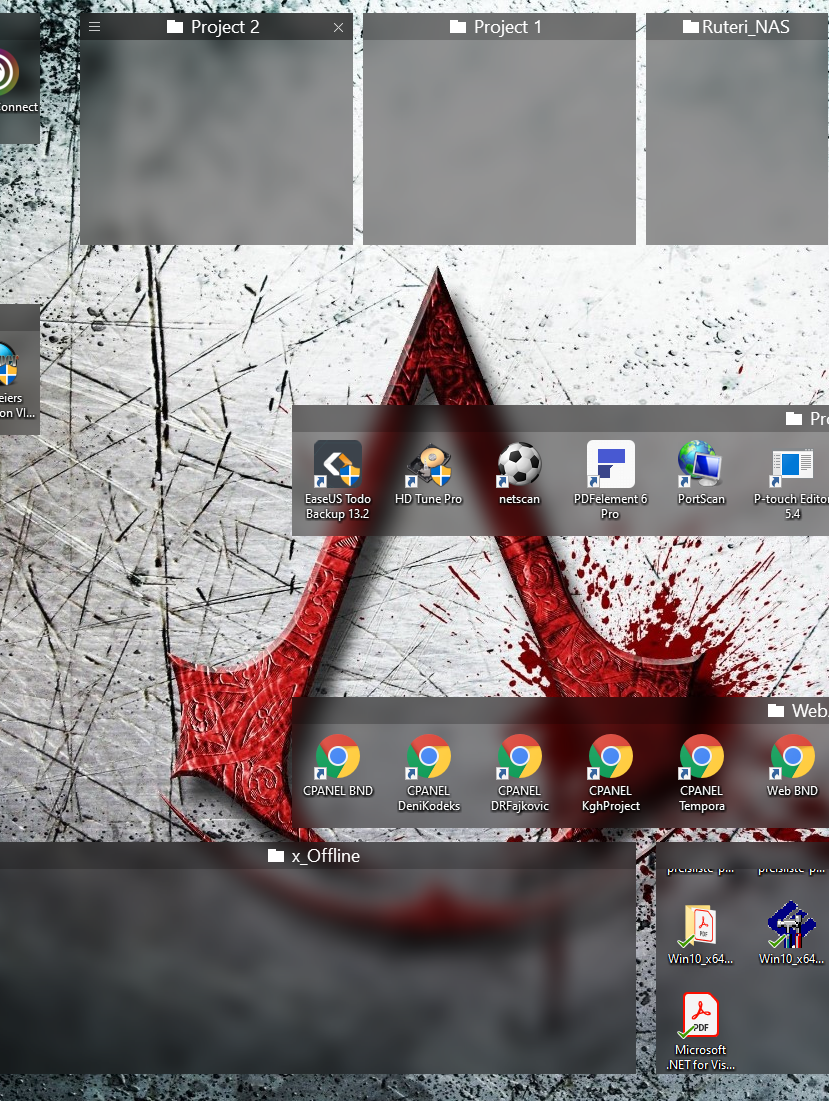
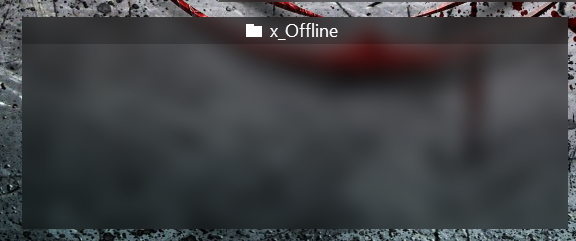
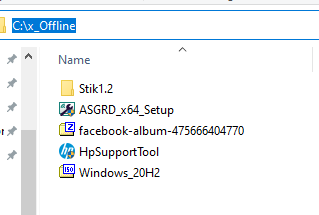
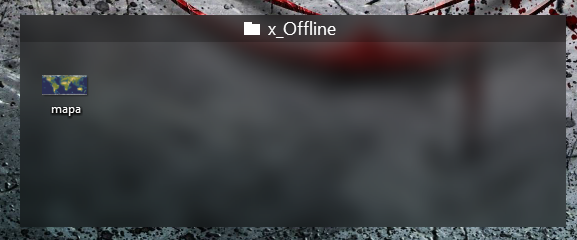
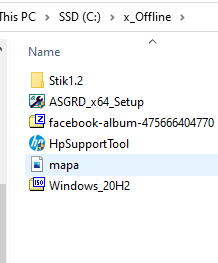
all folder portals are empty

empty folder portals

Hi,
I bought fences recently and any folder portal that I'm creating is empty.
Is that a known issue for windows 10? I didnt see open topics about that
 
Thanks in advance,
Ohad
23,505 views 24 replies
Reply #1 Top

Hello,
Sorry to hear you are having issues. But never receive other report on this. Need to know more.

1) Windows 10 version. Please use Winver.exe for full version numbers

2) Fences version.

3) Can you list down steps you take to create your portal Fences.

Thanks

Basj,
Stardock Community Assistant.

Reply #2 Top

thanks for the quick response.

1) I have windows 10 version 1903 in hebrew if it matters (build version 18362.535)

2) fences 3.0.9.11

3) I draged a folder from explorer with pressing alt

   I tried also to mark an area and pressing "create folder portal here".


ohad

Reply #3 Top

I can't recreate your issue on my system. Dragged folder from explorer while pressing "Alt" did create the portal fence on my system. Please try purge and reinstall using this guide : https://forums.stardock.com/486084/fences-support-faq#reinstalling

Just make sure to re-download the latest version again from your account. Reboot after the purge. And reinstall Fences. Reboot again after the installation. Retest and report back.

Thank you,

Basj
Stardock Community Assistant.

Reply #4 Top

Hi All,

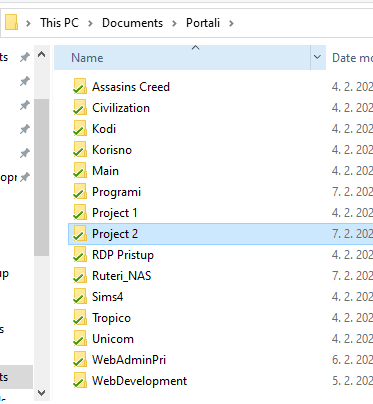
I have similar problem. I have many folder portal and all of them are ok but one. 

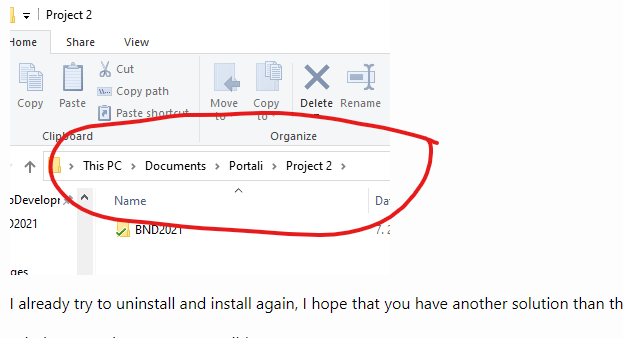
Before this it was another folder portal that shows empty folder, so I uninstall and clean fences. After new installation folder portal Project 2 is shown empty but its not.

When I double click on portal I get proper folder with data inside

I already try to uninstall and install again, I hope that you have another solution than this?

Windows: Version 2004 - OS Build 19041.804

Fences: 3.0.9.11

When I delete portal and recreate it again holding alt on keyboard it is ok until reboot of PC.

Any thoughts on this crazy issue :D 

Reply #5 Top

Quoting jasminmizic, reply 4

Hi All,

I have similar problem. I have many folder portal and all of them are ok but one.
End of jasminmizic's quote

Hello,

Hello,
Sorry to hear you are having issues. Is the Portal Fences linked to network drive? If it does, please review this thread : https://forums.stardock.com/486084/fences-support-faq#folderportalsempty

Thank you,

Basj,
Stardock Community Assistant

Reply #7 Top

Hello,

May I know what those green tick on the icons mean? For what application? Synced overlay?

Thank you,

Basj,
Stardock Community Assistant

Reply #9 Top

Hello,
I have forward your problem/question to Stardock Support Team for their assistance. Please keep an eye on this thread for any updates. We appreciate your feedback and patience.

Basj,
Stardock Community Assistant

Reply #11 Top

Quoting jasminmizic, reply 8

Google Drive. All portals are syncing.
End of jasminmizic's quote

If you turn this off for testing, does it still happen?

Does and F5, with the Fence having focus, show the files?

Sean Drohan
Stardock Support Manager

Reply #12 Top

Hi,

now 4 portals are missing

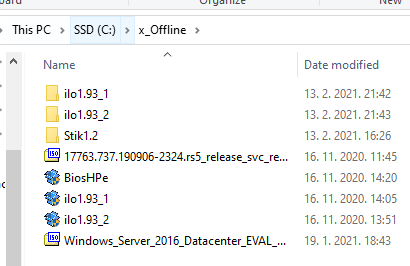
x_Offline is folder on C drive and its not synced with Gdrive. F5 doesn't show files, but when I double click on portal headline I get data

Reply #13 Top

Please try purge and reinstall using this guide : https://forums.stardock.com/486084/fences-support-faq#reinstalling

Just make sure to re-download the latest version again from your account. Reboot after the purge. And reinstall Fences. Reboot again after the installation. Retest and report back.

Thank you,

Basj
Stardock Community Assistant.

Reply #14 Top

Basj,

I already try this but will do one more time and report, also I tryed to disable gdrive but still I have issue ? I will try now to set up all and then do new install and then activate Gdrive.

Reply #15 Top

Quoting jasminmizic, reply 14

Basj,

I already try this but will do one more time and report, also I tryed to disable gdrive but still I have issue ? I will try now to set up all and then do new install and then activate Gdrive.
End of jasminmizic's quote

Are any of the folders that are not showing on a NAS or other external drive - not on the local PC?

If so, many times a connection needs to be made \ initiated prior to rendering the contents.  This is why this works:

Quoting jasminmizic, reply 12

but when I double click on portal headline I get data
End of jasminmizic's quote

Sean Drohan
Stardock Support Manager

Reply #16 Top

Sean,

if you scroll post before you will see that all folders for portals are in documents on local drive c:\

Not sure that I understand your advice or what is it ?

Reply #17 Top

Hi,

I completely delete Fences and install it again. I use guide from basj and also revo uninstaler to remove all from fences. After new installation now folder x_Offline is shown empty and it has no ties to GDrive.

Reply #18 Top

Hello,

Sorry to hear you are having trouble.

If you drag something to that Fence, what happens?

Sean Drohan
Stardock Support Manager

Reply #20 Top

Hi,

I discover what make this issue 


Can you some how fix that is compatible with this program?

When I disabled RTX manager all Portals are now normal.


Reply #21 Top

Well, our first question would be do you use that app?

Sean Drohan
Stardock Support Manager

Reply #22 Top

Hi Sean, I just told you when I disable this app that Fences are working normal. 

Yes I use this app. Why would it be turned on if I didn't use it?

Reply #23 Top

Quoting jasminmizic, reply 22

Why would it be turned on if I didn't use it?
End of jasminmizic's quote

Because all video card manufacturers install apps that people don't often use. 

My suggestion would be to experiment with the options available in the app, with it running, to see what exactly is causing the issue and if the app is still useful to you with the said option off \ on.

Sean Drohan
Stardock Support Manager

Reply #24 Top

This is program from nvidia for Quadro graphic so not some cheap card program. And I think that I experiment enough, so I am guessing that I will switch to other program. Or do I need to buy licence again in order to get some real support. Never the less thank you !