


How can I change the color for Windows Media Player Vista Aero?
from  Stardock Forums
Stardock Forums
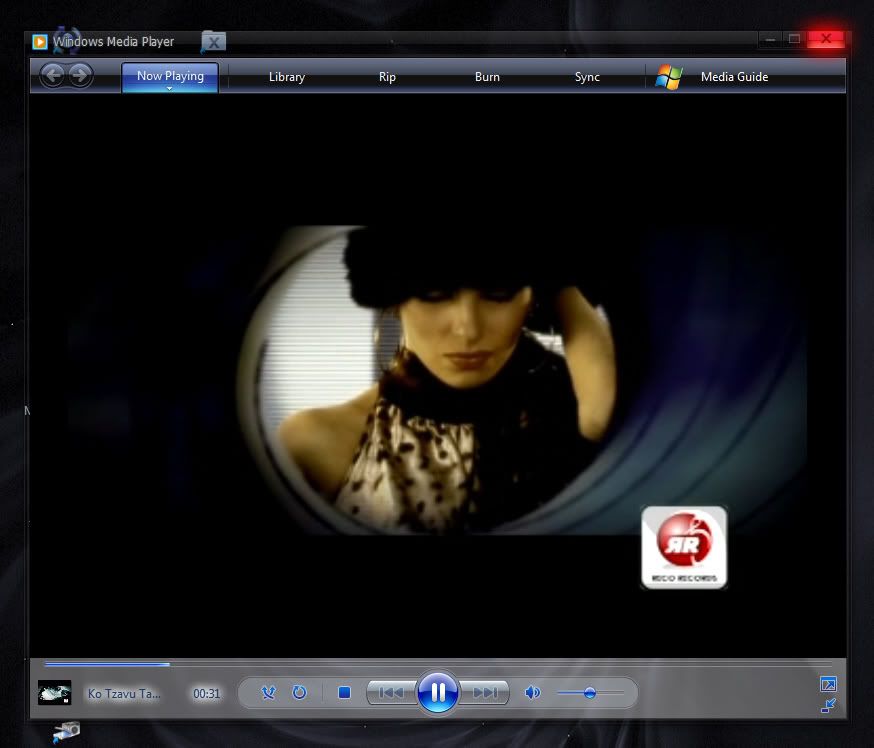
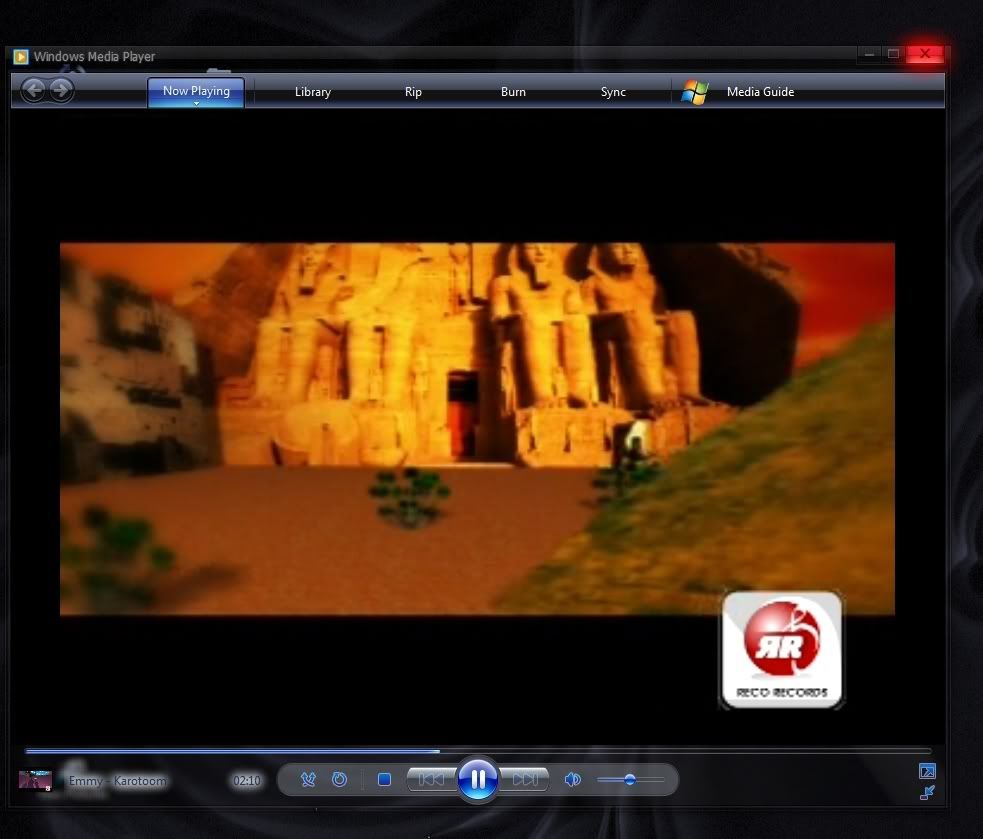
For some odd reason, my Windows Media Player using Vista32 with Aero effects on, produces this ugly light grey color at the bottom. Once in a while, I dont do anything at all, and the color will change to the correct color.. which is supposed to be an almost black color that's transparent (look at the bottom Aero transparent color).
How can I force WMP to have the correct color on the bottom for it's Aero effects? It looks like its related to the bug introduced in WB 6.1:
https://forums.stardock.com/315860
But, I dont think it's related since I've had this problem since I've used WB 6.
This is NOT the way I want it... but shows like this most of the time:
This is the way I want it, but only seems to show like this randomly. I need it to look like the below permanently:
How can I force WMP to have the correct color on the bottom for it's Aero effects? It looks like its related to the bug introduced in WB 6.1:
https://forums.stardock.com/315860
But, I dont think it's related since I've had this problem since I've used WB 6.
This is NOT the way I want it... but shows like this most of the time:
This is the way I want it, but only seems to show like this randomly. I need it to look like the below permanently:
 WinCustomize Forums
