


Impossible to drag icons from start menu to desktop with Start11
from  Stardock Forums
Stardock Forums
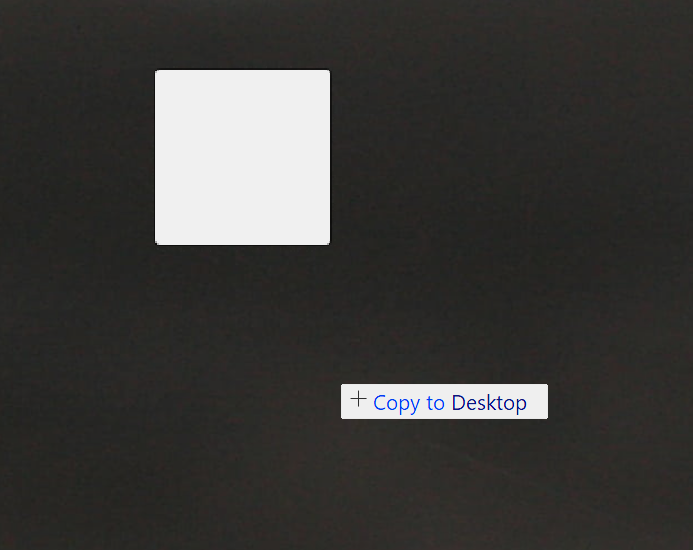
Whenever I try to drag an application icon from the Start11 start menu to the desktop, I get this blank icon.
The thing is, it is impossible to place it on the desktop, because when I click left click mouse button once or twice, it does nothing. It keeps getting dragged with the mouse pointer. While right click brings just the submenus and icon keeps getting dragged.
Only Esc key works where I can just cancel the action
Icons and folders already on the desktop move and place without issue. Same when I try to drag icons from desktop to start menu.
