Start11 > Taskbar pins > Pin folder menu

Start11 > Taskbar pins > Pin folder menu

Hi 

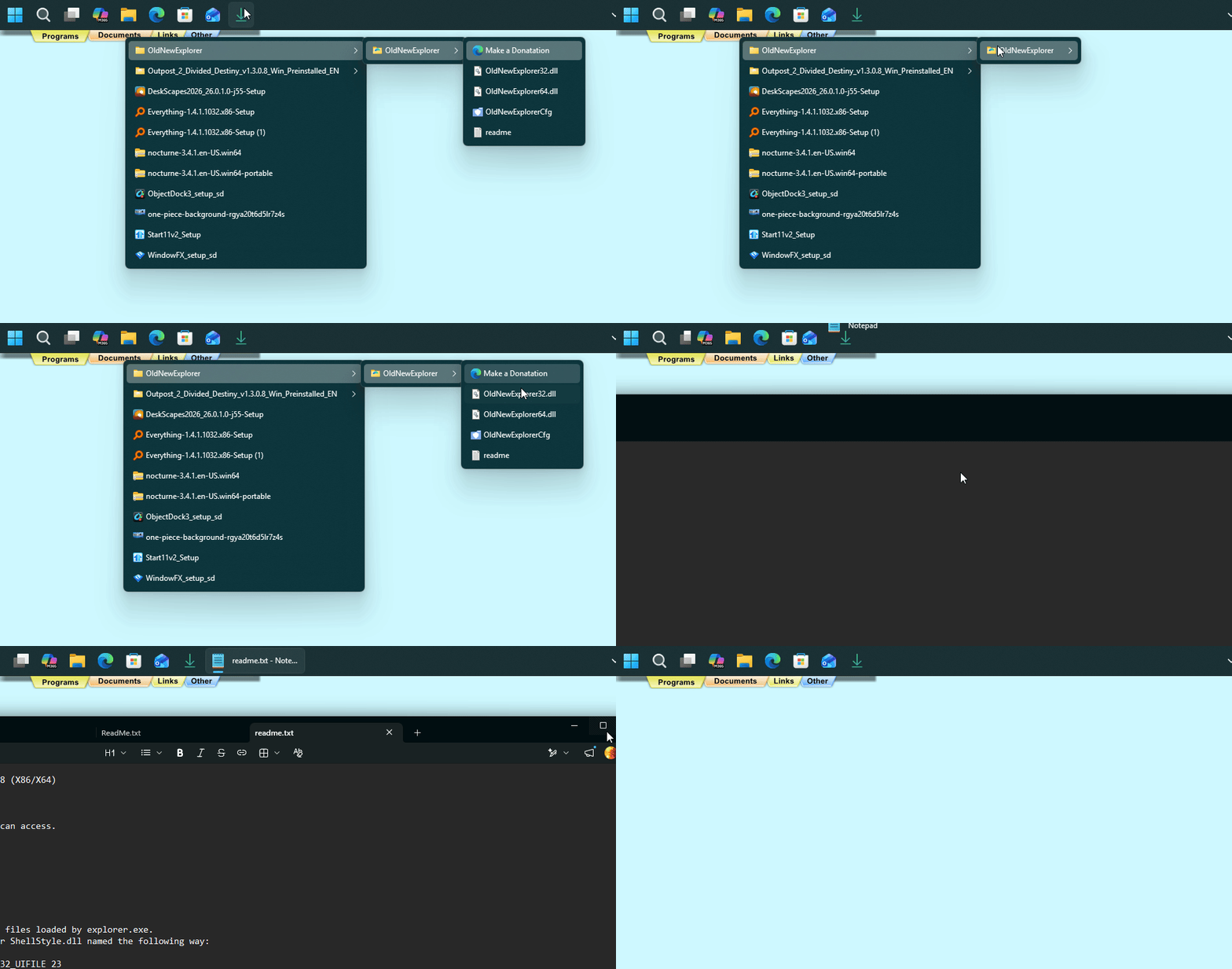
When I first saw this feature it was magical, would save me loads of time.

However then I  realised it only takes you to the end folder you navigate to, it does not show folder contents. 

Is there a way for it to show folder contents, say a word doc... that I can then open?


Many thanks

Gordon


154 views 5 replies
Reply #1 Top

Hello,

Sorry to hear you are having issues. Not really sure what you trying to do. I can see the listing of the folder I pinned. And I can click on it to open it. 

Perhaps post a video showing what you get on your system.

Thank you,

Basj,

Stardock Community  Assistant.

+1 Loading…
Reply #2 Top

( Forum wont let me put in a link for the video I did, hosted on youtube)

( yet if you right click on it, it allows you to copy the video address)

Hi 


Many thanks for the reply, appreciated. 

Once I get to the folder I want, the contents are not there. 

They are there with file explorer.  Cheers


UPDATE.....

Think it must be a setting in ONEDRIVE, or might not be compatible with one drive?

As I pinned a local folder and it works fine- Thanks. 


Reply #3 Top

I believe it best to pin the folder locally.

Thank you,

Basj,

Stardock Community  Assistant

+1 Loading…
Reply #4 Top

UPDATE FOLKS


Works just fine - If using with One drive- you need to right click on target folder and select - Always keep on this device- then wait a while for it to sync. 


I had to delete the pinned folder from taskbar and then repinned it and works great- Many thanks basj

Reply #5 Top

Great, glad to hear that. :thumbsup: 

Thank you,

Basj,

Stardock Community  Assistant

+1 Loading…
