Windows 11 Explorer Corruption

This is a VERY long-standing and chronic problem that I have been experiencing on multiple Windows machines.  After a few days of routine activity on my PCs, the Explorer folder on the taskbar will stop functioning as a single icon for multiple windows and instead create new taskbar icons for each new Explorer window.  If I restart the Windows Explorer app in Windows Task Manager then it resets to the correct state.  After a few days the whole process repeats again.  I believe that my Start11 settings are correct, and I am running v2.72.  
346 views 8 replies
Reply #1 Top

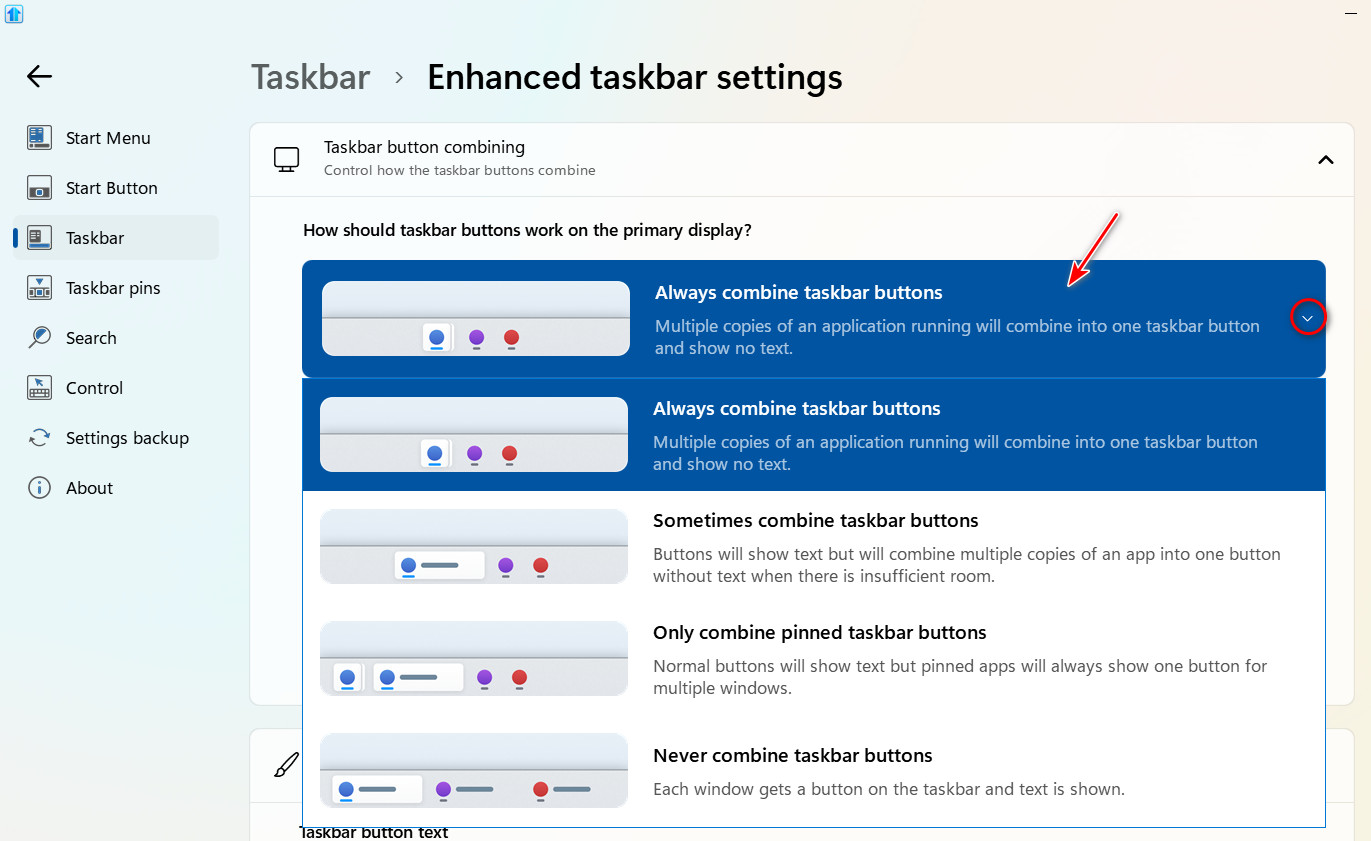
Do you have "Always combine taskbar buttons" selected?

Reply #2 Top

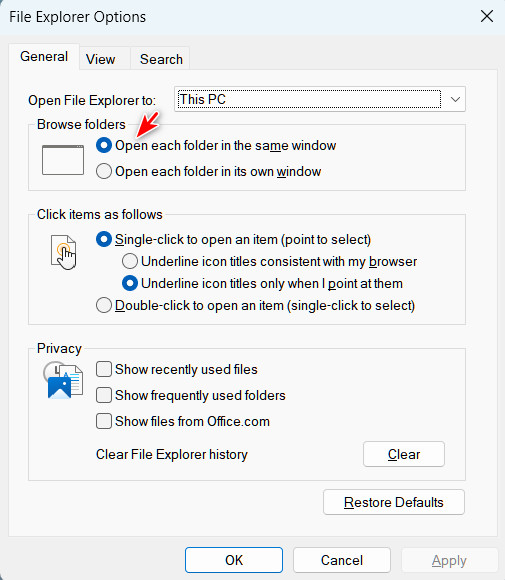
Also, check this setting.

Reply #3 Top

"Always combine taskbar buttons" was not selected, so I changed this setting in Start11.  Win Explorer was already set to "Open each folder in the same window", so I left this alone.  Thanks for your help.

Reply #4 Top

However, my other PC already had both settings correct, so this will NOT correct the problem.  

Reply #5 Top

I have never seen this issue on my PC and I have been using Start11 for several years starting with version 1. I very rarely restart my computer and it runs 24/7. The fact that you are seeing this on two PC's, it leads me to believe there is something in common on both that is causing this issue. You could try disabling Start11 for a few days and see is the issue happens.

Perhaps Basj, who is the Stardock Community  Assistant, could help you diagnose this issue. If he doesn't respond, I will notify him of your issue and ask him to help you.

Reply #6 Top

Items are grouped based on AppID, for this to stop working means the other explorer windows simply do not share the same ID which I have to confess I have never seen myself.

What other explorer additions might you have running?

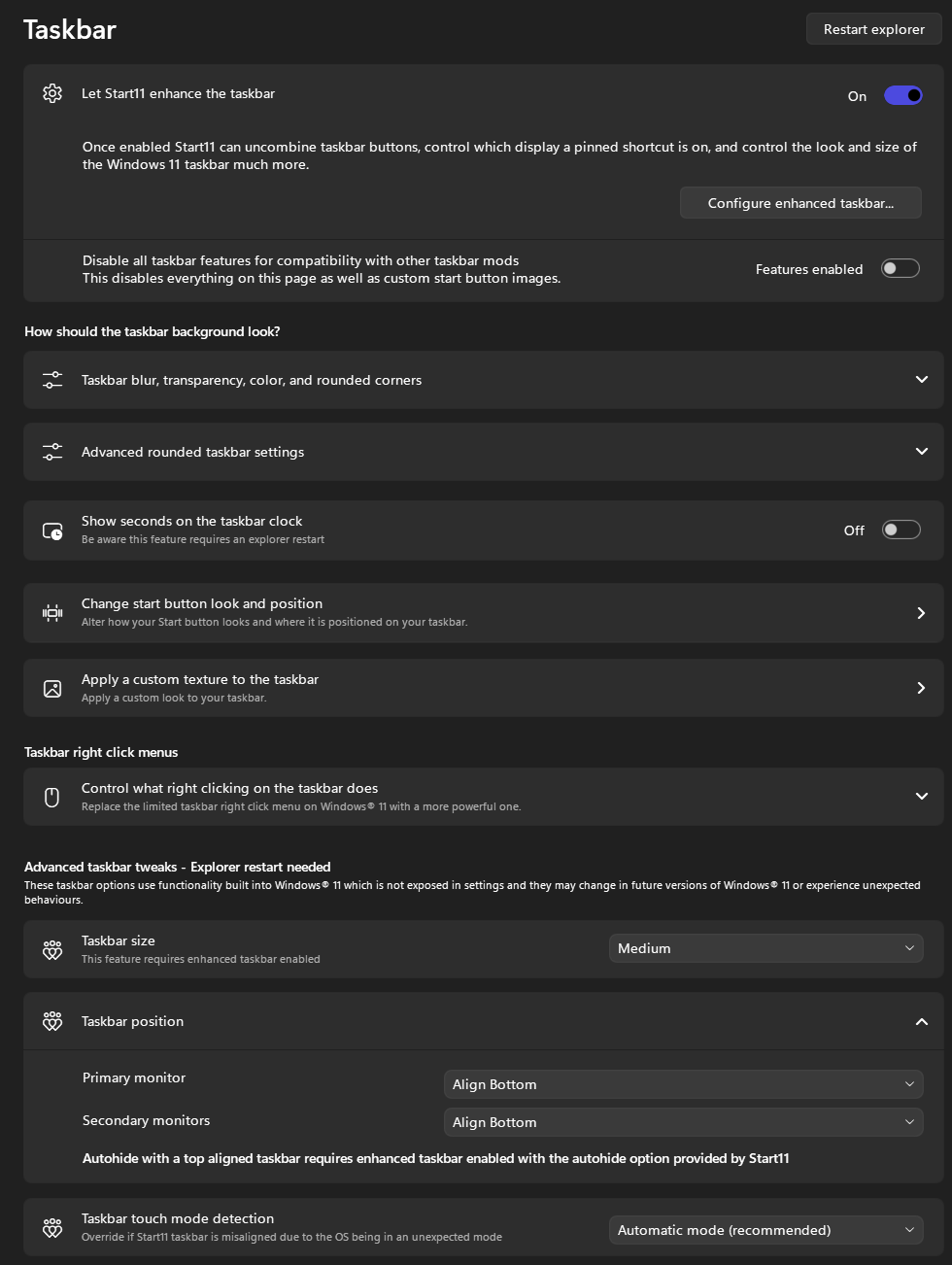
Does this happen if you disable enhanced taskbar in Start11?

Reply #7 Top

Since I have 2 PCs currently running Start11, I have disabled enhanced taskbar on one and left it active on the other for testing purposes.  I will report back my findings.  thank you