2x Pinned in Windows 11 Style Enhanced

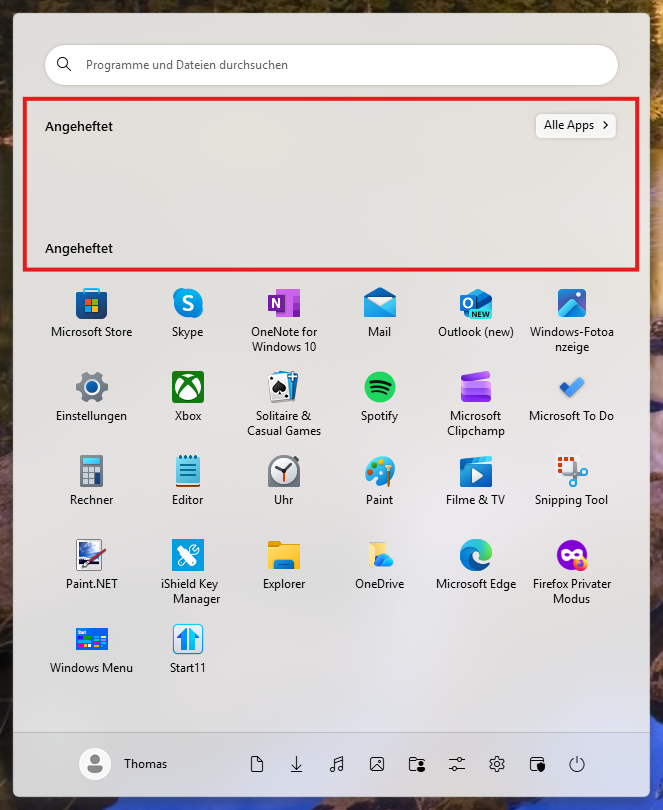
In the extended Windows 11 style of Start 11 v2 2.56, “Pinned” appears twice. This makes it somewhat difficult to assign apps from the list.
394 views 2 replies
Reply #1 Top

You can change the Group names for any group. Just click on the group title and change the name.

Reply #2 Top

Thank you, pelaird. I understand that, of course. I think it would be better if the group names were different from the beginning. At first glance, that looks strange too.