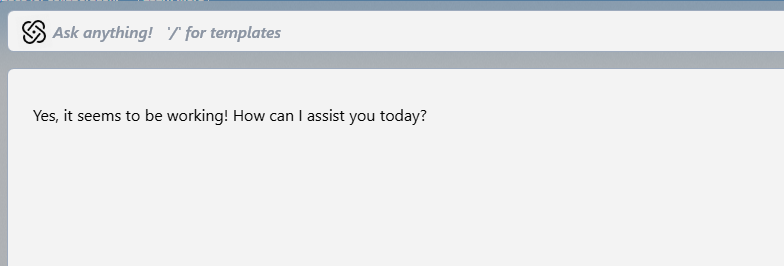
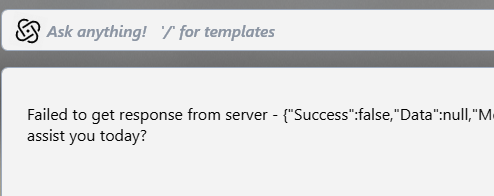
It seems that while Object Desktop understands that I have separate licenses, DesktopGPT gets confused because it looks at the email address for tokens.
I could be mistaken, but this seems to still be broken.
Could you try the same method as before? This time with the DesktopGPT application, activating with each of your account's Object Desktop keys?
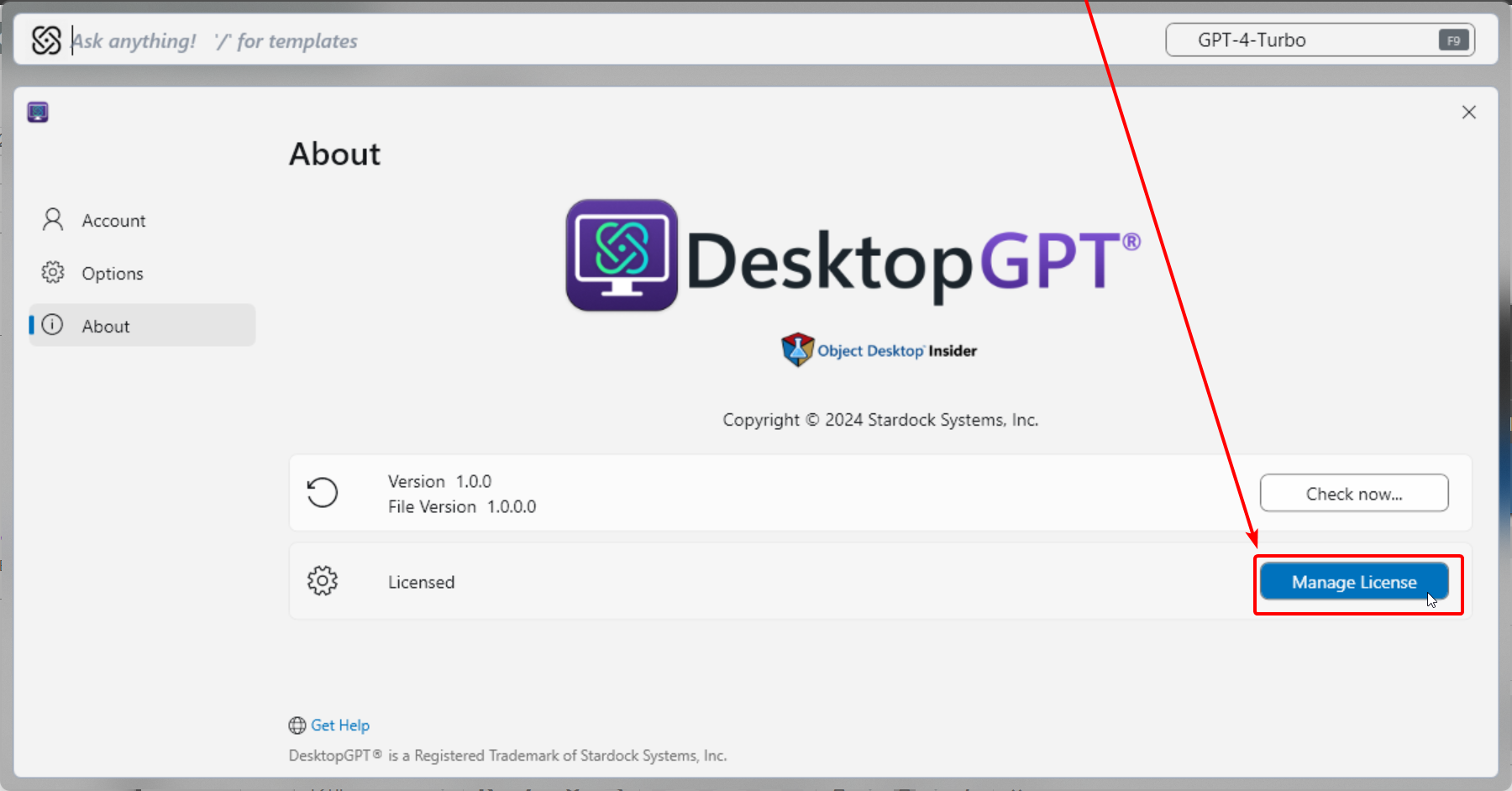
On the About page of DGPT you can click "Manage License" -> "Update Product Key":
Please let us know if this helps.
Best regards,
Adam McGuinness
Stardock Support Specialist
End of Abisnabidam's quote
You had it, but for one slight change.
The issue we've been facing is this: The software is licensed per user per machine. However, the tokens are owned by the account. I have one account and two licenses. Desktop GPT draws tokens from my one account regardless of where it is drawing from. (I think, but it must be close to this).
Therefore, while I need to assign an individual license to each Object Desktop installation, when setting up Desktop GPT, I should use my email and password to associate it with my account.
Not sure why it makes sense to me now but it makes a little sense.
I do not know how it was counting tokens originally, since I was supposed to get a certain number of tokens per install. Instead, I got a certain number of tokens for my account. Even if I had 100 licenses, I would have only gotten one serving of tokens across all of them.
In other words, I probably got cheated a bit but by 2027, none of us will know how many AI tokens we've used.
TLDR: I logged into each install with the individual license then I logged into each Desktop GPT with my email and password. Now it works on both machines.

 Stardock Forums