Clicking On Taskbar Icon Does Not Show Thumbnails(Bug)

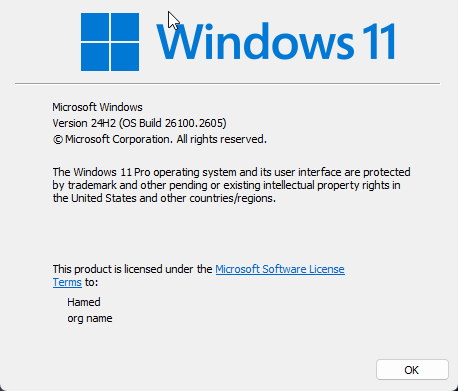
I'm using Start11 2.49.2

---

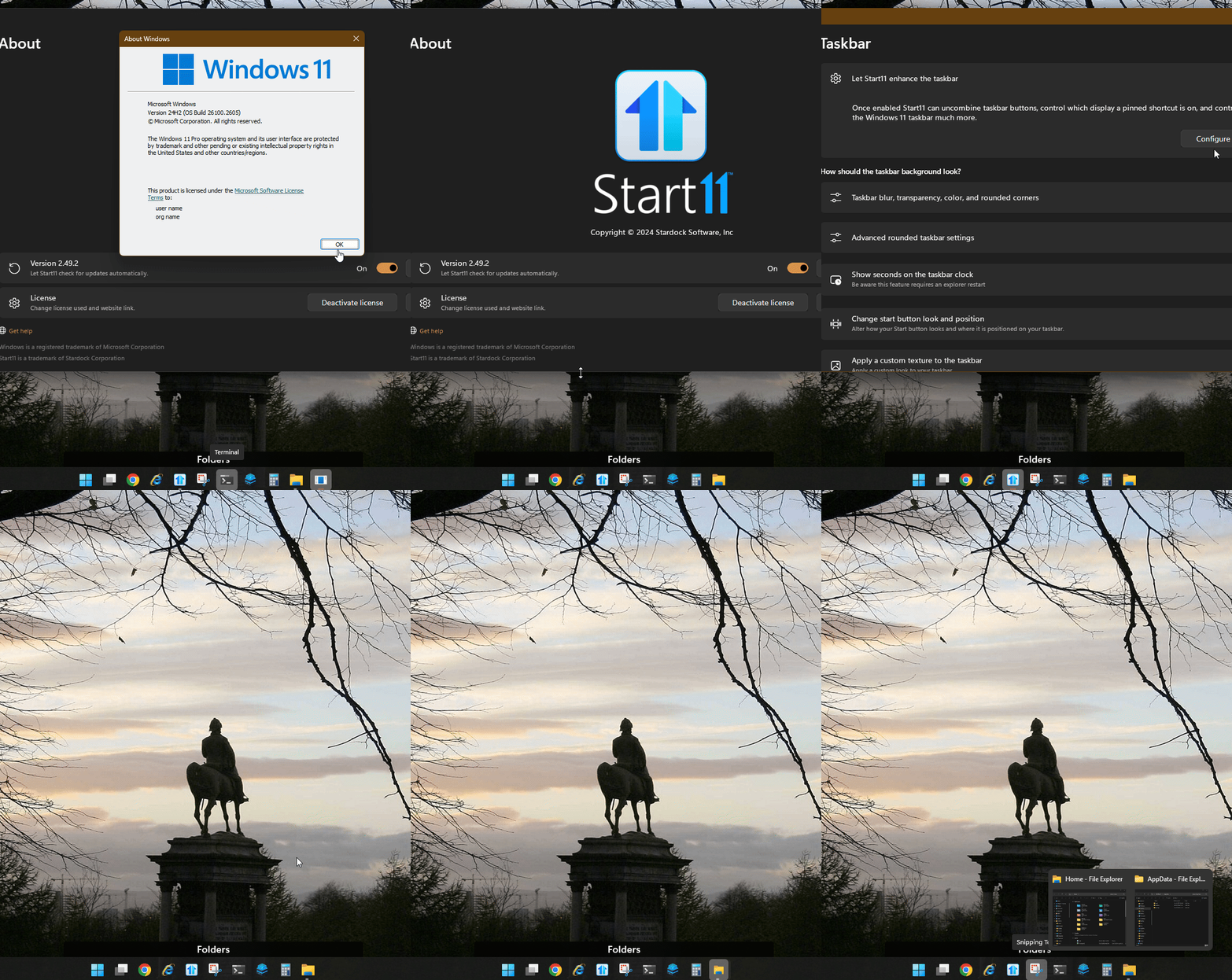
enhanced taskbar enabled.

taskbar buttons set to always combine.

1. open 2 window of same app

2. in taskbar try to click on the icon(button)

when clicking on that button it should show thumbnails but it does nothing. clicking does not behave correctly.

(yes I know you can wait on button to show thumbnails)
 

2,660 views 5 replies
Reply #1 Top

Hello,
Sorry to hear you are having issues. Unfortunately I can not reproduce your issue on my system. Refer short Gif below.

Do let us know if you was referring to different things.

Thank you.
Basj,
Stardock Community Assistant.

Reply #2 Top

surely it's not happening on your side.

I tried to change some settings and I think there is another condition :

you have to connected to 2 monitors.

here is the video:

https://youtu.be/qHsOBNtfU90

Reply #3 Top

Hello,
I have forwarded your problem/question to Stardock Support Team for their assistance. Please keep an eye on this thread for any updates. We appreciate your feedback and patience.

Basj,
Stardock Community Assistant

Reply #4 Top

Hi hamedagule,

The most recent Beta release should address this.  You may try at your convenience and let us know what you think. 

For details and how to receive the Beta, please see the Beta Feedback Thread linked below:

https://forums.stardock.com/533419/page/1/

Thank you and best regards,

Adam McGuinness
Stardock Customer Support Specialist

Reply #5 Top

Thank you for quick fix.

After reinstalling it worked as expected.

Thanks again.