Why won't folders work?

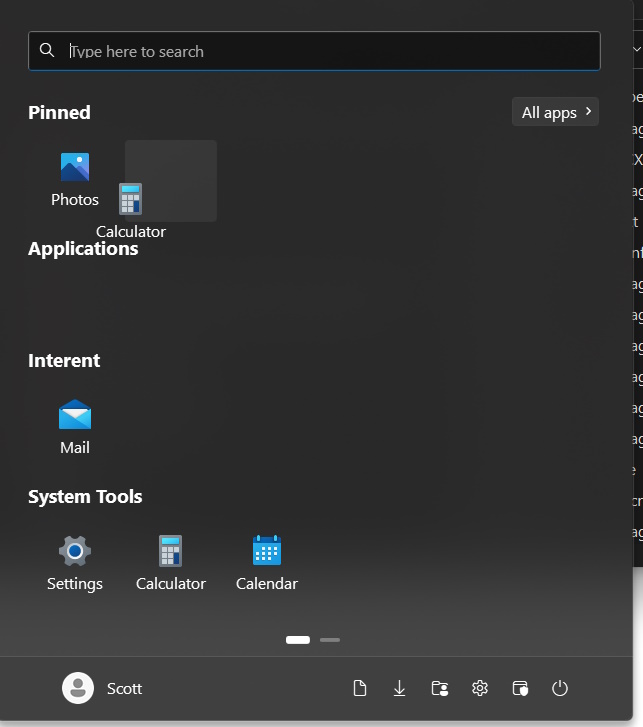
When Start 11 is off I can group my start menu pinned items into folders.  When I turn if on this does not work anymore. Why?  It just moves the other icon out of the way.  I can never drag it on top to make the folder.
1,640 views 3 replies
Reply #1 Top

Start 11 requires you to hold the [shift] key while you drag an icon in order to create a folder. This was a design choice by Stardock in order to avoid accidental folders  from being created.

Reply #2 Top

This has changed in v2 to not need shift too.

But in v1 you need to hold shift to merge icons into a folder.

Reply #3 Top

Quoting Neil, reply 2

This has changed in v2 to not need shift too.

But in v1 you need to hold shift to merge icons into a folder.
End of Neil's quote

I found this out the hard way. I was moving icons around on the Startt11v2 menu and created a folder. It's this way on my iPhone and I have problems there also.

It would be good to have an option in the settings to hold shift, or another modifier key, to create folders.