Start11 1.46 Release Issue Report Thread
With the Start11 1.46 release, we are creating this thread so that users can report any observed issues.
Thank you for your interest and any time you put into making Start11 a better product.
With the Start11 1.46 release, we are creating this thread so that users can report any observed issues.
Thank you for your interest and any time you put into making Start11 a better product.
Hello StrixA,
Sorry to hear you are having issues.
You can use this guide to get your keys: https://forums.stardock.com/486311/accounts-and-activation-support-faq#gettingproducts.
Please try again with by downloading latest version V1.47 Beta from your account and install it. Report back.
Thanks
Basj,
Stardock Community Assistant.
Thanks for the help. Start11 activation with my original key worked. 1.47beta is installed and running.
However, my problem with the windows key persists.
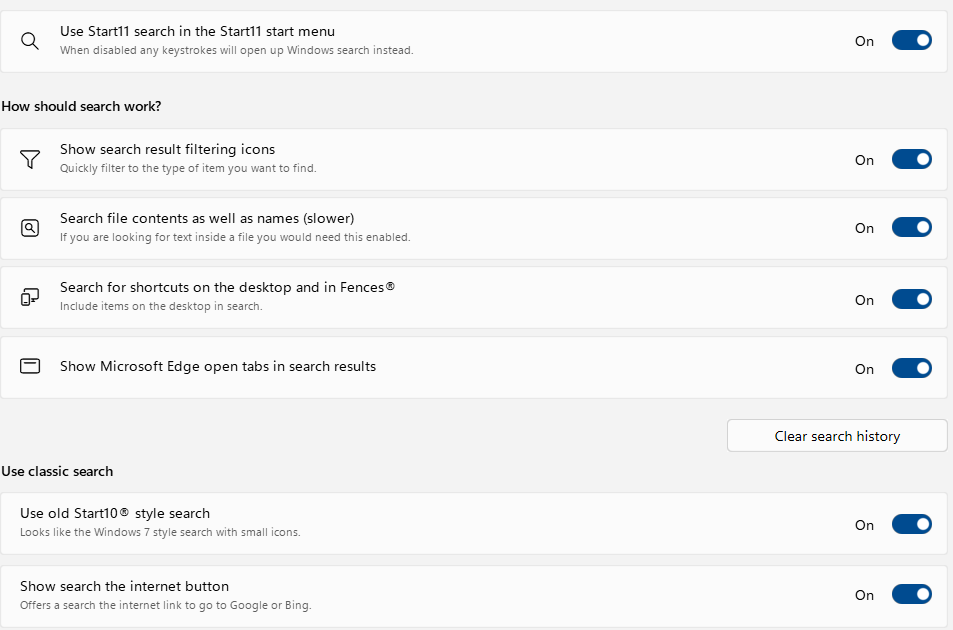
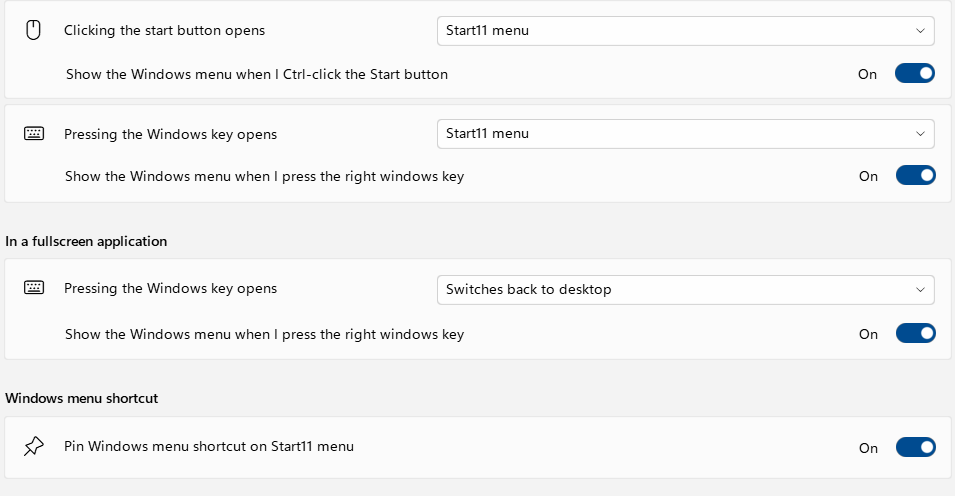
In Start11 settings, any way to get to Windows menu is now disabled, yet the Windows key only opens Windows menu, never Start11 menu.
Win info:

Start11 version 2.46
(using start11 start menu and taskbar)
Issue:
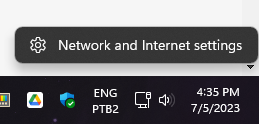
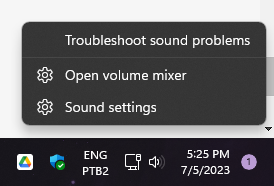
System tray icons (ethernet/sound icons only) context menu works only the first time you use it, after that there's no feedback clicking on them until you restart Explorer.
Maybe putting it in steps will facilitate your understanding:
1- Right click ethernet/sound system tray icons;
2- Click on any option of the context menu;
3- Right click ethernet/sound system tray icons again;
4- Context menu for said icons will appear, but options won't work;
Workaround: Restart Explorer
image for context (context menu options don't work):


Hi all-
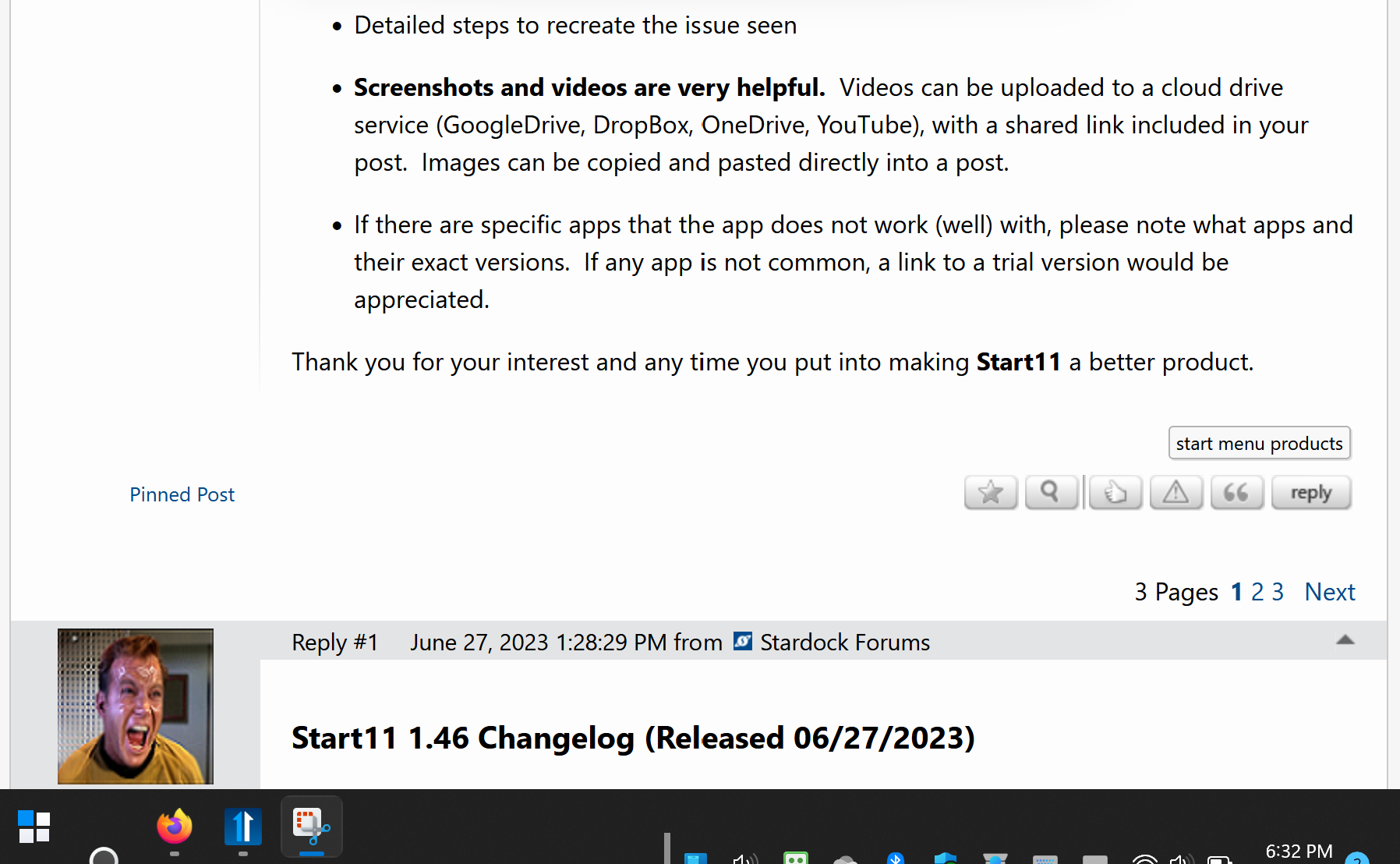
Below is a screenshot which nicely demonstrates the issue I'm having with Start11.
The lower margin of the shot is NOT cut off inadvertently - that's the lower edge of my screen.
I'm using a new Lenovo Yoga Book 9 (13IRU8), which is an unusual dual-screen setup, so I wonder if that may have something to do with the screwy formatting of the taskbar.
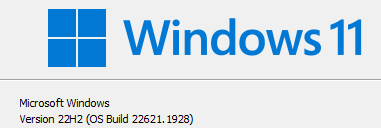
Using Windows 11 Home, 22H2, build 22621.1928. Start11 v1.46.
Any thoughts re: a possible fix are welcome. Otherwise, consider this a problem report.


Hello xDeckard67149 and scottvir,
Sorry to hear you are having issues. Please try this, uninstall Start11, reboot immediately after uninstall finished. Download and install Start11 V1.47 Beta, reboot again after finished. Retest and report back here: https://forums.stardock.com/521165
Thanks
Basj,
Stardock Community Assistant.
The start menu is working differently than before. Now shortcuts that use the window key get canceled by the start11 menu popping up. screengrab here: https://imgur.com/a/sO3RUYo
This wasn't happening before the most recent update. This must be fixed
This has been addressed in the beta I believe, I have the same issue, but waiting for the stable release
I have encountered an issue I'd like that to report.
I am using Kaspersky Standard (formerly Kaspersky Internet Security) as a security solution. Said solution has functionality named "Kaspersky Protected Browser", where a hardened version of a browser is launched when accessing sensitive websites like banking, eCommerce and etc. (see here: https://support.kaspersky.com/help/Kaspersky/Win21.5/en-US/110417.htm).
If I use WinKey to bring up the Start menu when a protected browser is active, the functionality of the Start menu and the taskbar breaks: it is no longer possible to close the Start menu, nor is it possible to bring back a minimized window by clicking on the respective application's taskbar icon). To recover from this, one would have to close the protected browser window and then hit the WinKey once again (sometimes that does not help, and the only way to recover from this without restarting the machine would then be to launch an elevated application -- after the UAC prompt would appear, the Start menu should behave normally again).
The reproduction steps are simple:
1. Make sure that both Kaspersky Standard/Plus and the Kaspersky browser extension are installed and active;
2. Access a website that is configured to invoke the protected browser mode (out of the box, this works with http://www.amazon.com);
3. Once the protected browser window is in the foreground, hit WinKey.
This is reproducible on Start11 version 1.46 and all three major browsers (Chrome, Firefox and Edge) running under the Kaspersky Protected Browser mode.
Thanks and keep up the excellent work!
Does this happen with the 1.47 beta release?
Please be aware that the issue may be a flaw in Kaspersky and you may need to report it to them.
@BabyTommyDL
No, it wasn't. See #53
Does this happen with the 1.47 beta release?
Please be aware that the issue may be a flaw in Kaspersky and you may need to report it to them.
Hi Neil,
Thanks for writing back!
I just tried the 1.47 beta, and this behavior persists. I also tested this with Start11 uninstalled, and the native Windows 11 Start menu works correctly with a protected browser window in the foreground.
Hi Neil,
Thanks for writing back!
I just tried the 1.47 beta, and this behavior persists. I also tested this with Start11 uninstalled, and the native Windows 11 Start menu works correctly with a protected browser window in the foreground.
Unfortunately you will need to contact Kaspersky about this. Their software appears to be interfering with third party software.
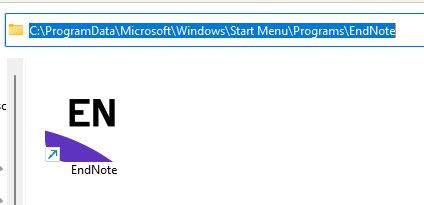
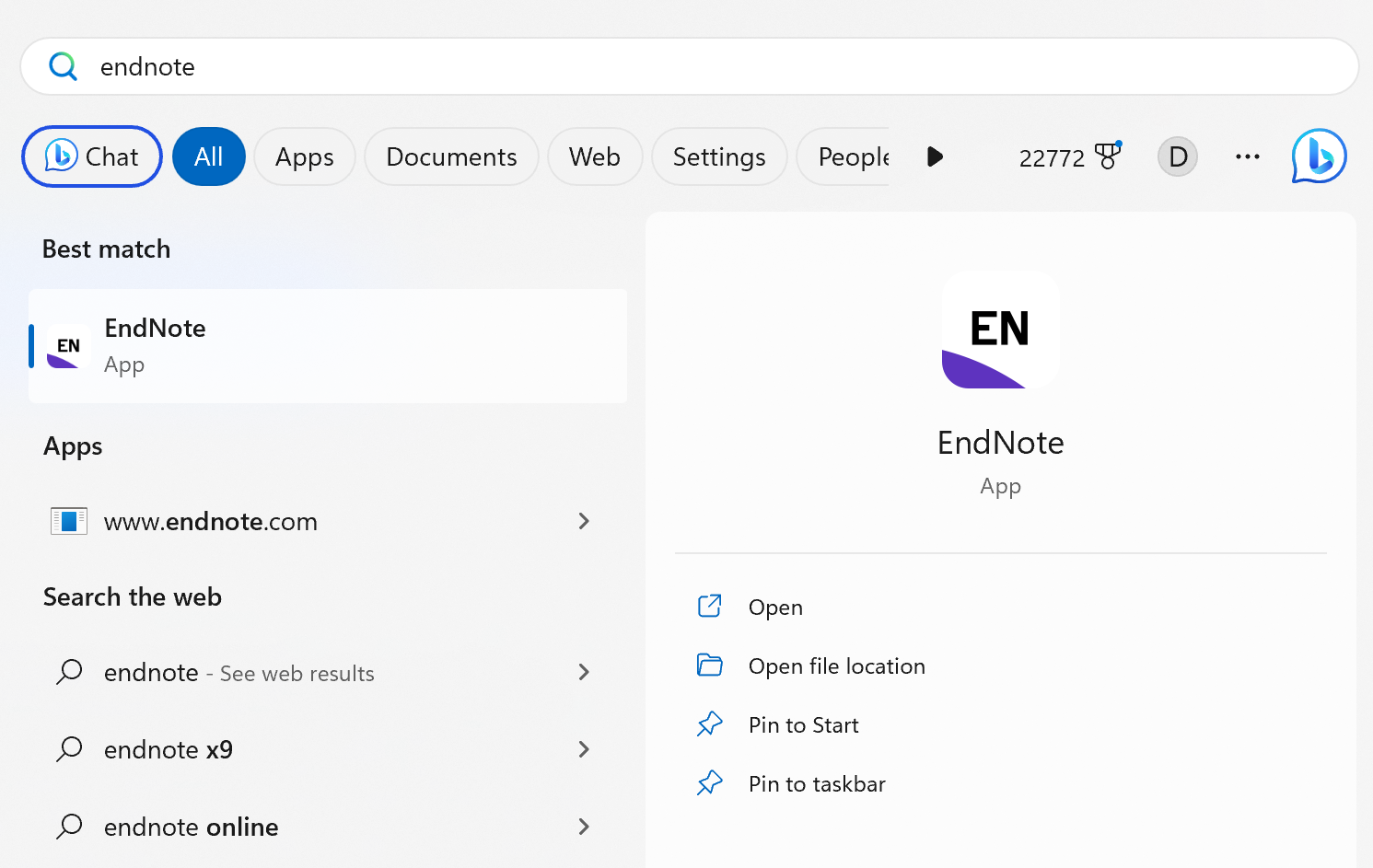
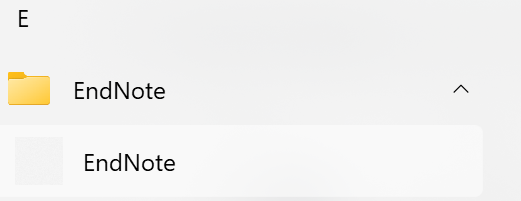
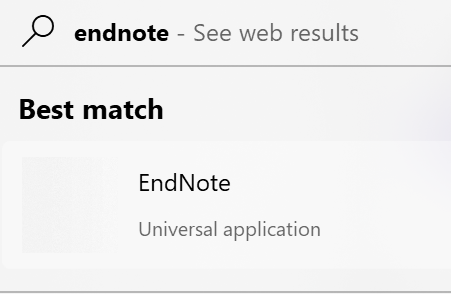
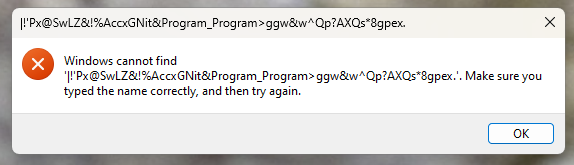
A software shortcut (EndNote 21) is broken on Start11 1.46
Update 7/12: the issue is gone by itself for some reason on one computer. The icon is now correctly shown and the program can be fired up. On the other computer, it is still broken.
Update 7/16: it turns out some system reboots fixed the issue on both computers.
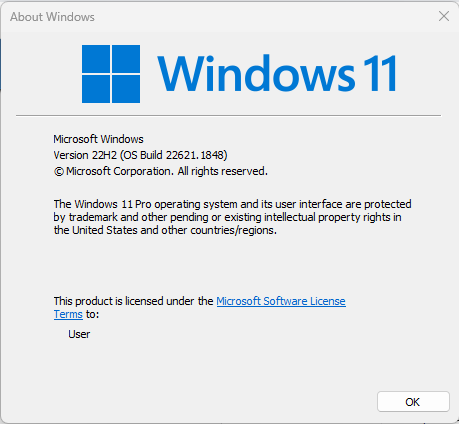
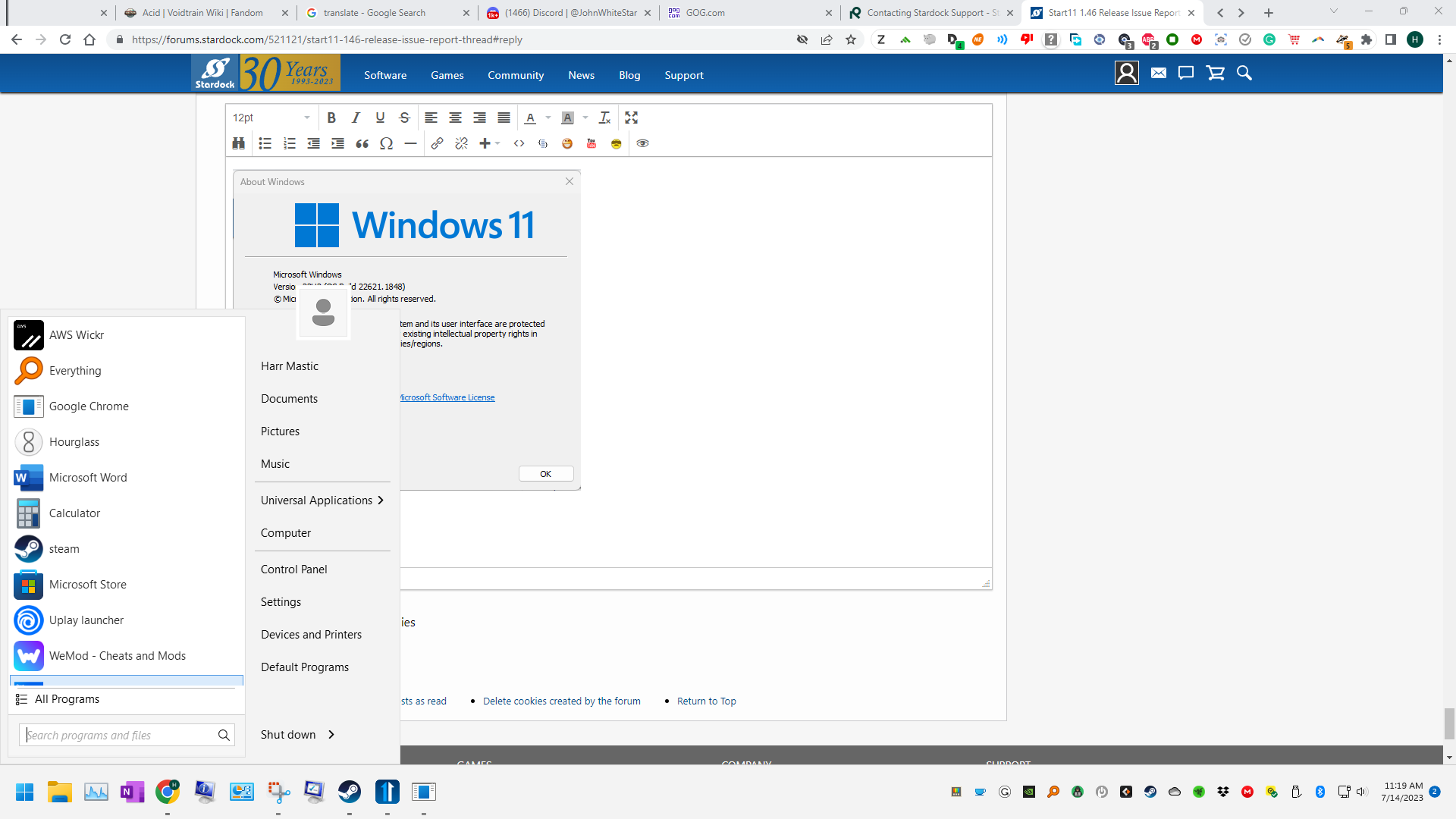
Exact Windows version \ build (winver.exe)
Windows 11 22H2 22621.1848
Detailed steps to recreate the issue seen:
Install EndNote 21 (https://endnote.com/)
Screenshots and videos are very helpful. Videos can be uploaded to a cloud drive service (GoogleDrive, DropBox, OneDrive, YouTube), with a shared link included in your post. Images can be copied and pasted directly into a post.


If there are specific apps that the app does not work (well) with, please note what apps and their exact versions. If any app is not common, a link to a trial version would be appreciated.
Inconsistent behavior of the start button
My problem ↑↑↑ is solved
Since I installed the last Windows updates (it changed my build to 22621.1928) my start buttons behaves as it should.
I.e. it opens the Start11 menu and not the Windows menu.
Forgive me if this question has already been answered, but I can't find a thread addressing this issue. I have been unable to update to version 1.46 from 1.45. The update runs, installs, the service is started and I reboot my system. When I check the version number, it's still 1.45. I've tried to do it multiple times over the past few weeks. Same result. Your help is appreciated. Thanks.
OS Name Microsoft Windows 11 Home
Version 10.0.22621 Build 22621
Other OS Description Not Available
OS Manufacturer Microsoft Corporation
System Name ASUS16
System Manufacturer ASUSTeK COMPUTER INC.
System Model Vivobook_ASUSLaptop M7600RE_M7600RE
System Type x64-based PC
Processor AMD Ryzen 9 6900HX with Radeon Graphics, 3301 Mhz, 8 Core(s), 16 Logical Processor(s)
BIOS Version/Date American Megatrends International, LLC. M7600RE.304, 2/21/2023
SMBIOS Version 3.4
Embedded Controller Version 255.255
Hello,
Sorry to hear you are having issues. Please try download the latest directly from your product account page: https://store.stardock.com/myaccount/products.
Thanks
Basj,
Stardock Community Assistant.
Thanks for the quick response, Basj. That did the trick! Appreciate the help.
Great, glad it get resolved.
Thank you,
Basj,
Stardock Community Assistant
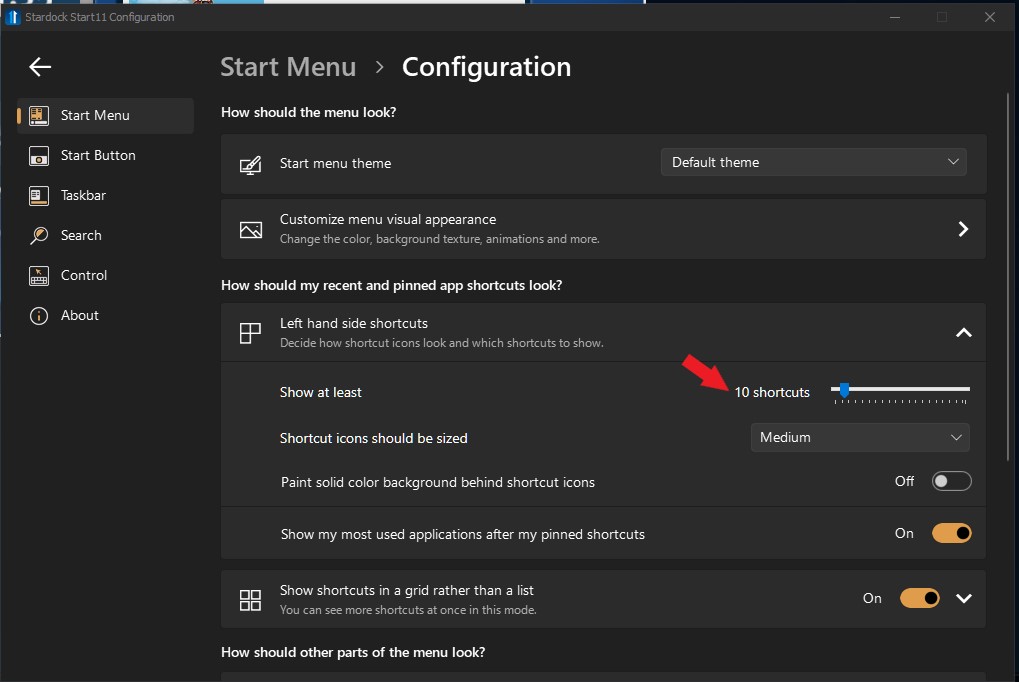
I can't scroll down in my start menu and it won't add some programs


Hi, Sorry I missed your question. It is with 1.46 (haven't installed any beta releases)
Hello,
Sorry to hear you are having issues. It might be you did not setup the Start panel to have enough space to show those pinned application. Try adding some space.
To add space vertically, you should adjust this. Increase it.

Or, you can use Start11 Windows 7/Modern Grid Style and extend horizontally.

Thanks
Basj,
Stardock Community Assistant.
Please try Start11 1.47 Beta and see if it help. Please report back.
Thank you,
Basj,
Stardock Community Assistant
Neil, it's the order of key release that reproduces the issue.
E.g., my Power Run shortcut is set to Win+Ctrl+Space. When I hit the shortcut, then release, in order, [Space], [Win], [Ctrl], then the Power Run behavior is nominal. When I release the Win key the last, i.e., in order of release, [Space], [Ctrl], [Win], then the Power Run box disappears and the Start11 Windows menu pops up. To make sure, I changed the shortcut to @BabyTommyDL's reported Ctrl+Win+Left and observed the same release-order dependent behavior.
As another test, I changed the shortcut to 2-chord Win+W; the behavior reproduces always, there's not much room for release order. When I tried to release [Win] first, before [W], the Power Run bar closed and the Start11 Windows menu popped up even before I had a chance to release the [W] key!
Likely the same as the fragmentary report:
but may be not: for me, standard shortcuts (Win+I, Win+N, Win+Space) work as expected. @mrWoozie, could you clarify? The latter shortcut is not one-shot like the others: it cycles through input languages on every keydown of Space while the Win key is held down continuously. Still, the behavior is nominal in all these three cases (run app, toggle Notification, IME multi-select, in respective order).
@BabyTommyDL, @mrWoozie, it would be nice if you'd confirmed we're seeing the same issue.
Issue: After updating Start11 from v1.45 to v1.46 using the "update available" notifier, scrolling with the mouse wheel in the Notification Center's calendar and the Action Center's WiFi Networks list makes the UI attempted to scroll disappear after a ~0.5s delay.
Software/settings:
Reproduction 1:
Expected: Calendar scrolls up or down, by week at a time.
Observed: Mouse cursor changes to IDC_WAIT, Notification Center UI disappears after ~0.5s.
Screen recording: MP4 (avc1), 00:00:06, 2.4M
Reproduction 2:
Expected: the WiFi Network list scrolls up or down according to mouse wheel turn direction.
Observed: Mouse cursor changes to IDC_WAIT, the WiFi Network list UI disappears after ~0.5s. Visual appearance is similar, no recording has been made.
Additional notes: Two records are logged in the Windows Application log, identical up to random timestamps, fault address and report GUID:
Faulting application name: ShellExperienceHost.exe, version: 10.0.22621.1928, time stamp: 0x7e69cd88 Faulting module name: Windows.UI.Xaml.dll, version: 10.0.22621.1928, time stamp: 0xe91f7675 Exception code: 0xc000027b Fault offset: 0x0000000000872360 Faulting process id: 0x0x5F54 Faulting application start time: 0x0x1D9B6D125AF17BB Faulting application path: C:\WINDOWS\SystemApps\ShellExperienceHost_cw5n1h2txyewy\ShellExperienceHost.exe Faulting module path: C:\Windows\System32\Windows.UI.Xaml.dll Report Id: de5732eb-a51e-4f19-8d92-a7f98a83af4a Faulting package full name: Microsoft.Windows.ShellExperienceHost_10.0.22621.1778_neutral_neutral_cw5n1h2txyewy Faulting package-relative application ID: App
Fault bucket 2089119305118089282, type 5
Event Name: MoAppCrash
Response: Not available
Cab Id: 0
Problem signature:
P1: Microsoft.Windows.ShellExperienceHost_10.0.22621.1778_neutral_neutral_cw5n1h2txyewy
P2: praid:App
P3: 10.0.22621.1928
P4: 7e69cd88
P5: StackHash12_8f5
P6: 0.0.0.0
P7: 00000000
P8: 80070578
P9: 0
P10:
Related reports:
Welcome Guest! Please take the time to register with us.