Accessing Favorites with Start 11
from  Stardock Forums
Stardock Forums
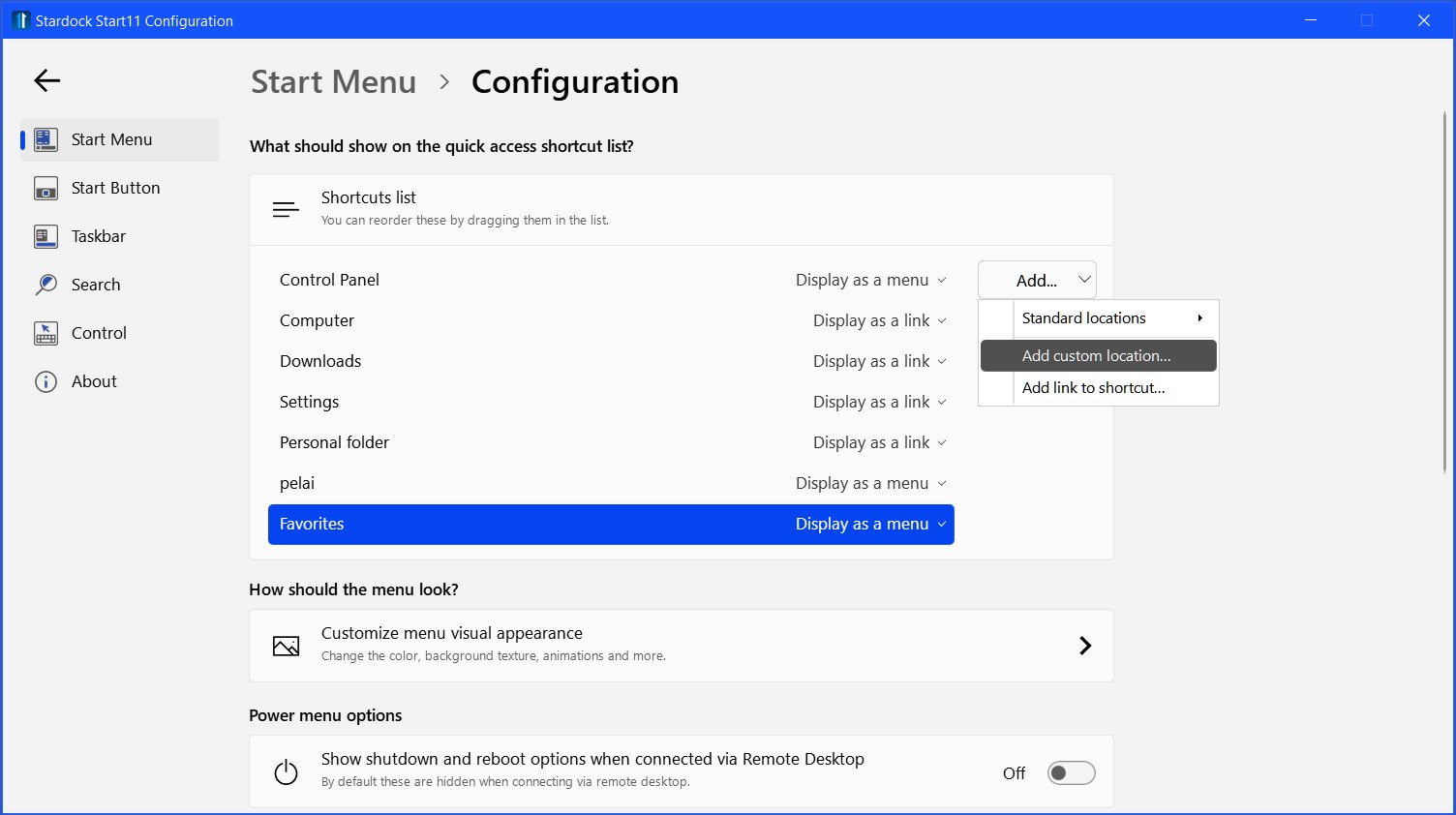
New to Windows 11 and just upgraded to Start 11. The No. 1 criterion for me is to have my Favorites folder available as a drop-down menu and I know how to attain that by using Modern Style. I thought I would give the Windows 11 style a try, however, and I note that one of my Configuration options is to have Favorite Sites available on the "quick access shortcut list." That sounds promising...however I cannot find said list!
I would be grateful for someone pointing me in the right direction.