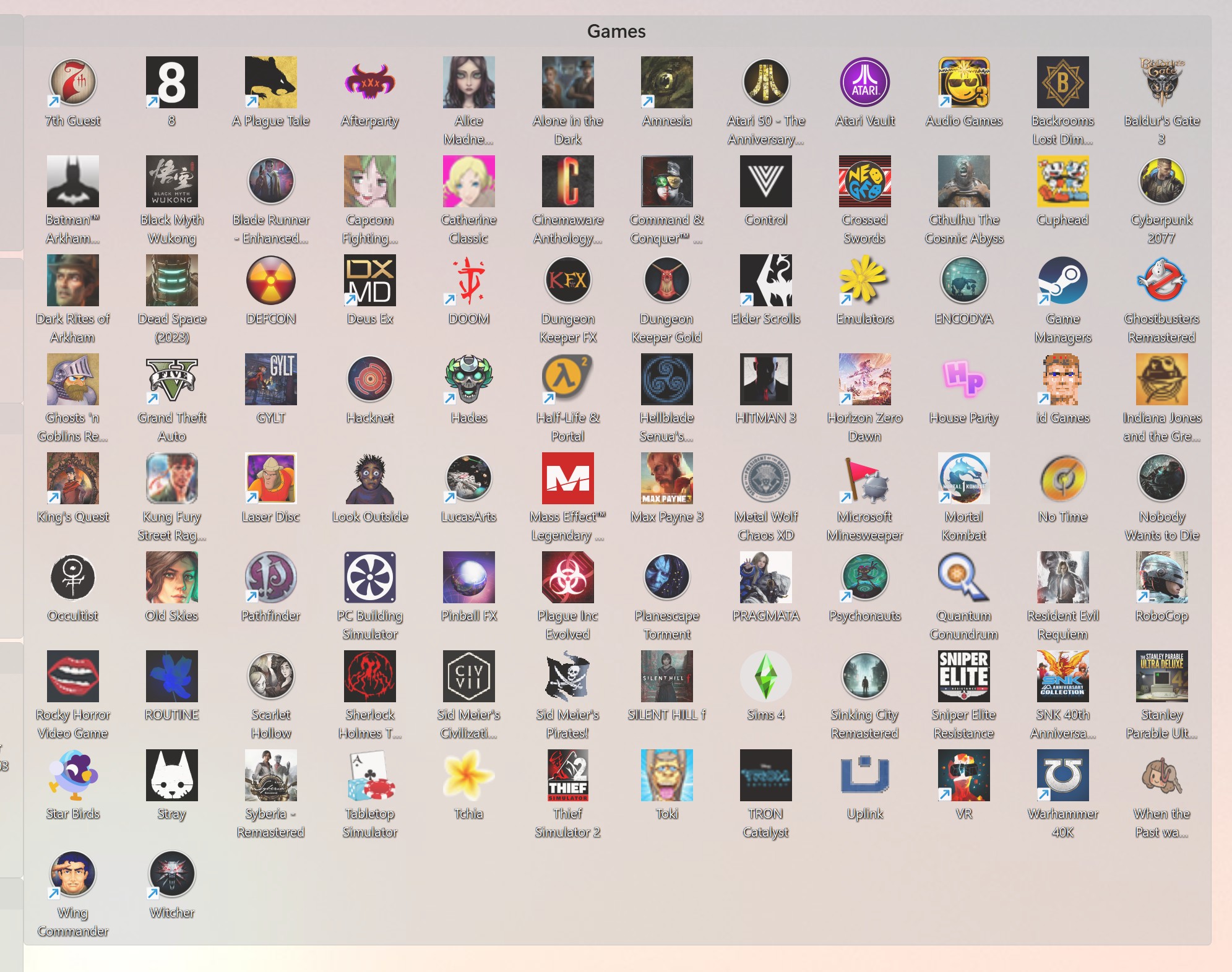
Desktop icon spacing all messed up
from  Stardock Forums
Stardock Forums
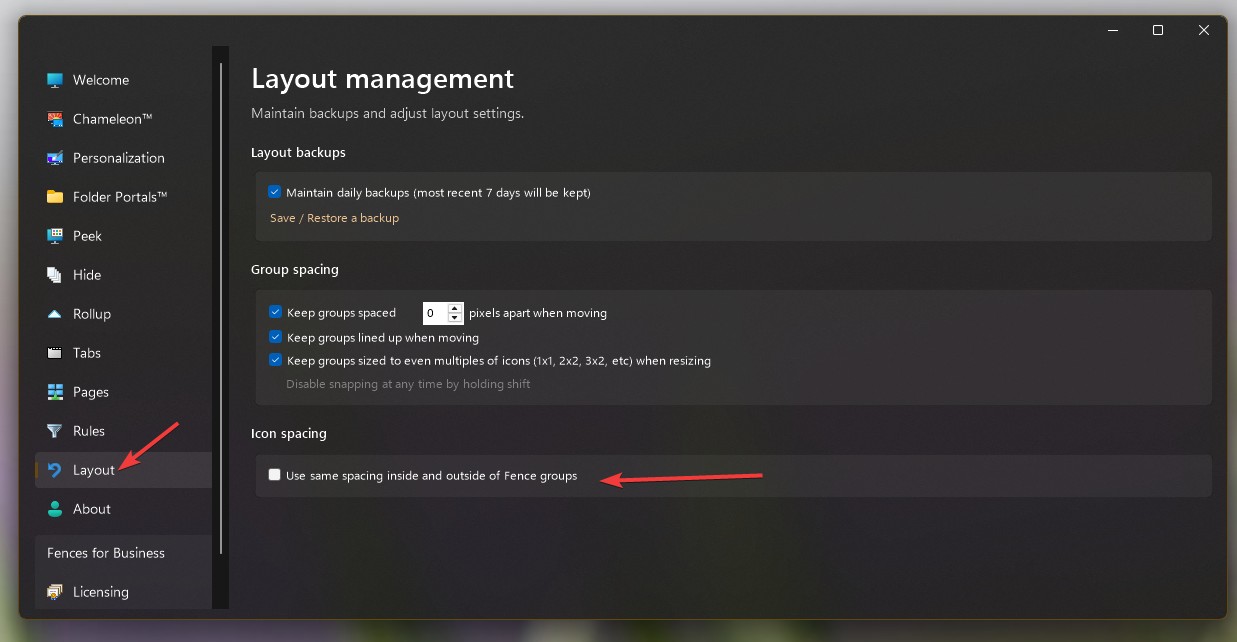
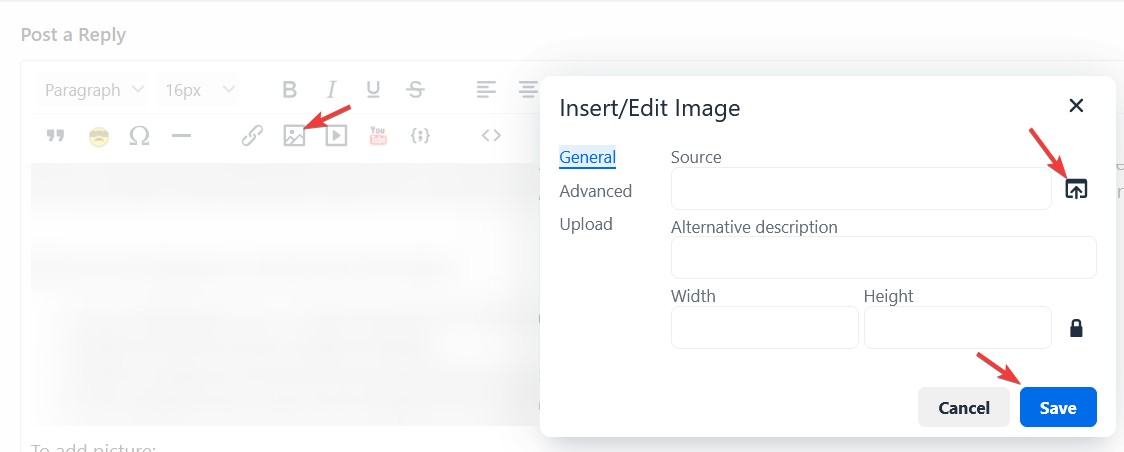
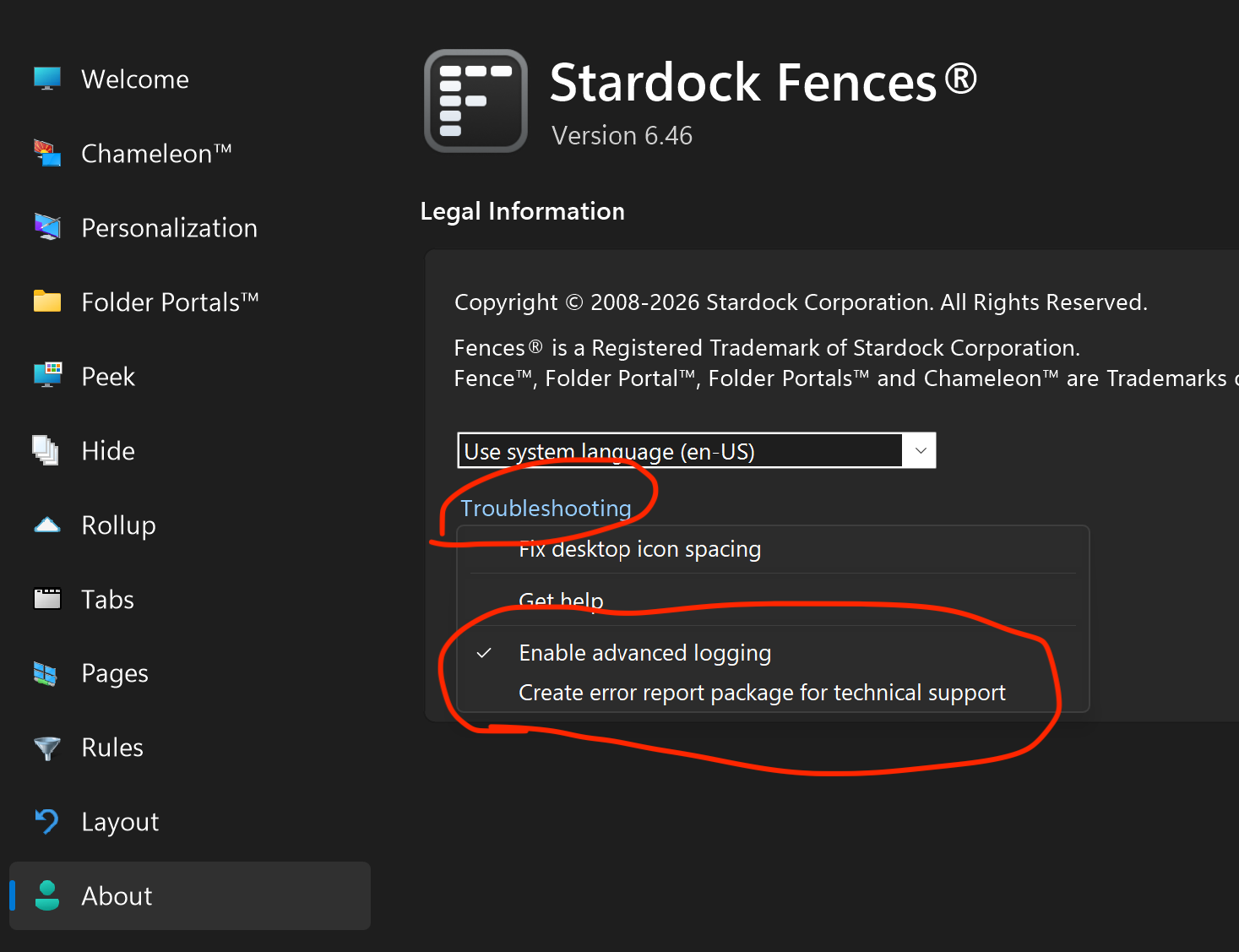
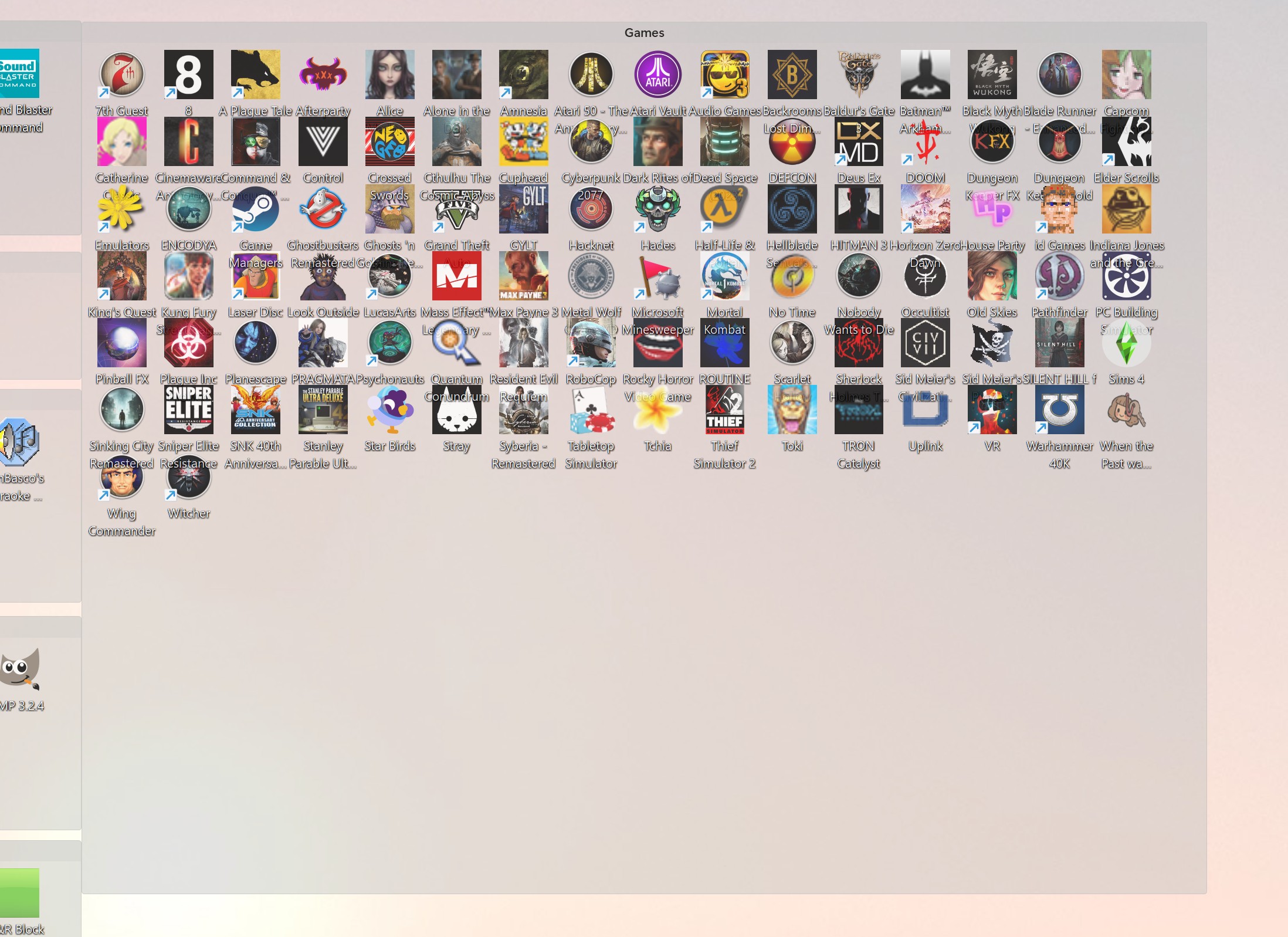
Icon spacing on Windows 11 is all messed up when Fences 6 is enabled. When disabled it goes back to correct distances so it is Fences causing the problem. The desktop icons are overlapping in both vertical and horizontal directions. I have a great screenshot to show this but your new post menu doesn't have the insert image icon anymore. Only link and media. Spacing is ok inside the fences but not outside. When I select the "Use same spacing inside and outside of Fences groups" option the spacing gets messed up inside the Fences. This is latest Fences 6.46 & Windows 11 26H1, 28000.1836