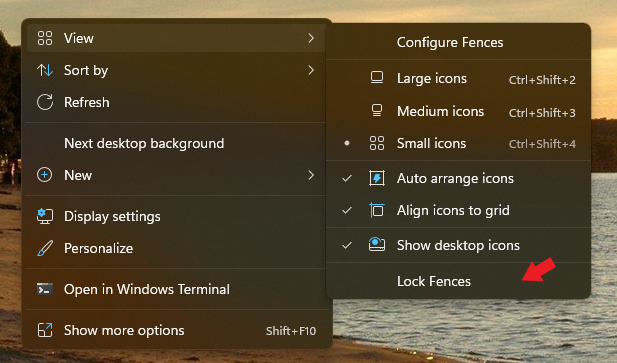
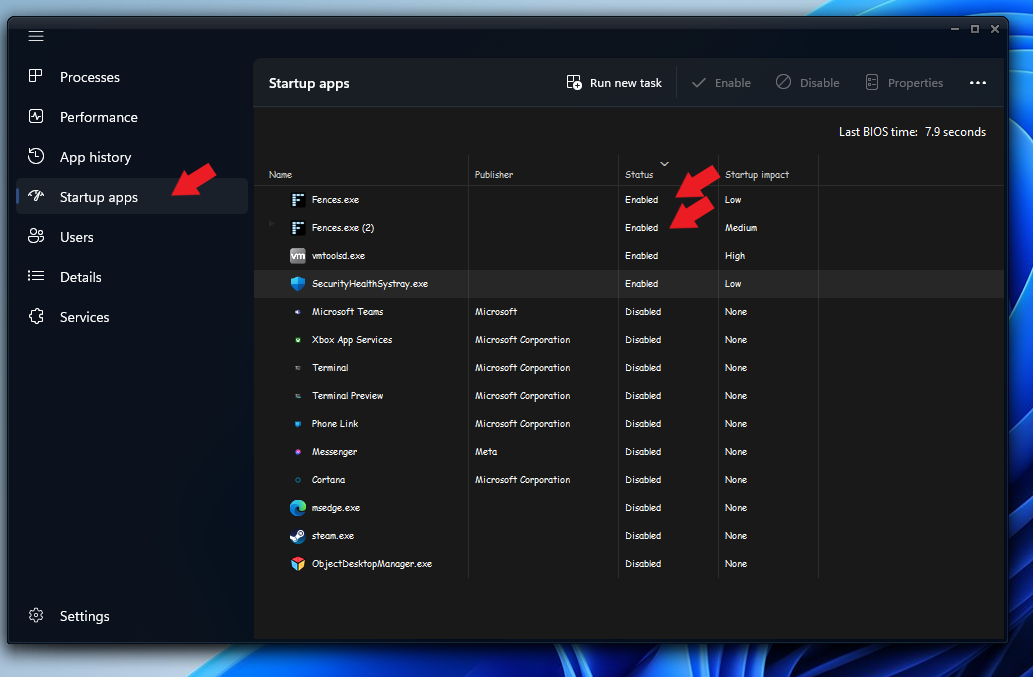
Nothing seems to work, but if it matters, something doesn't seem to go right in purging.
Here is what I get:
SUCCESS: The process "explorer.exe" with PID 7524 has been terminated.
HKEY_CURRENT_USER\Software\Microsoft\Windows\CurrentVersion\Run
Fences REG_SZ "c:\program files (x86)\stardock\fences\Fences.exe" /startup
The operation completed successfully.
HKEY_CURRENT_USER\Software\Stardock\Fences
LastConfigSyncAttempt REG_SZ 15/10/2022 1:02:02 pm
DateInstalled REG_SZ 15/10/2022 4:01:58 pm
LastLangID REG_SZ en-US
ProVersionEverInstalled REG_DWORD 0x1
LastConfigDate REG_SZ 15/10/2022 1:02:04 pm
LastConfig REG_SZ <Configuration>
<BugSplat>
CrashReporting-BuildEnabled-3.0.5
CrashReporting-BuildEnabled-3.0.6
CrashReporting-BuildEnabled-3.0.7
CrashReporting-BuildEnabled-3.0.8
CrashReporting-BuildEnabled-3.0.9
CrashReporting-BuildEnabled-3.0.10
CrashReporting-BuildEnabled-3.0.11
CrashReporting-BuildEnabled-3.1.0
CrashReporting-BuildEnabled-3.1.1
CrashReporting-BuildEnabled-3.1.2
CrashReporting-BuildEnabled-3.1.3
CrashReporting-BuildEnabled-3.1.4
CrashReporting-BuildEnabled-3.1.5
CrashReporting-BuildEnabled-3.1.6
CrashReporting-BuildEnabled-3.1.7
CrashReporting-BuildEnabled-3.1.8
CrashReporting-BuildEnabled-3.1.9
CrashReporting-BuildEnabled-3.1.10
CrashReporting-BuildEnabled-3.1.*
CrashReporting-BuildDisabled-3.0.*
</BugSplat>
<Telemetry>
TrialTelemetry-BuildEnabled-3.0.5
TrialTelemetry-BuildEnabled-3.0.6
TrialTelemetry-BuildEnabled-3.0.7
TrialTelemetry-BuildEnabled-3.0.8
TrialTelemetry-BuildEnabled-3.0.9
TrialTelemetry-BuildEnabled-3.0.10
TrialTelemetry-BuildEnabled-3.0.11
TrialTelemetry-BuildEnabled-3.0.*
TrialTelemetry-BuildEnabled-3.1.0
TrialTelemetry-BuildEnabled-3.1.1
TrialTelemetry-BuildEnabled-3.1.2
TrialTelemetry-BuildEnabled-3.1.3
TrialTelemetry-BuildEnabled-3.1.4
TrialTelemetry-BuildEnabled-3.1.5
TrialTelemetry-BuildEnabled-3.1.6
TrialTelemetry-BuildEnabled-3.1.7
TrialTelemetry-BuildEnabled-3.1.8
TrialTelemetry-BuildEnabled-3.1.9
TrialTelemetry-BuildEnabled-3.1.10
TrialTelemetry-BuildEnabled-3.1.*
</Telemetry>
<Pulse>
Pulse-BuildEnabled-3.0.5
Pulse-BuildEnabled-3.0.6
Pulse-BuildEnabled-3.0.7
Pulse-BuildEnabled-3.0.8
Pulse-BuildEnabled-3.0.9
Pulse-BuildEnabled-3.0.10
Pulse-BuildEnabled-3.0.11
Pulse-BuildEnabled-3.0.*
Pulse-BuildEnabled-3.1.0
Pulse-BuildEnabled-3.1.1
Pulse-BuildEnabled-3.1.2
Pulse-BuildEnabled-3.1.3
Pulse-BuildEnabled-3.1.4
Pulse-BuildEnabled-3.1.5
Pulse-BuildEnabled-3.1.6
Pulse-BuildEnabled-3.1.7
Pulse-BuildEnabled-3.1.8
Pulse-BuildEnabled-3.1.9
Pulse-BuildEnabled-3.1.10
Pulse-BuildEnabled-3.1.*
</Pulse>
</Configuration>
CrashReportingEnabled REG_DWORD 0x1
UserLang REG_SZ
LastDebugHeader REG_SZ 4.0.7.2 5400344 - 17/08/2022 8:34:53 pm 3190552 - 17/08/2022 8:34:53 pm 3584792 - 17/08/2022 8:34:53 pm 3671832 - 17/08/2022 8:34:53 pmNone
HKEY_CURRENT_USER\Software\Stardock\Fences\Groups
HKEY_CURRENT_USER\Software\Stardock\Fences\Icons
HKEY_CURRENT_USER\Software\Stardock\Fences\InitialSnapshot
HKEY_CURRENT_USER\Software\Stardock\Fences\Rules
HKEY_CURRENT_USER\Software\Stardock\Fences\Settings
HKEY_CURRENT_USER\Software\Stardock\Fences\Stats
HKEY_CURRENT_USER\Software\Stardock\Fences\Tips
The operation completed successfully.
ERROR: The system was unable to find the specified registry key or value.
ERROR: The system was unable to find the specified registry key or value.
ERROR: The system was unable to find the specified registry key or value.
ERROR: The system was unable to find the specified registry key or value.
ERROR: The system was unable to find the specified registry key or value.
ERROR: The system was unable to find the specified registry key or value.
ERROR: The system was unable to find the specified registry key or value.
ERROR: The system was unable to find the specified registry key or value.
ERROR: The system was unable to find the specified registry key or value.
ERROR: The system was unable to find the specified registry key or value.
SUCCESS: Sent termination signal to the process "Fences.exe" with PID 17436.
SUCCESS: Sent termination signal to the process "rundll32.exe" with PID 13324.
SUCCESS: Sent termination signal to the process "rundll32.exe" with PID 13232.
C:\Program Files (x86)\Stardock\Fences\FencesMenu64.dll
Access is denied.
C:\Program Files (x86)\Stardock\Fences\SdAppServices.dll
Access is denied.
C:\Program Files (x86)\Stardock\Fences\SdDisplay.exe
Access is denied.
C:\Program Files (x86)\Stardock\Fences\Stardock.ApplicationServices.dll
Access is denied.
C:\Program Files (x86)\Stardock\Fences\FencesMenu64.dll - Access is denied.
C:\Program Files (x86)\Stardock\Fences\SdAppServices.dll - Access is denied.
C:\Program Files (x86)\Stardock\Fences\SdDisplay.exe - Access is denied.
C:\Program Files (x86)\Stardock\Fences\Stardock.ApplicationServices.dll - Access is denied.
Access is denied.
The directory is not empty.

 Stardock Forums