


Fences 3 Not Loading Working on New Windows 10 Machine
from  Stardock Forums
Stardock Forums
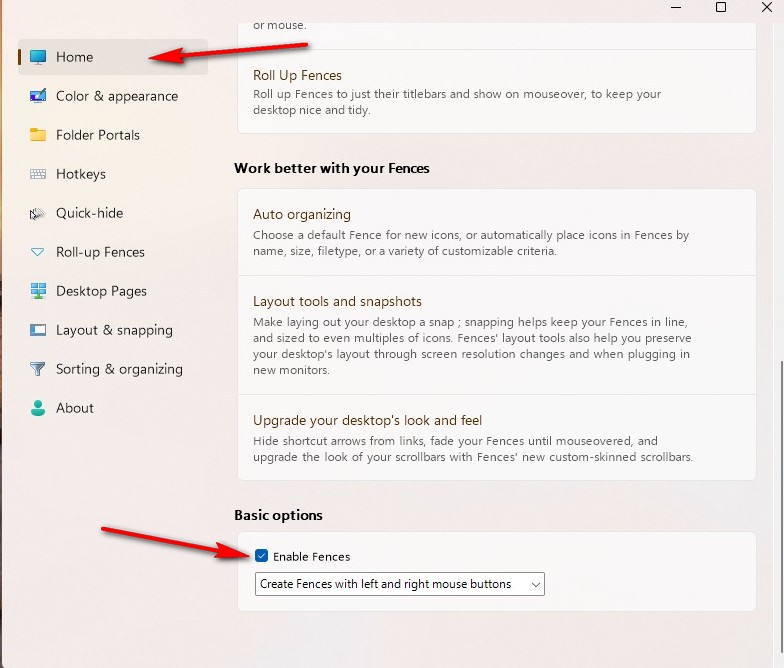
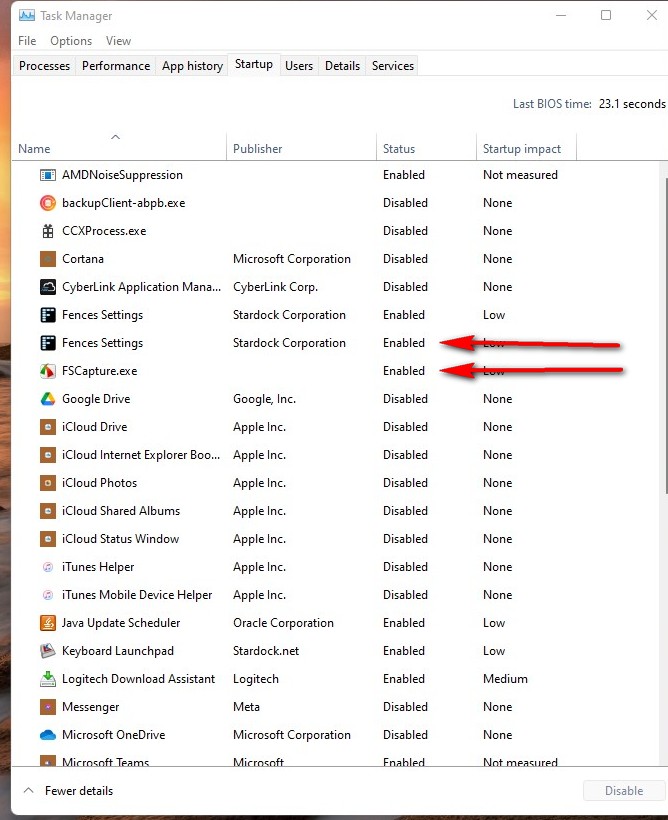
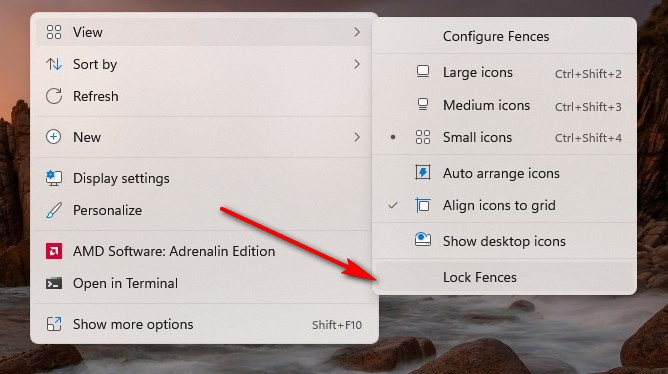
My work machine was swapped out over the weekend for a new machine running Windows 10, same as my old machine. I was able to run the executable Fences3_setup_sd file and install the software on my new machine, but it did not ask me for my license information during the install. The software is now loaded, and 3 default fences are installed on my desktop, but I'm not able to create new fences on my desktop or access the fences program. I've uninstalled and tried to reinstall and it did the same thing as noted above.
Please advise!
Thanks.

 WinCustomize Forums