Hi Sean,
Thanks, I have saved that for future reference.
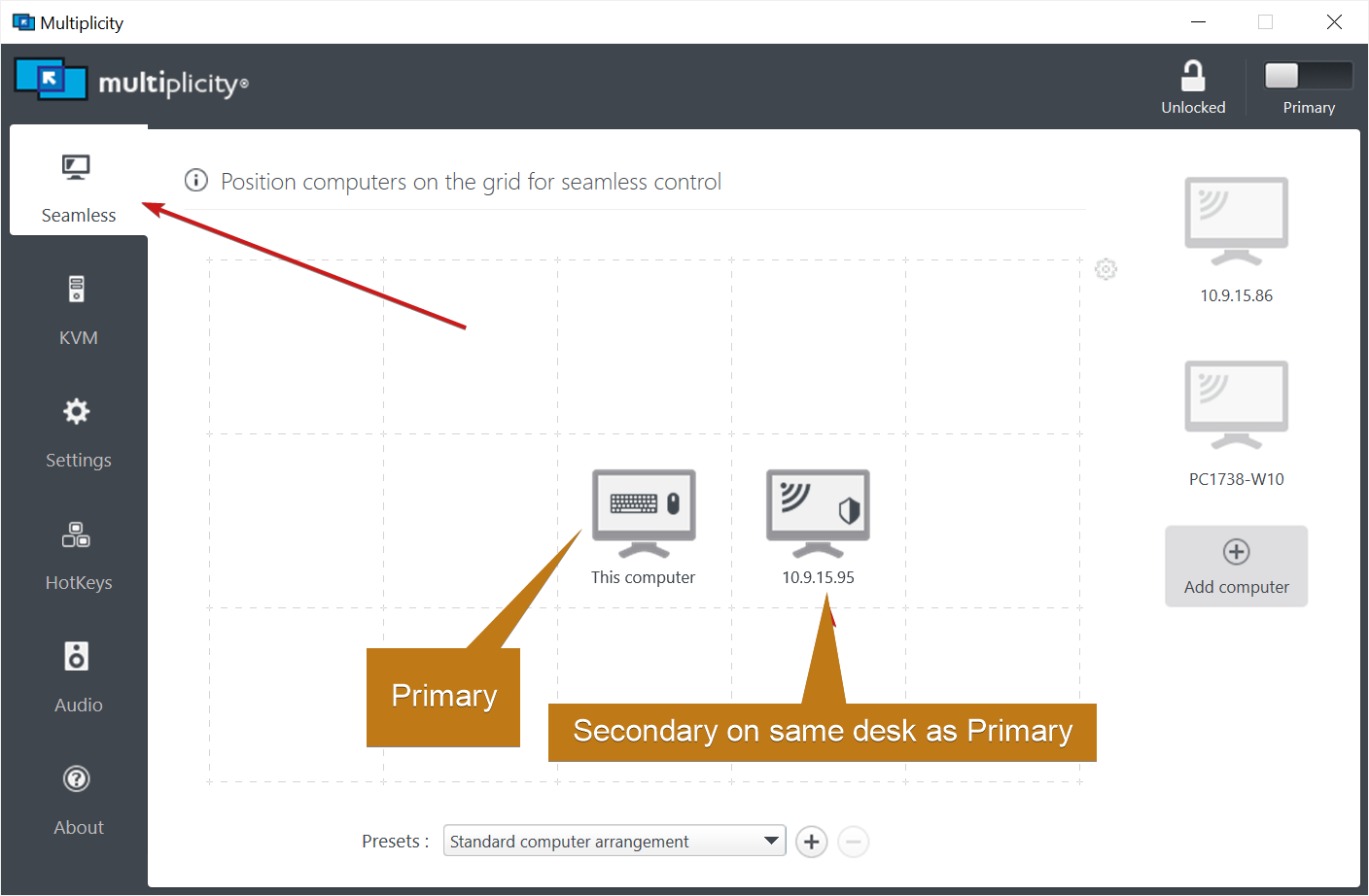
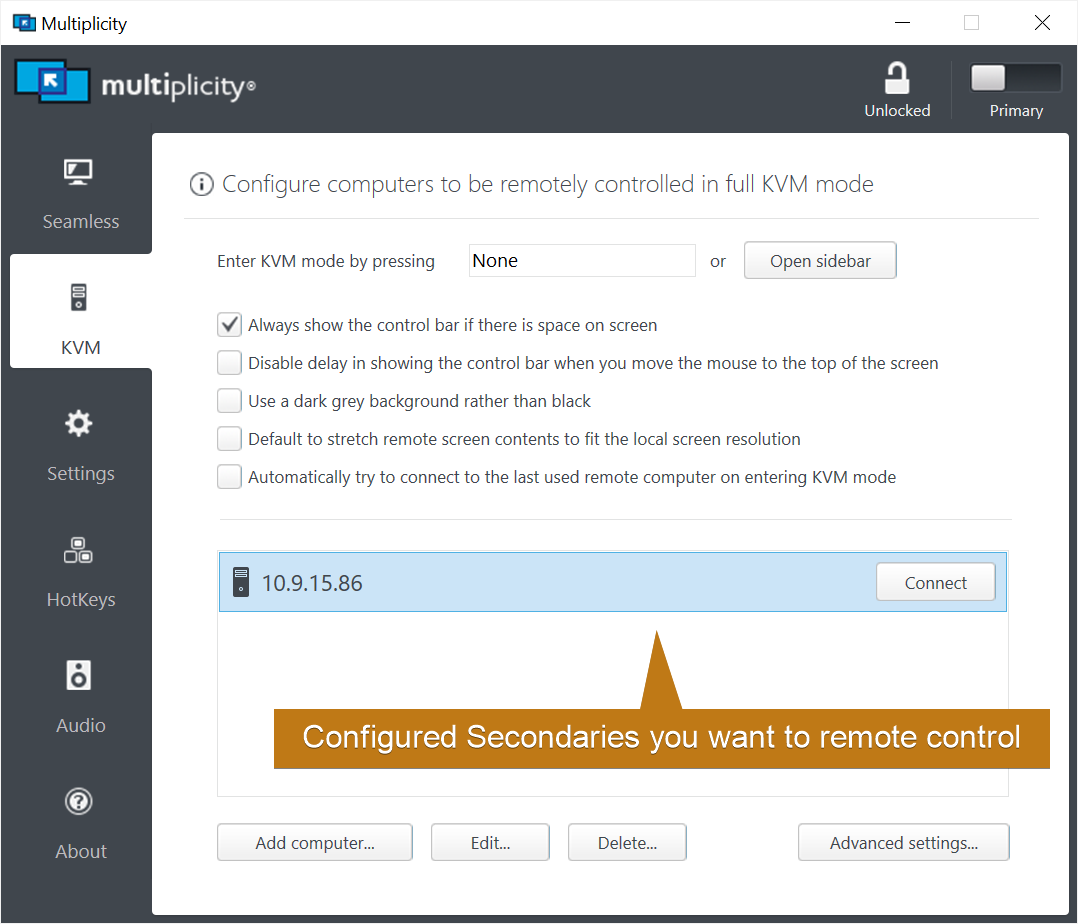
Actually, I have spent half the morning playing around with Dual Monitor Setup Settings and have recorded a process that now has my desired workflow working for Seamless and KVM.
Yes, we do agree the semantics of Seamless and KVM Modes.
I was attempting to use KVM after becomming frustrated with a 'gap' in the Seamless mode regarding the transitting of the mouse pointer from one Duplicate Screen to the Other.
Cause of the 'gap' behaviour was that the mouse, upon leaving the main Screen, was transiting via the Laptop / SurfacePro hardware Scrn, prior to arriving on the 2nd duplicate (LHS) Scrn. I wanted the mouse pointer to transit directly from my RHS Dual Monitor to my LHS Dual Monitor with no transition break between. That is, I wanted it to skip the small SurfacePro3 (or any other Laptop) screen.
So, solution discoverd with trial and error, was to set up the Monitors in Windows Display as:
1. On the Main (Primary PC) Monitor, situated on the Right hand side (RHS) of the Dual Monitors (an ASUS PA32UCG):
>Via Shortcut of 'Windows Key + P' to open Project:
>Set 'Second Screen Only'
2. On the 2nd Monitor (Left Monitor in my case, Identified as #1 by Windows Displays)
>Via Shortcut of 'Windows Key + P' to open Project on #1 ((my LHS 2nd Dual Monitor (Dell U2711)):
> Set 'Duplicate'
Notes:
Windows Display Setup identifies Monitors (Displays) numerically, starting from the LHS. So the left monitor is # 1, and the RHS monitor (dual setup) is # 2.
Nothing to do with Primary or Secondary PC in Multiplicity, or in the user (my) description of which is 'considered' primary or secondary. Nor any relation to the relative size /specs of the monitors. This needs to be understood as the numbering nomenclature can become confusing or misleading.
Another 'variable' to consider is the particulare IO ports used:
1. Both Dual Display Monitors are plugged into my NVIDIA DP (Display Port) IO Ports.
2. I have my SurfacePro3 plugged into my 2nd monitor's DVI-D1 Input Source Port: being the smaller (Dell U2711) Monitor (but identified under Windows Dual Setup as #1 Display).
I usually referr to this as my '2nd' monitor as I 'Extend' my #2 (Primary/Main 'AsusPA32UCG') (#2 = Windows nomeleculture) AsusPA32UCG monitor onto it (onto the Dell).
The Dell U2111 is the Left Hand Side Display.
As you see, numbering nomenclature is something to watch!
Outcome:
Seamless Mode:
This now runs / behaves as desired, i.e. the mouse pointer moves directly onto the LHS Dual Monitor with no 'gap' to transit via the Laptop / SurfacePro3 device.
Keyboard and copy/ paste also behave as 'expected' in this mode, i.e., single keyboard & mouse control the device matched (mappped) to the Display that the mous is on, and Copy/Paste can transfer data from one to the other PC via mouse positioning.
KVM Mode:
When connecting from the Primary PC (Display), now finds the Secondary PC and functions by projecting the Secondary PC onto the Primary Screen. Other settings from the KVM Toolbar located at the top of the Screen allow Scrn Ration Size toggling etc.
Re lack of Upload Link / Field on this platform:
I'm thinking that it would be most helpful all around if this platform would create and enable an upload capability as other TechSpt Sites often do, to allow the upload of files to help illustrate the problem or decribe a solution. If desired, the site moderator could control such a capability by release of a code / link for example, permitting such exchange., otherwise the link could be enabled as a default..... with perhaps a reasonable initial data size limit.
I have documented the issues and process via screenshots and descriptions that would make my particular case much more 'transparent' and understandable (including photo layout of my displays / and laptop, with overlayed notes and comments, arrows etc. Visual discriptions can be of immense help and I don't understand why one wouldn't encoursage use of them where either party is able to do so. Still able to forward the file of this case to support the idea if you desire. Not sure of my way around your site and whether there is an alternative direct communication with support method, so please let me know contact details or process. Thanks
Perhaps this idea could be forwarded to whomever might be able to review and incorporate such a function. I would like to know any feedback on this idea please 
Conclusion:
All working now.
Thank you Sean for your prompt feedback each time. Much appreciated.
Cheers,
Christopher.

 Stardock Forums