Fences -Title of Fence Below Desktop

Need to shrink fence to see title bar

Hi friends,  I have been using FENCES for quite some time with Windows10.  I have a large fence on my desktop and cannot figure out how to view the fence name bar so I can move it or shrink it.  I think there may even be folders behind that I have created but since I cannot move it I cannot see behind it.  Any ideas?  I don't want to take any chances of losing all the other fences I have created.

Thank you.

5,457 views 9 replies
Reply #1 Top

Hello,
Sorry to hear you are having issues. Need to know more information on your system.

  1. Windows full version numbers. You can use Winver.exe for Windows full version numbers.
  2. Fences version.

Thanks
Basj,
Stardock Community Assistant.

Reply #3 Top

Hello again,

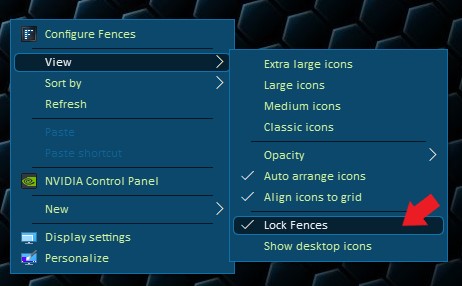
Please check if you have not locked your Fences. If you do please unlock it.

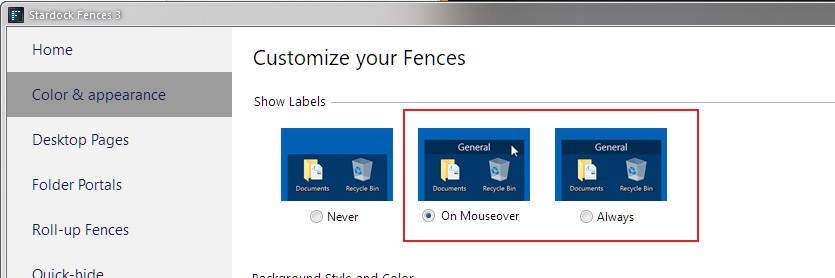
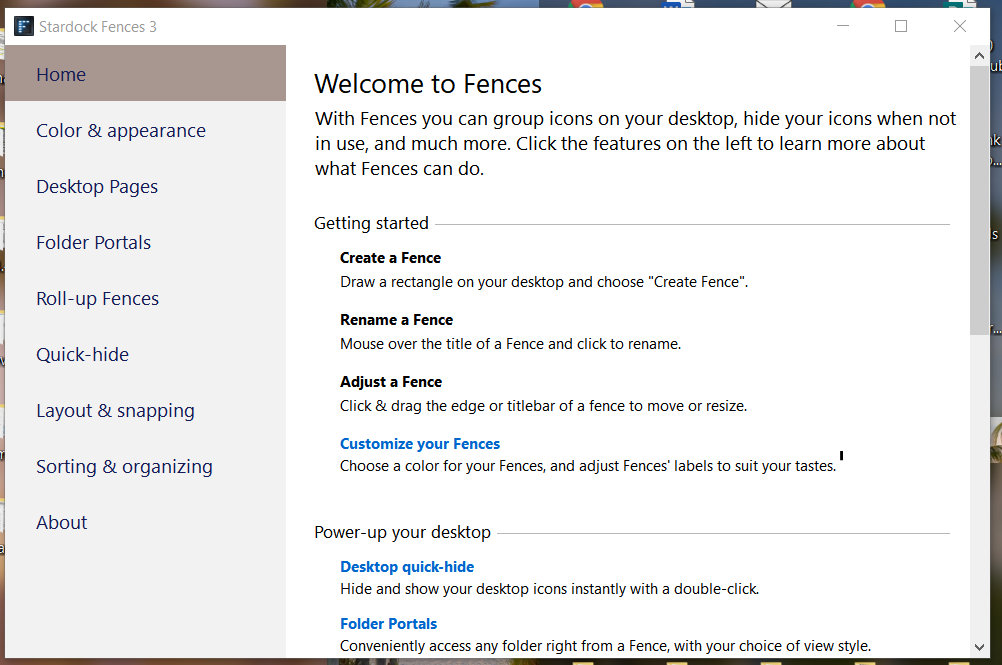
And than, go to Fences Configuration windows. and set the Show Labels to "On Mouseover" or "Always".


Thank you,

Basj,
Stardock Community Assistant

Reply #5 Top

Hello,

That should be available to you by right click on an empty space on your desktop.

Thank you,

Basj,
Stardock Community Assistant

Reply #7 Top

Quoting MICHAEL528, reply 6

This is the screen that I get when I right click.
End of MICHAEL528's quote

That is strange. Do you "Right click" on your desktop? Refer to video below.

Thank you,

Basj,
Stardock Community Assistant

Reply #8 Top

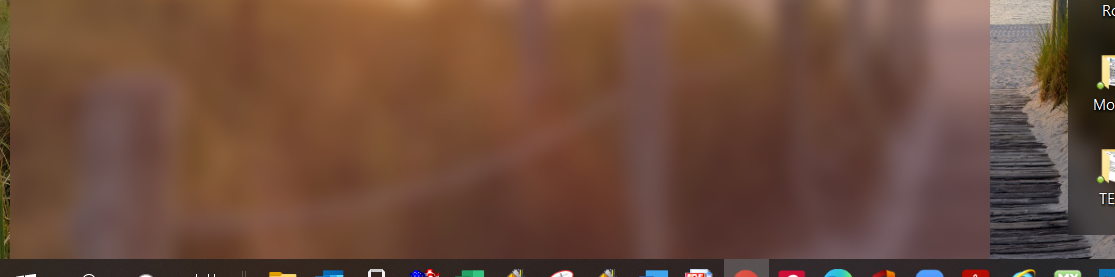
Hi, I followed your video exactly but I still can't see the title bar at the top or bottom of the screen so I can move it and resize that fence.

This is the top,

This is the bottom,

I can't see any banner or title of the fence to drag on it.


Reply #9 Top

Hello,

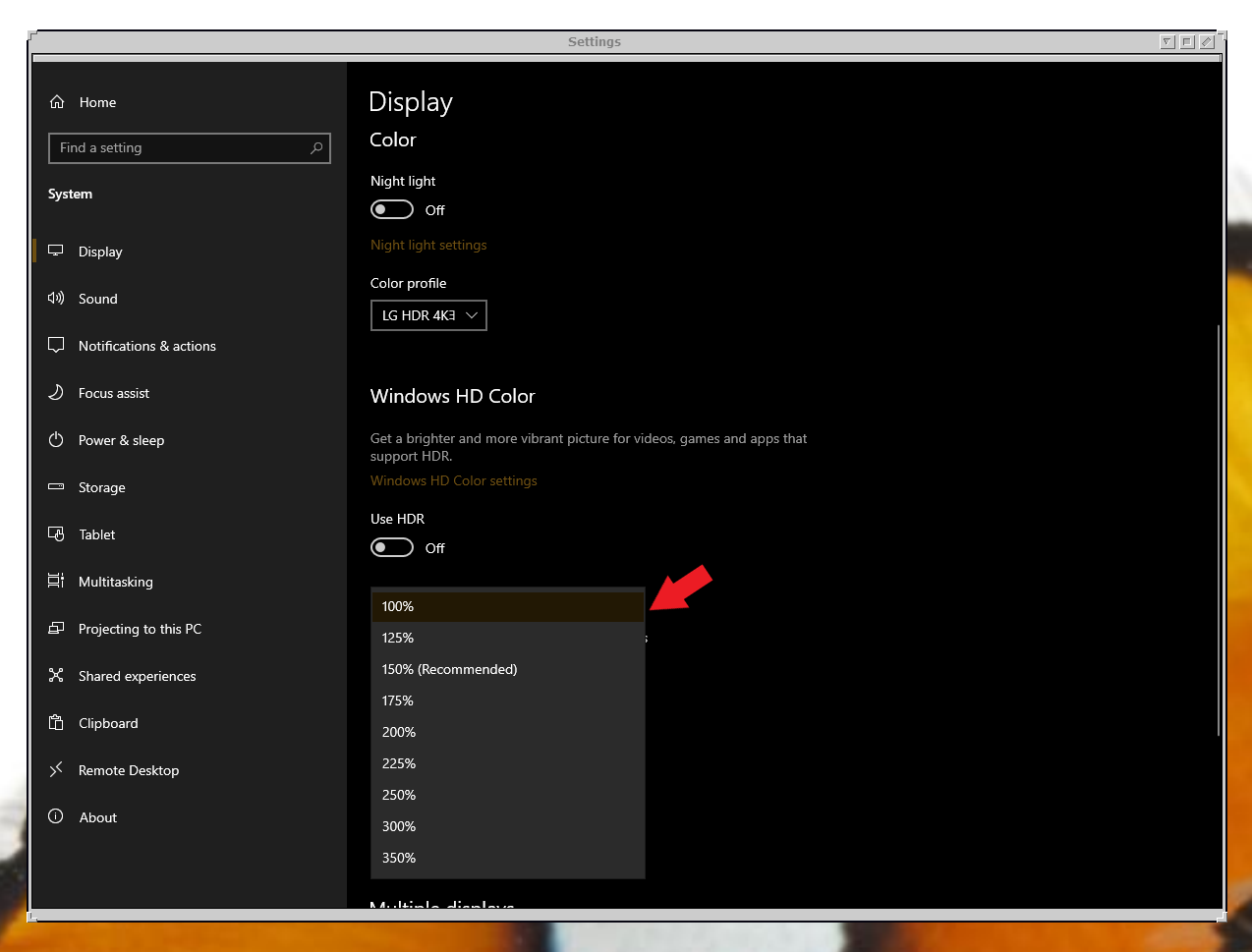
Not sure why your fence grow beyond your top and bottom screen edge. But what is your scaling factors? Can you turn it down and see those Fences top and bottom edge? To get to it. Right click on desktop -> Display setting. (refer to below screenshot)

Thank you,

Basj,
Stardock Community Assistant