Messed up Fences after restore Fences

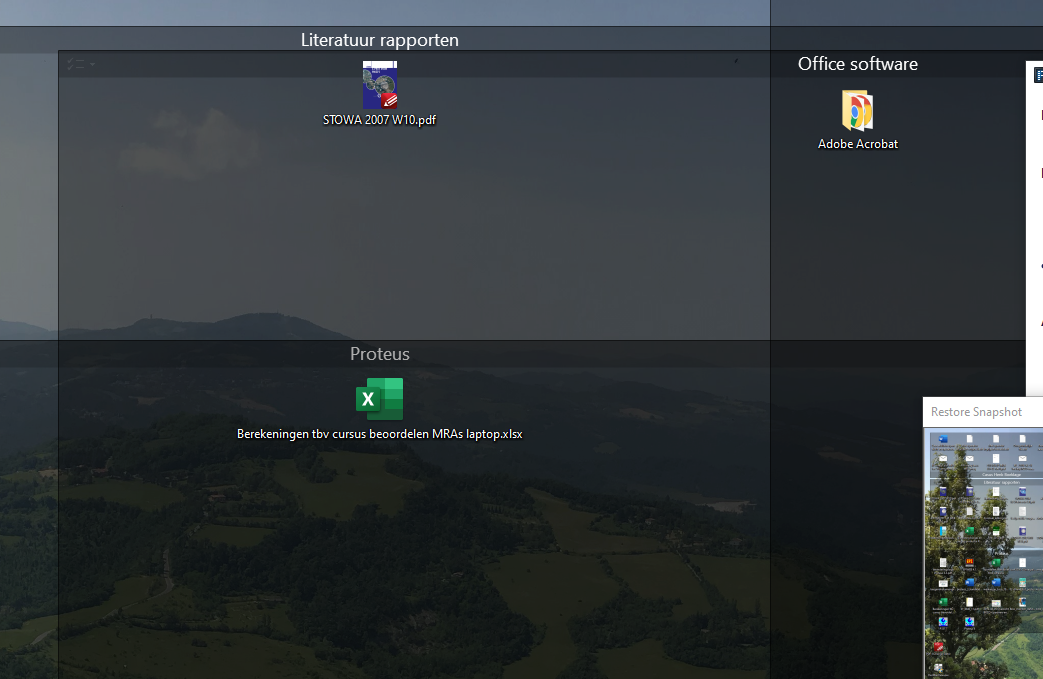
I temporarily tried a 8k-monitor. After trying I got back to my triple 1900x1200 monitors. On my screens all Fences disappeared.... After re-install Fences (laterst version) on my W10-PC and restore the back up of Fence-snapshot my screen is complete messed up/crumbled. See screenshot.Screenshot
 What to do?

Joop

7,063 views 10 replies
Reply #1 Top

Hello,
Sorry to hear you are having issues. Please try purge and reinstall steps as mentioned here: https://forums.stardock.com/486084/fences-support-faq#reinstalling Just make sure to redownload the latest version from your account. Reboot after the purged. Reinstall, and Reboot again after the installation. Retest it. Report back here.


Basj,
Stardock Community Assistant.

Reply #2 Top

Hi,

after running the purge-file I installed a fresh Fence 2.13. So far so good. Restoring the snapshot-file resulted in the same mess as before. So I runned the purge file again, followed by a reboot and new installation of Fence 2.13.

For some the reason the appearing Fences are very large. Resize them is not working. They keep large. The icons within the Fences are so large that resizing doesnot work.

What's the next step. 

Joop

Reply #3 Top

I believe it is best to upgrade to Fences V3 to ensure compatibility with latest Windows 10 and other latest systems drivers.

Thank you,

Basj,
Stardock Community Assistant

Reply #4 Top

Basj,

it seems hopeless...

I just runned the purge file. And after rebooting I installed Fences V3. Same result !!

Perhaps it is best to run Teamviewer yourself. I don't see a solution otherwise...

Joop

Reply #5 Top

I wonder, if you have OneDrive Desktop Sync turned on. Please refer to this thread and see if this is similar to your issue https://forums.stardock.com/501085

Thank you,

Basj,
Stardock Community Assistant


Reply #6 Top

I do use MS One Drive. But only for storing files. I use MS One Drive since many years. In the same period I used Fence V2 (since 2014). Never had a problem. Only now, during switching my screens.

I see a file on my desktop named'Personalise Fences.Ink'  


Perhaps the key for a solution?

Joop

Reply #7 Top

Not really sure about that files. But just to be clear, all your icons it there on your desktop area. ie. If you disable Fences, all desktop icons appear, right? Your only issue is that when your do the Layout snapshot from your old snapshot the Fences are empty? Correct?

Thank you,

Basj,
Stardock Community Assistant

Reply #8 Top

Since installing Fence 3 (free version), my desktop area seems empty... with Fence3 still active. Perhaps icons are out of view.  

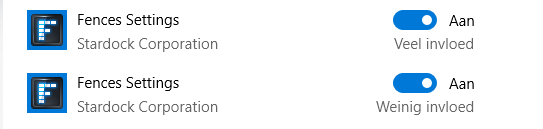
Perhaps stupid question but how to disable Fence3. Is in the startmenu:

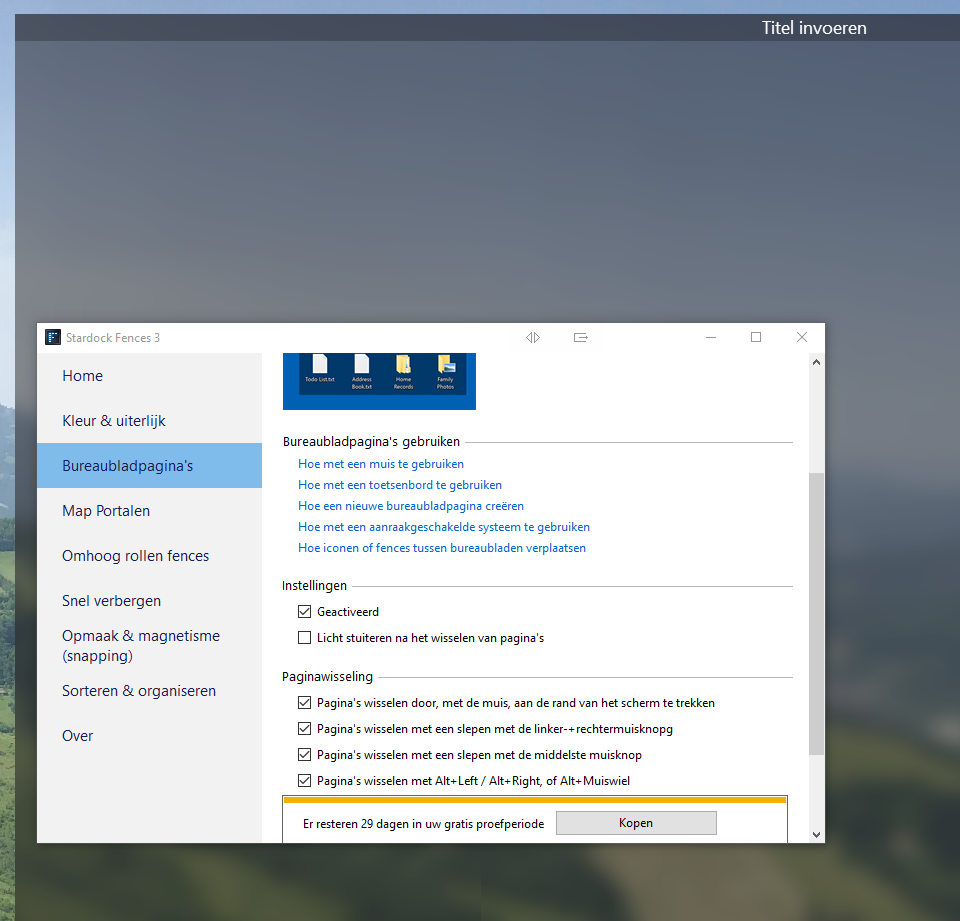
When I make a new Fence the borders of the new Fence can not be adjusted.

See screenshot. 

Instead of getting better it is getting worse...

Reply #9 Top

I just switched off Fence in de start-menu. Ans now my desktop is completely empty... A bright sky with no stars...

Reply #10 Top

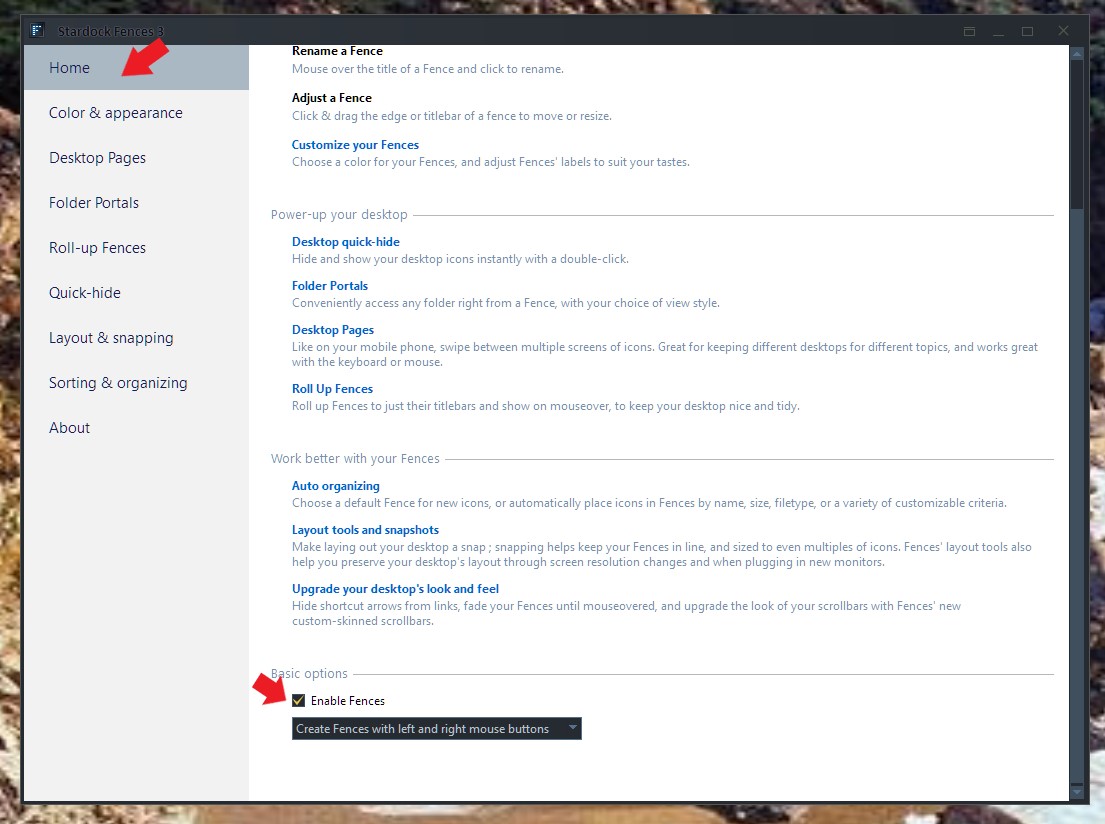
You can turn off Fences by simply disable it here.

But, if Fences disabled, and your icons not on your desktop, than something else is wrong, not Fences.

Thank you,

Basj,
Stardock Community Assistant