Fences no longer working
from  Stardock Forums
Stardock Forums
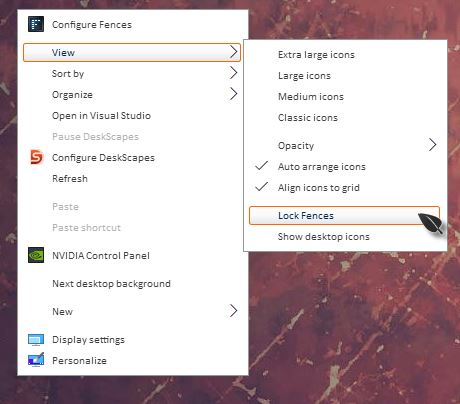
I have been using Fences for a long time. Suddenly, it stopped working correctly. Instead of the custom fences I created, My screen shows three default fences (Programs, Folder, Files and documents). I can roll up these fences, rename fences and move icons from one fence to another. I CANNOT resize fences, move or drag fences or change sizes of fences. I CANNOT create new fences (the mouse draws a blue circle but it gives me no options and as soon as I let go it disappears.
I'm not sure what caused this as it has been going on for a while. I have tried uninstalling and reinstalling fences. I am running Fences 3.09 on Windows 10.