Fences does not start on Windows 10
 Stardock Forums
Since my last update, Fences is not starting on boot.
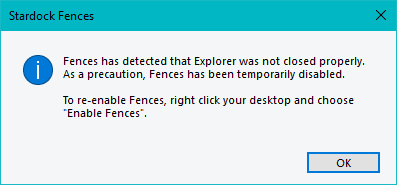
when I force it to start (right click on desktop and the "Enable Fences", I can see Fences for one second and if fails afterwards with the following error:
------------------------------------------------------------------------------------------------------------------------
Fences has detected that Explorer was not closed properly. As a precaution, Fences has been temporarily disabled.
To re-enable Fences, right click on your desktop and choose "Enable Fences"
------------------------------------------------------------------------------------------------------------------------
I've made a fresh install, several reboots but the issue persists. And I never had errors on windows explorer , so I don't understand the error.
I'm using Windows 10.
Anyone has experienced this?

 WinCustomize Forums