Multiplicity

Switching between PC's moves the cursor to monitor 2 and not monitor 1

Hi

When I move my cursor between two PC's it puts the cursor on Monitor 2 and not Monitor 1

Can anybody advise me on how to resolve this problem.
2,546 views 4 replies
Reply #1 Top

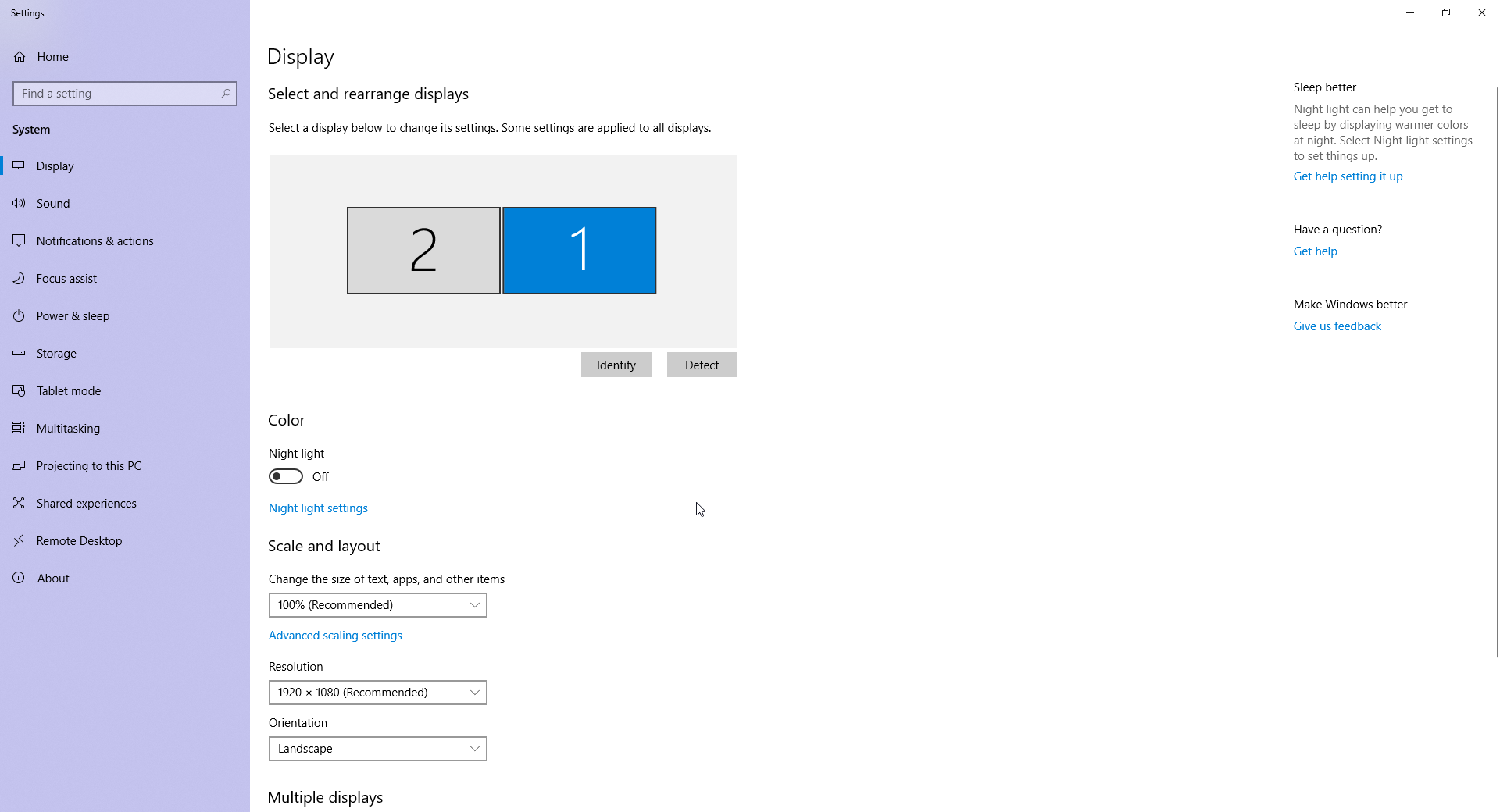
You need to make sure the monitor setup is such that it goes to the 'main' monitor as Windows sees it.  You can change that in this Windows options menu:


Reply #2 Top

Thanks, but I have already checked this and it’s ok

Reply #3 Top

Sorry you were correct and I was wrong.

Thanks for your help, problem resolved.

Reply #4 Top

Quoting melvynshepherd, reply 3

Sorry you were correct and I was wrong.
End of melvynshepherd's quote

That is something I wish more people said to me XD  

Glad it worked out for you.

----------------
Sean Drohan
Stardock Customer Service Manager