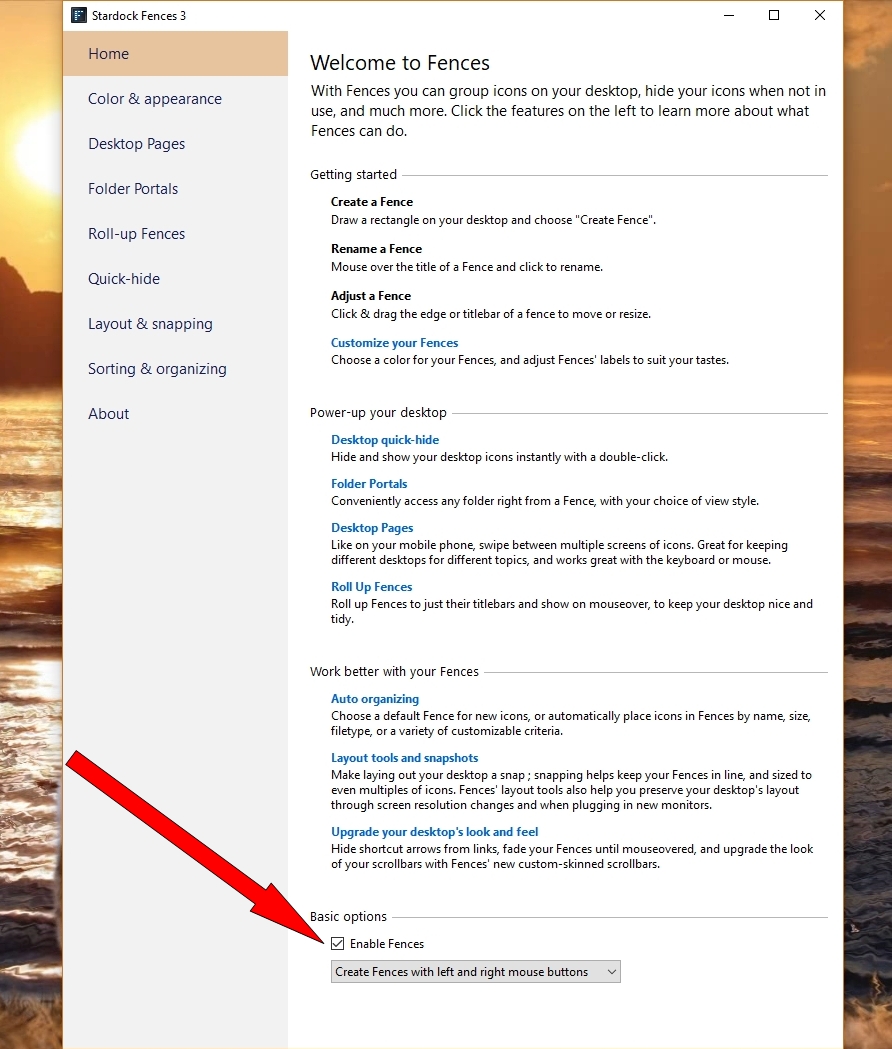
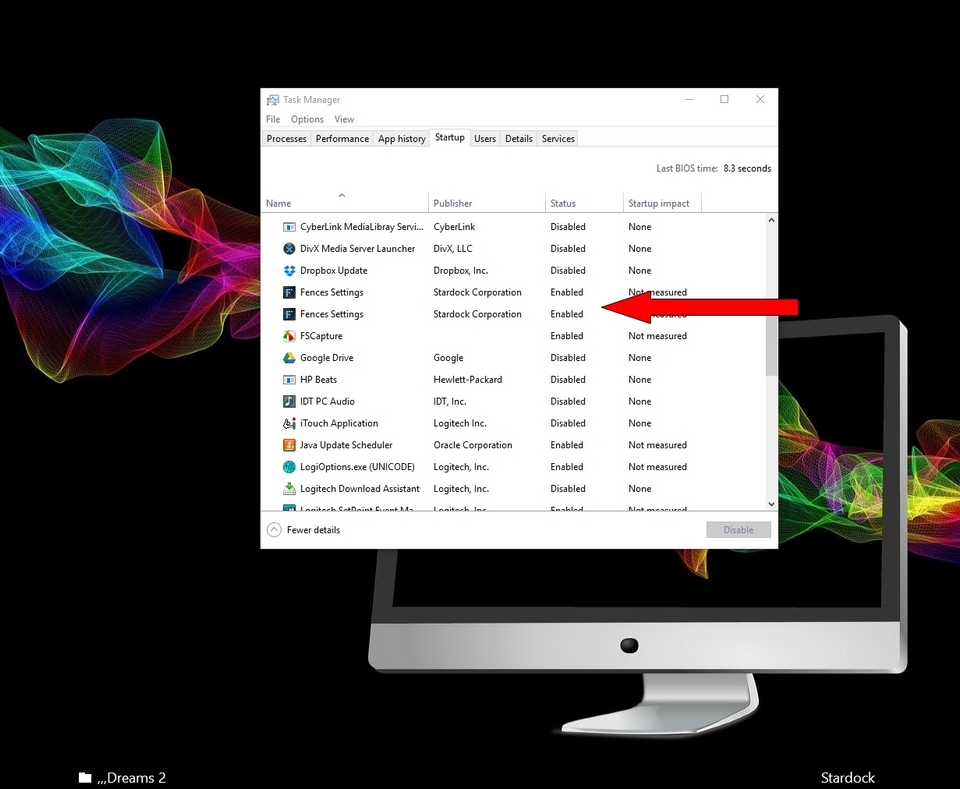
Does not start after Windows 10 last update

After the last update to Windows 10 Pro build 17134 . Fences was not able to start anymore.

After some explorer freezes during startup I get a message stating that fences didn't start because explorer was not shut down normally (and it was shutdown normally) and that I should select enable fences (mouse right click over explorer) , that produces the same result and message. I've already uninstalled and installed Fences with the same result. 


Any help would be much appreciated
7,387 views 7 replies
Reply #2 Top

Thanks for the information,

Unfortunately there is a problem and I'm not able to download the purge bat file (the site does not respond). Will it be possible to send it by mail xxxxxxxxx@gmail.com,   Regards,

(Please do not post your email address) Thanks

Reply #4 Top

Doesn't work, I even tried on different computers with different OSs (the last one was my mac)...

Reply #5 Top

Hello,

I have forwarded your report to the Stardock support team for their review and recommendations.

Please keep an eye on this thread for any updates.

We really do appreciate your feedback, thanks.

AzDude
Stardock Community Assistant