Black Background Desktop - Don't want that!

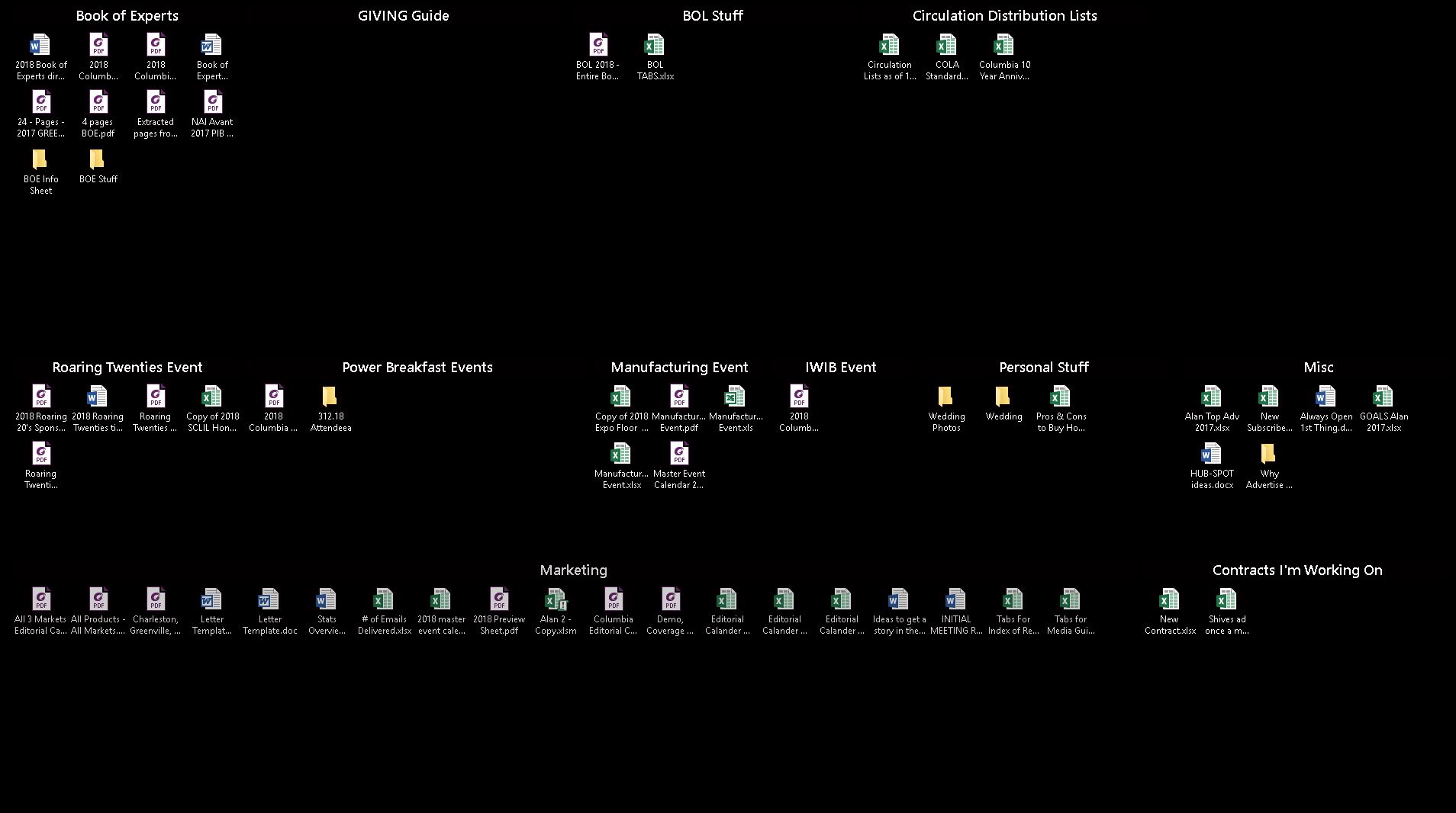
After a few minutes of computer work my blue background and all my fences go black

I am trying to use the software but I keep having to refresh or more often than not i have to choose personalize to change my background color back to blue.  When it changes to black I can't see my fences too well and everything looks ugly.
18,339 views 9 replies
Reply #1 Top

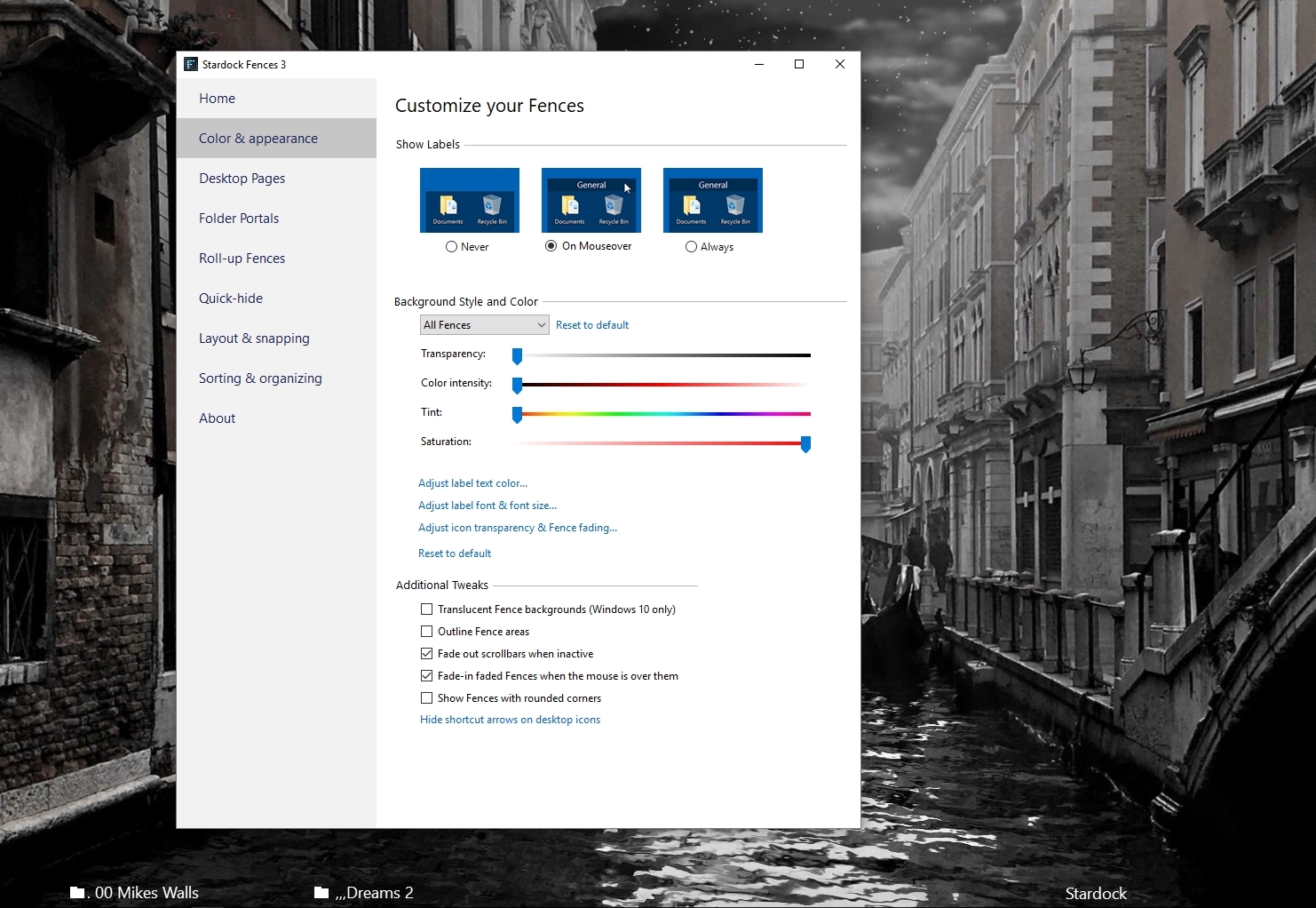
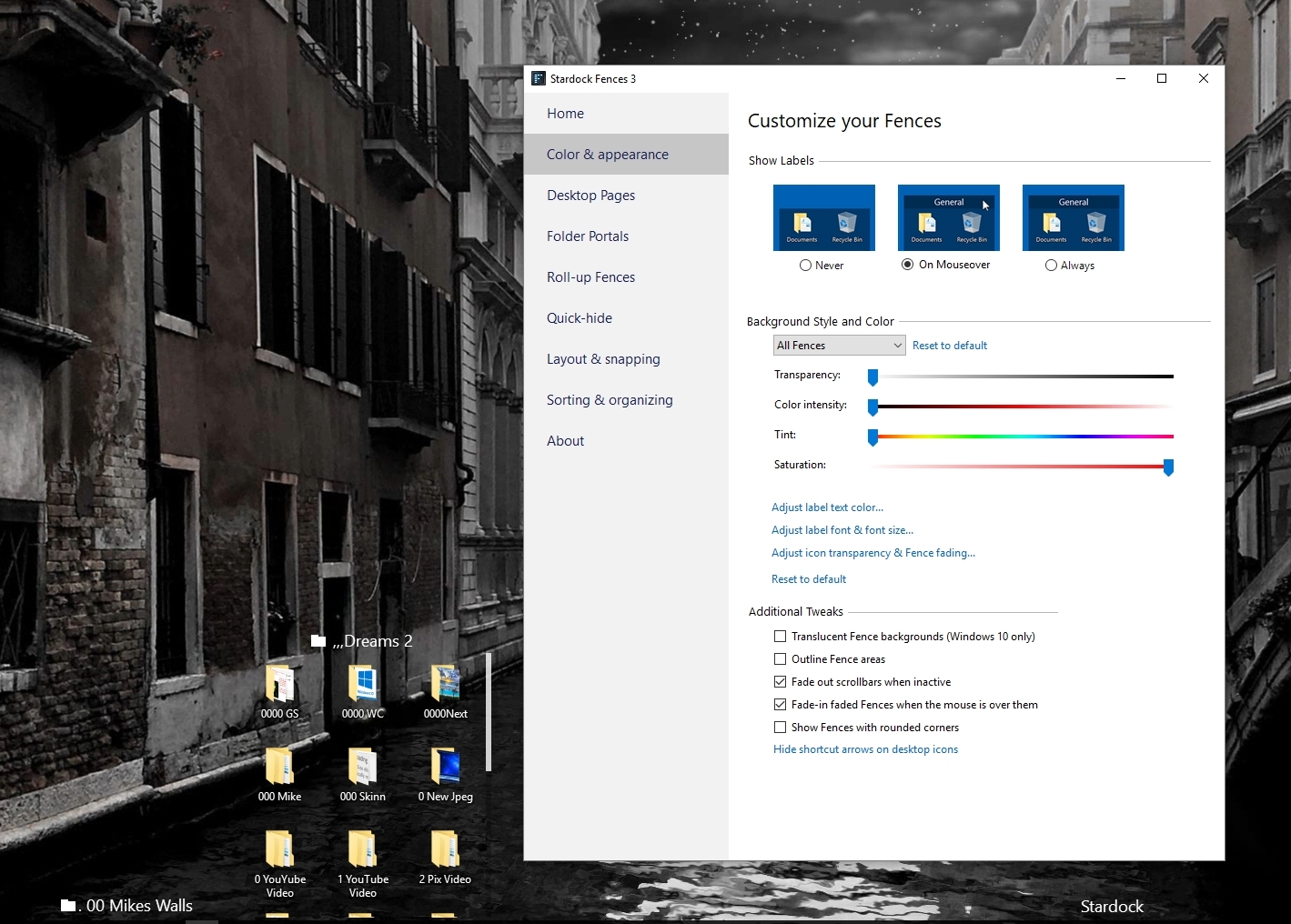
Have you tried adjusting your Fences settings - this one set to Transparent 


Reply #2 Top

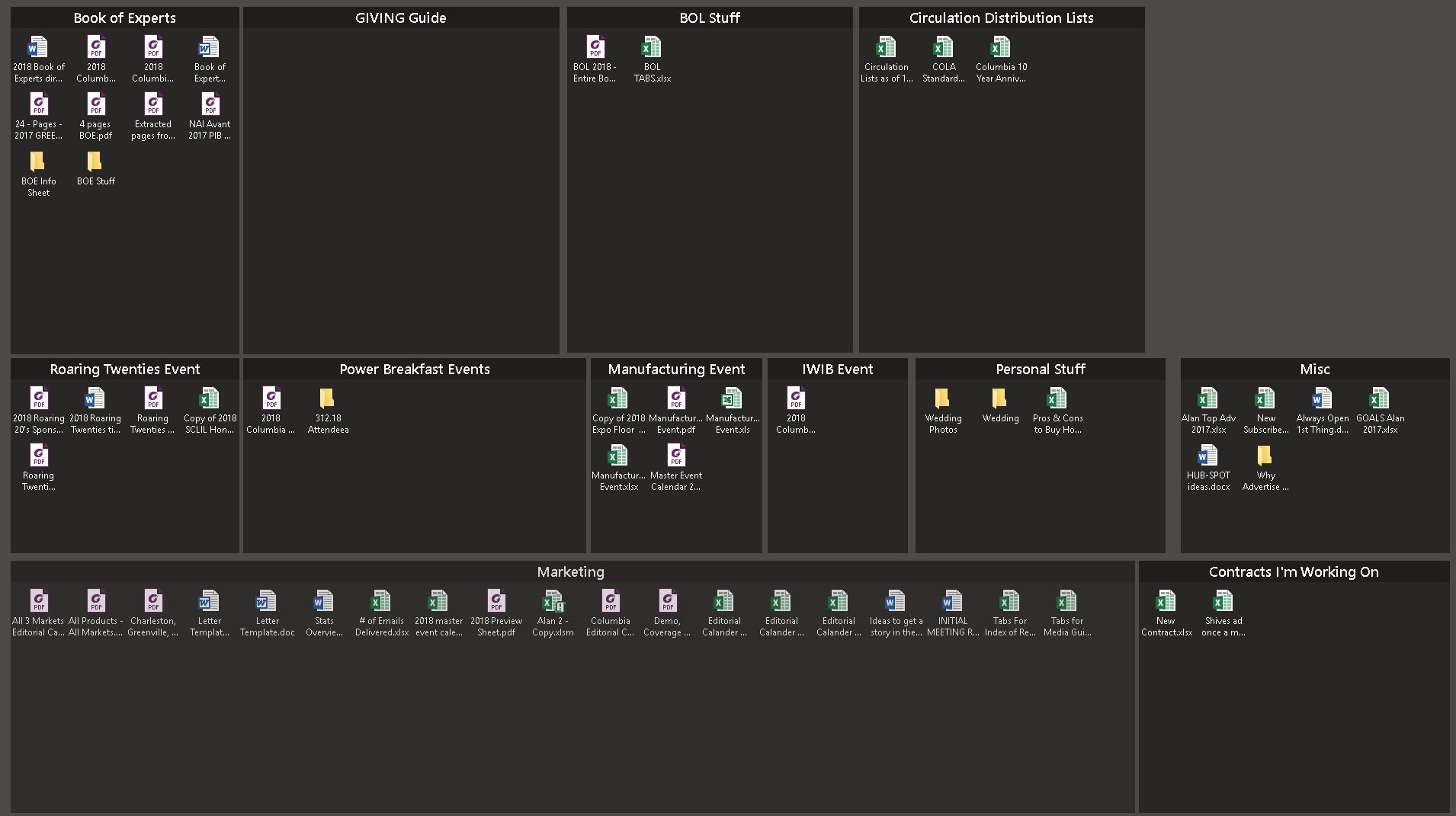
Yes I have adjusted the settings for fences. But nothing I do works.  Below are two pictures.  The first one is the way I want it and the second one is what I end up getting after a few minutes of working on projects on my pc. I end up having to go to my desktop backgrounds to change the color back to dark grey, or any other color so i can see the outline of my fences again.  How can i stop this from happening?

What I want to see!

What I want to see!

WHAT I DO NOT WANT TO SEE

What I do not want to see

Reply #3 Top

Have you tried finding a picture and setting it to your background? https://www.google.com/search?rlz=1C1RUCY_enUS774US774&biw=1737&bih=1045&tbm=isch&sa=1&ei=3byyWuDwMJHL_QaA1KjACQ&q=solid+color+wallpaper&oq=solid+color+wallpaper&gs_l=psy-ab.3..0i67k1j0l9.11991.14516.0.16069.6.6.0.0.0.0.94.407.6.6.0....0...1c.1.64.psy-ab..0.6.406...0i13k1j0i7i30k1.0.5NXekN4drNo 

Reply #4 Top

What version of Windows and Fences are you running ?

Reply #5 Top

Windows 10 and version of Fences is 3.0.8.1

I changed the background of my desktop to a picture on blue instead of a background of blue and it seems, maybe, cross your fingers to be working.  I wonder why?  I love this so far.  Will really help me become more organized and allow me to find things faster.

When i purchase this can I use it at home and at work or do I have to buy two licenses?

Thanks, Alan

Reply #6 Top

You can use on up to 5 machines

Reply #7 Top

A business PC would require a separate license.


Reply #8 Top

Im having the same issue. I run a windows 10 with multiple screens both at home and at work. I suspect its the multiple screen setup that Fences doesn't handle so well. Perhaps a graphics driver issue.


Did you resolve this?

Reply #9 Top

Setting the background picture instead of a solid color worked for me!


Thanks!