Stardock Start11 v2 not working

Start11

Its a long time I haven't used it, I had to re-install windows again on my laptop, I've install it with registered key but it doesn't work it still show Window 11 Menu, I tried restart Windows but still no go.

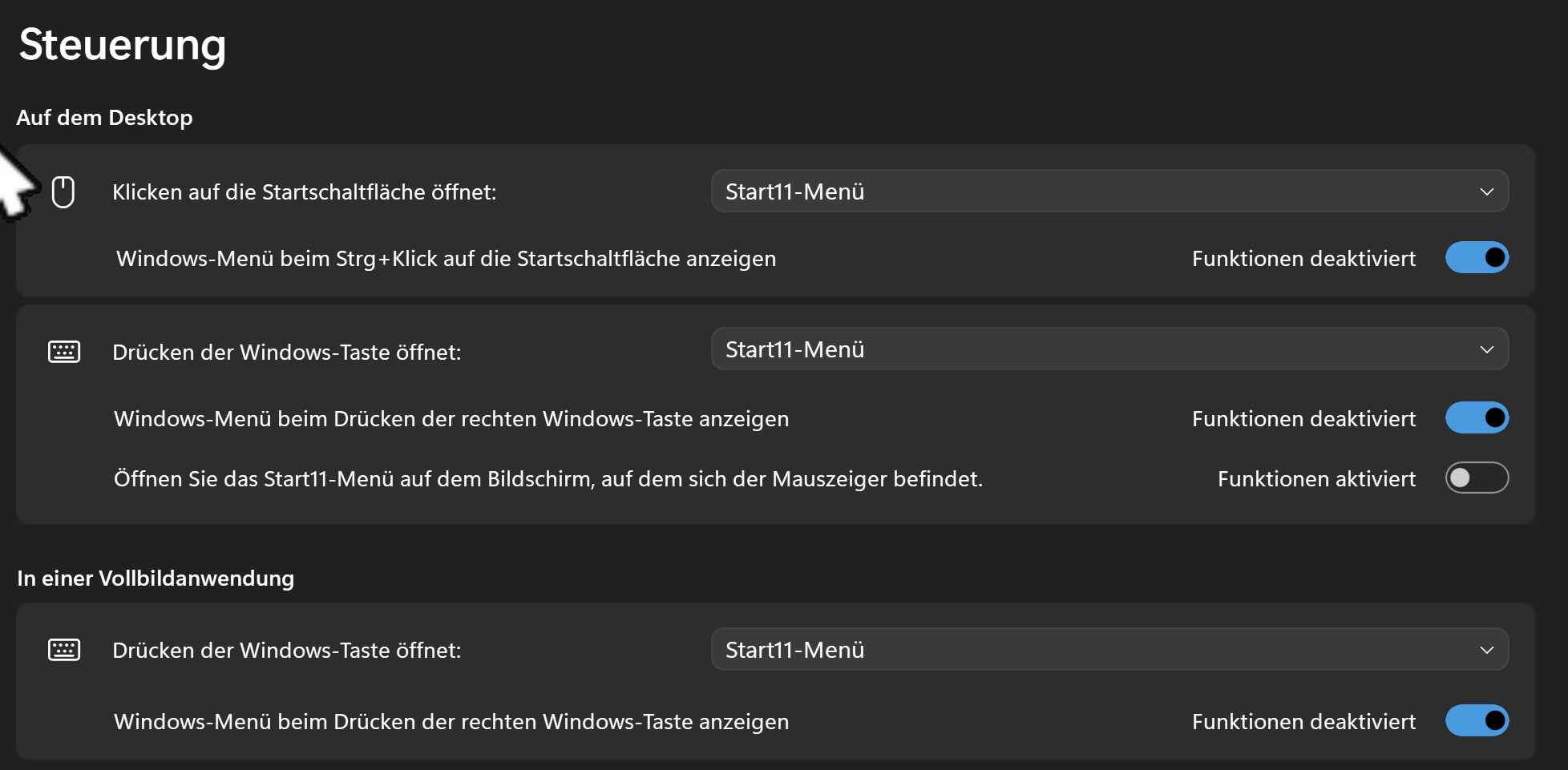
In Windows Services I see "Stardock Start11 services"  running, left click on windows menu there is no Start11 settings.

I can only access the menu when I go to C:\Program Files (x86)\Stardock\Start11\Start11Config.exe I see the Configuration its activated, Start Menu -> Style Window 7 Style is on, but don't see it.

75 views 3 replies
Reply #1 Top

Hello,

Sorry to hear you are having issues. Please try, uninstall Start11, reboot immediately (important), download latest version available in your account product download page: https://store.stardock.com/myaccount/products. Install it, reboot immediately again. Retest it and report back.

If the issue is the same, Please try few steps below.

Once all those checked, report back with few more details.

  1. Windows 11 full version and OS Build number. Use Winver.exe to get these information.
  2. Start11v2 version you trying to install.

Thank you,

Basj,

Stardock Community  Assistant.

Reply #2 Top

Back again,

                    Tried still not getting Start11 Menu, I still see Windows 11 Menu.

My license is the Start11 v2 Upgrade, I've activated the license after I've installed Start11 (v2.71) then booted the laptop.

I've checked this link https://store.stardock.com/myaccount/products/ it looks right. I've cleared it first before activating the software.

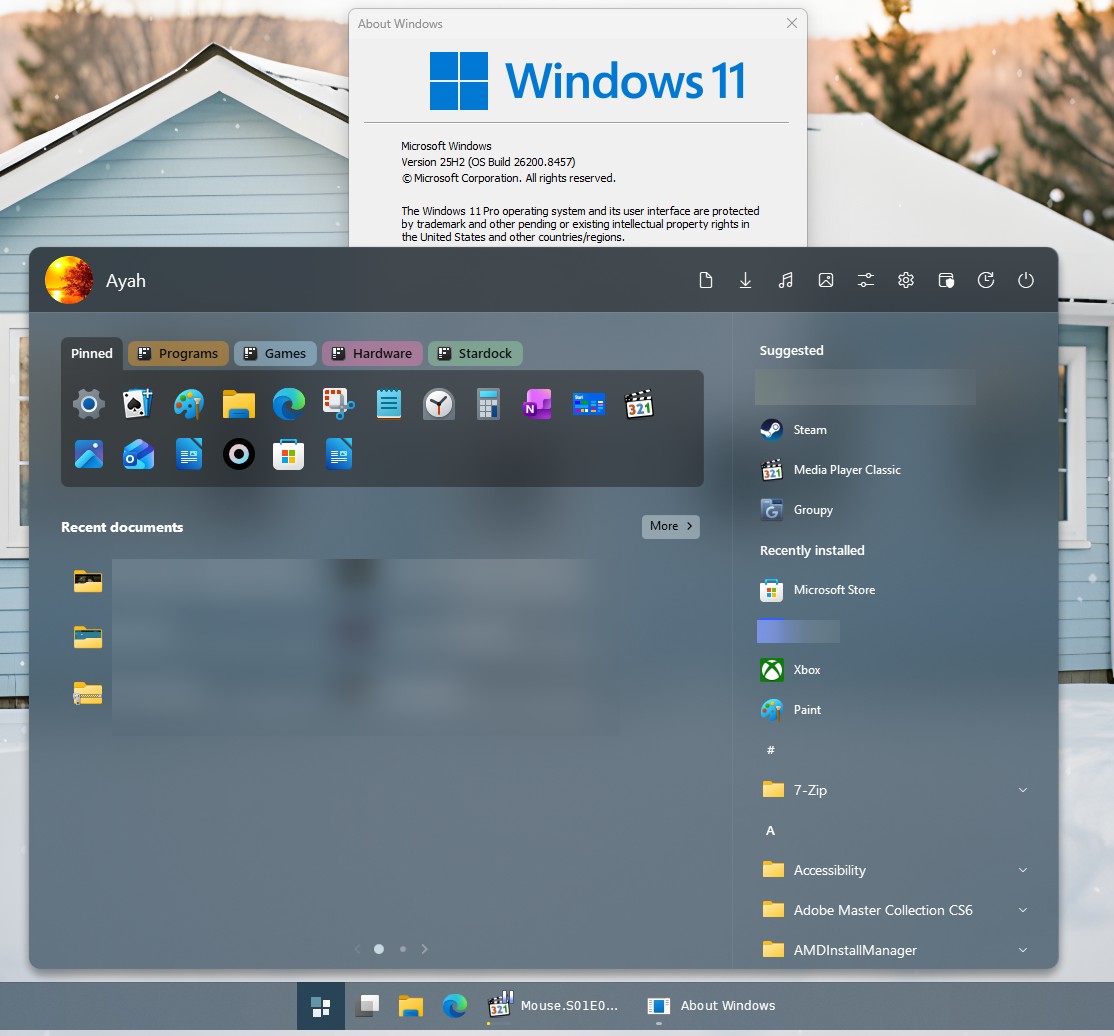
My Windows 11 version 25H2 (OS Build 26200.8524).

Before I had StartAllBack (removed completely) because Start11 wasn't working so I thought I try again, I bought Start11 v2 2 yrs ago.

Reply #3 Top

Perhaps something is blocking Start11 from working properly. Please try clean boot. Refer here for steps: https://support.stardock.com/space/SHC/1334935592/Start11+Clean+Boot. Do know that Clean Boot, need to be done with care. Please try it and report back.

Thank you,

Basj,

Stardock Community  Assistant