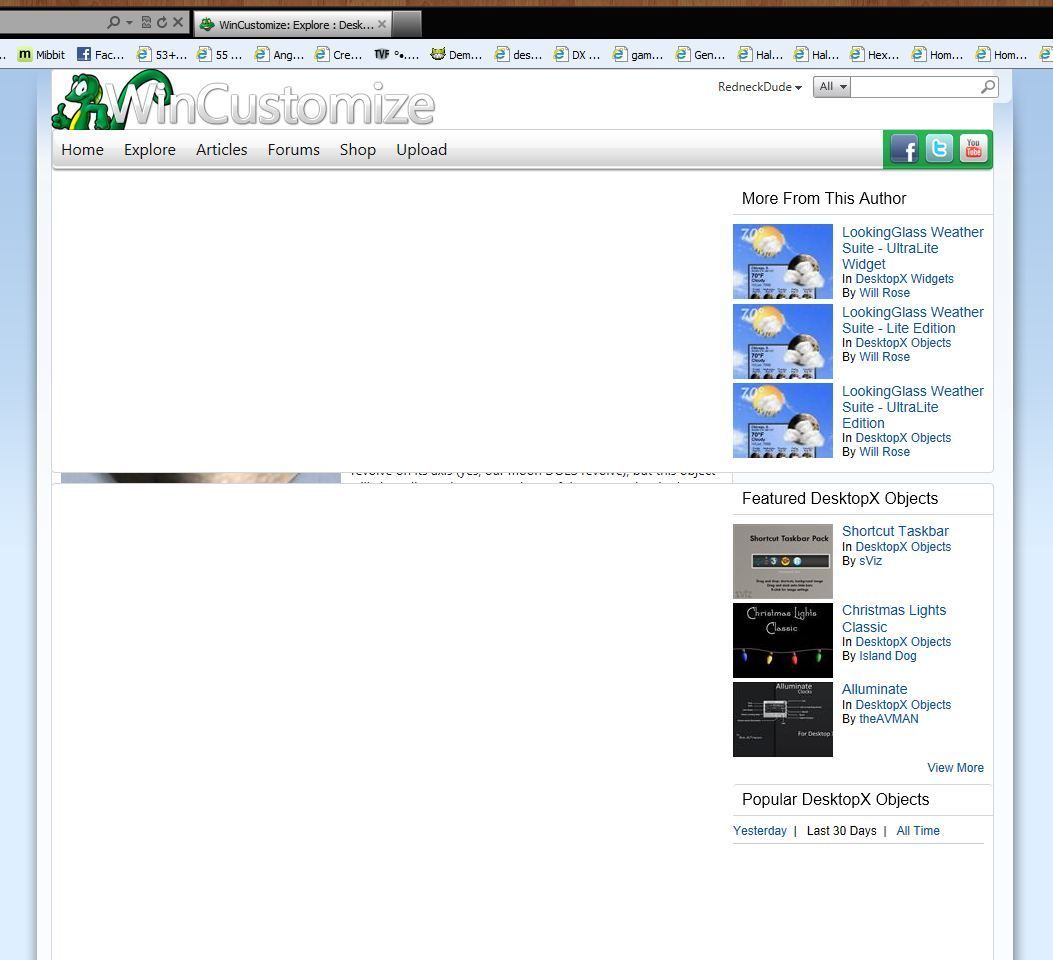
LOL. I haven't found compatibility mode yet (I'm using FF 10.0.2) but under "View" I find a button that says, "Page Style" The choices under style are "No Style" and Basic Style" Basic is the default. "No Style" gives me just an outline list of text so I toggle it back to Basic and the page now looks fine. Strange.
The way I got my download before was to look at the page source until I found the right line for the download button. I can't imagine everyone being ornery enough to do that, most who find it that way will probably go on. I hate for them to miss what appears to be a nice little desktop goody.


 WinCustomize Forums