Hankers Hankers

April desktop screenshots

April desktop screenshots

Had a hard disk blip so here's the same as last month until I get it restored.


20,784 views 54 replies
Reply #26 Top


Just an update
Reply #28 Top
this is my first Miami Heat skin I did in january of 2006


This is my best skin I did last summer Miami Heat 7 Dark Furricane edition


This the last one I'll show for now. Miami Heat X Earth Style for spring and summer time.
Reply #29 Top


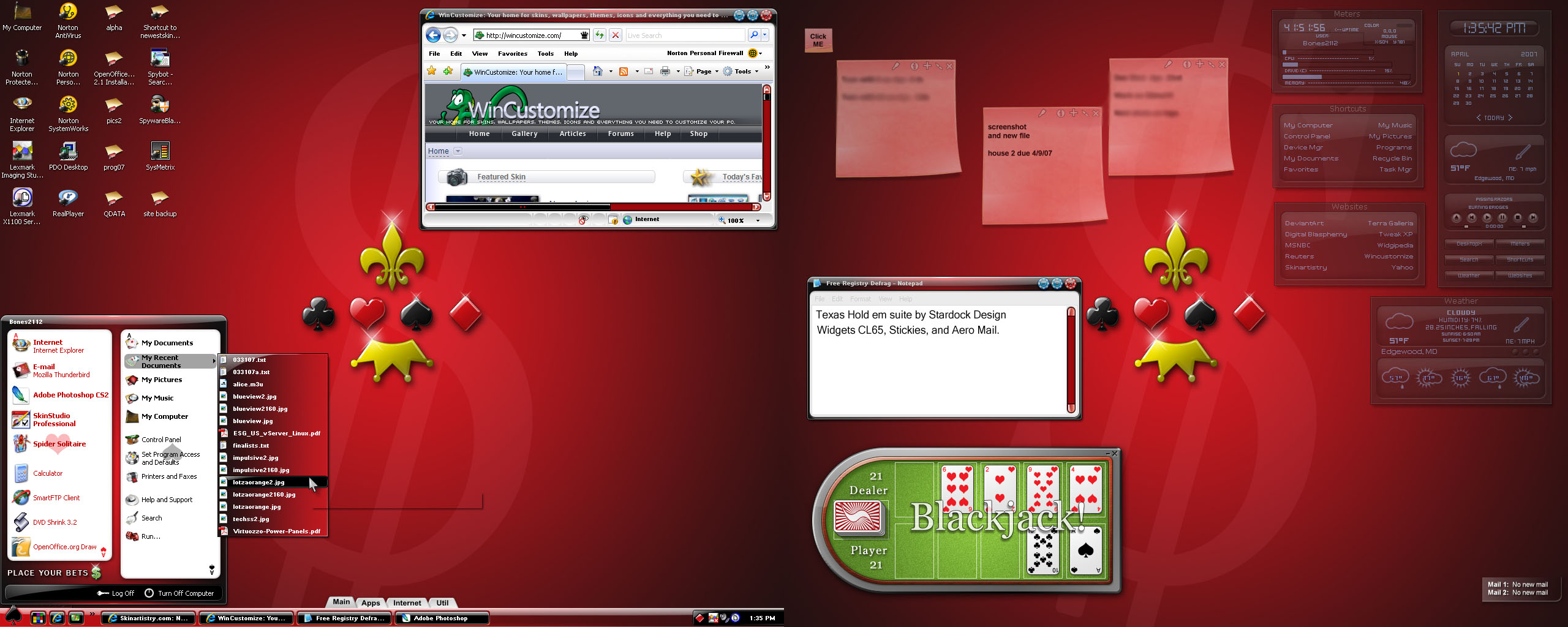
Went and got some skins from Stardock Design, this is my favorite so far.
Reply #30 Top
Home setup........
Windowblinds is Pantheon
Winamp is Kameleon-DUI
Sysmetrix is Marbles by me (tweaked since uploaded here, email me if you want the latest)
Wallpaper is by me (so far unreleased)
Reply #32 Top
yes i agree really nice
Reply #33 Top
Thanks guys
If anyone's interested I uploaded the wall (in various sizes) at Skinning.net
Hopefully, it'll be thru moderation in a day or so.
Reply #34 Top
Winamp is Kameleon-DUI


goes and snags.   
Reply #36 Top
My current desktop...

Desktop Screenshot 16-04-2007
Wallpaper: Dirge of Cerberus
DesktopX Gadgets:
Clear Clock White by sdupay
Simple Vista Meters by moi
Silica Picture Frame by Stardock (modified for personal use)
MicroPlay DX Player by moi
HVLinearCalendarBasic by XX
ObjectDock Tiles: DTC2 by messiah1
WindowBlind: ULTRAmin by IRaidedTheFridge (recolored)

I think that's it....
Reply #37 Top
Playing around with JJ Ying's new blind Arzo:

Blinds: Arzo By JJ Ying
Wall and Caption: Globe By Alperium
CXP: MB Crystal By ModBlackMoon
IP: Post TeneBra Lux By Cycoced
DXW: Hyalo 2x Weather w/ Calendar, Time & Date, E-mail By Adni18


Well folks, guess my upload didn't work!  
Reply #38 Top
It workd cplair, but you pasted a webpage url as an image instead of the images itself.

Here's the fixed image:


Reply #39 Top
  Oh, opps!  

Thanks for fixin' it up for me DC!

Cp

  
Reply #40 Top

That sucks Hankers, hope you get it fixed.

Here's mine:

VistaBeach Preview


Very Nice How did you get your icons to do that? showing the information beside them?
Reply #41 Top
Playing with a new app called RunMe :


And made some Apogee customizations for Vista (see live folders).

Reply #42 Top
Very Nice How did you get your icons to do that? showing the information beside them?
Avedesk
Reply #46 Top
Boogers! Again it didn't work
Reply #49 Top
It's mine:
Reply #50 Top

Just a little different arrangement
Skins used:
WB: Blue Xtasy by me https://www.wincustomize.com/skins.aspx?skinid=6120&libid=1
Sysmetrix: Blue Xtasy by me https://www.wincustomize.com/skins.aspx?skinid=2426&libid=28
Wallpaper: SRG107 by SRG01 https://www.wincustomize.com/skins.aspx?skinid=29810&libid=8
Icons: Archon by Halluci https://www.wincustomize.com/skins.aspx?skinid=1386&libid=2
OD background: Blue Xtasy by me - not yet released.