FRM\FNCTN - My AI graphics and apps

Software and Graphics and News

https://www.frm-fnctn.com/software.php?lang=en

As AI capabilities have steadily improved, I’ve experimented extensively—running through countless trials and consuming plenty of tokens—until I finally developed workflows and manifests that allow me to bring my design ideas to life.

I can now build applications exactly as I envision them, gradually replacing many freeware and shareware tools I use daily that I’ve always wanted to customize to better suit my needs.

While I don’t want to replace all of them (for instance, ObjectDesktop), I’ve created several new tools to explore what’s possible. Though for example may FileCanvas never match the functionality of established file managers, other tools like IconChanger,SysCanvas, KeyCanvas, and FlickDock, are integral to my daily workflows across all my machines.

I invite you to try and enjoy what I’ve accomplished so far—all at no cost. My site also offers skins and themes, some of which are available here on WC.

 
https://www.frm-fnctn.com/software.php?lang=en

If I may, I will keep this thread alive with news and some more details.

1,645 views 31 replies
Reply #2 Top
Quoting c242,

If I may, I will keep this thread alive with news and some more details.

End of c242's quote

I think you absolutely should! You've acted on or perhaps even anticipated frogboy's post regarding AI tools and customization.

I think your work with these new tools is excellent and you've become part of the leading edge of the art of skinning, which you've always shown talent at. 

I, for one, thank you for your original contributions to our community and encourage you to continue. I know others feel the same way. I also believe that making these tools freely available is quite generous.  :congrat: 

Holzwolle!

Reply #3 Top

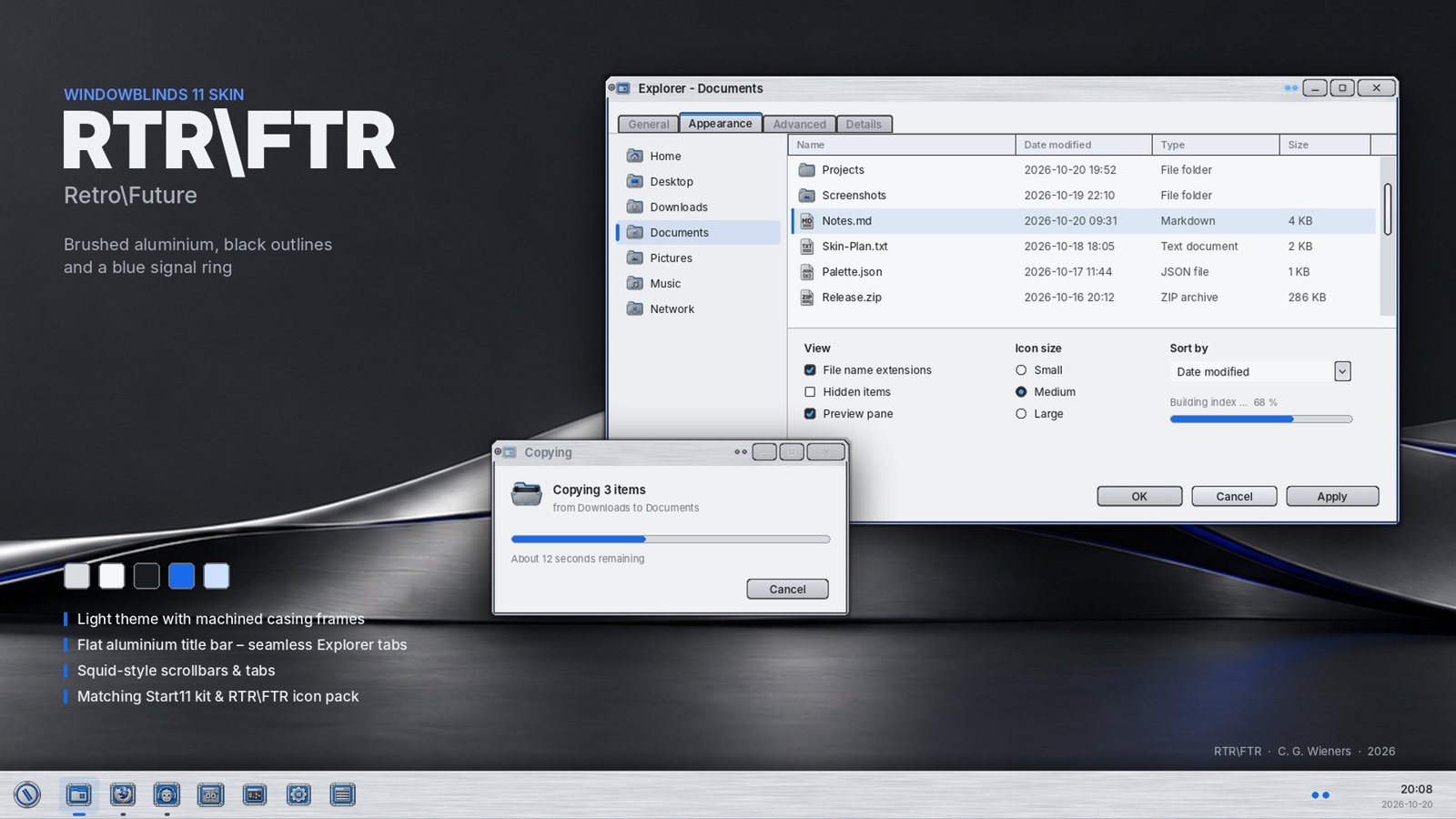
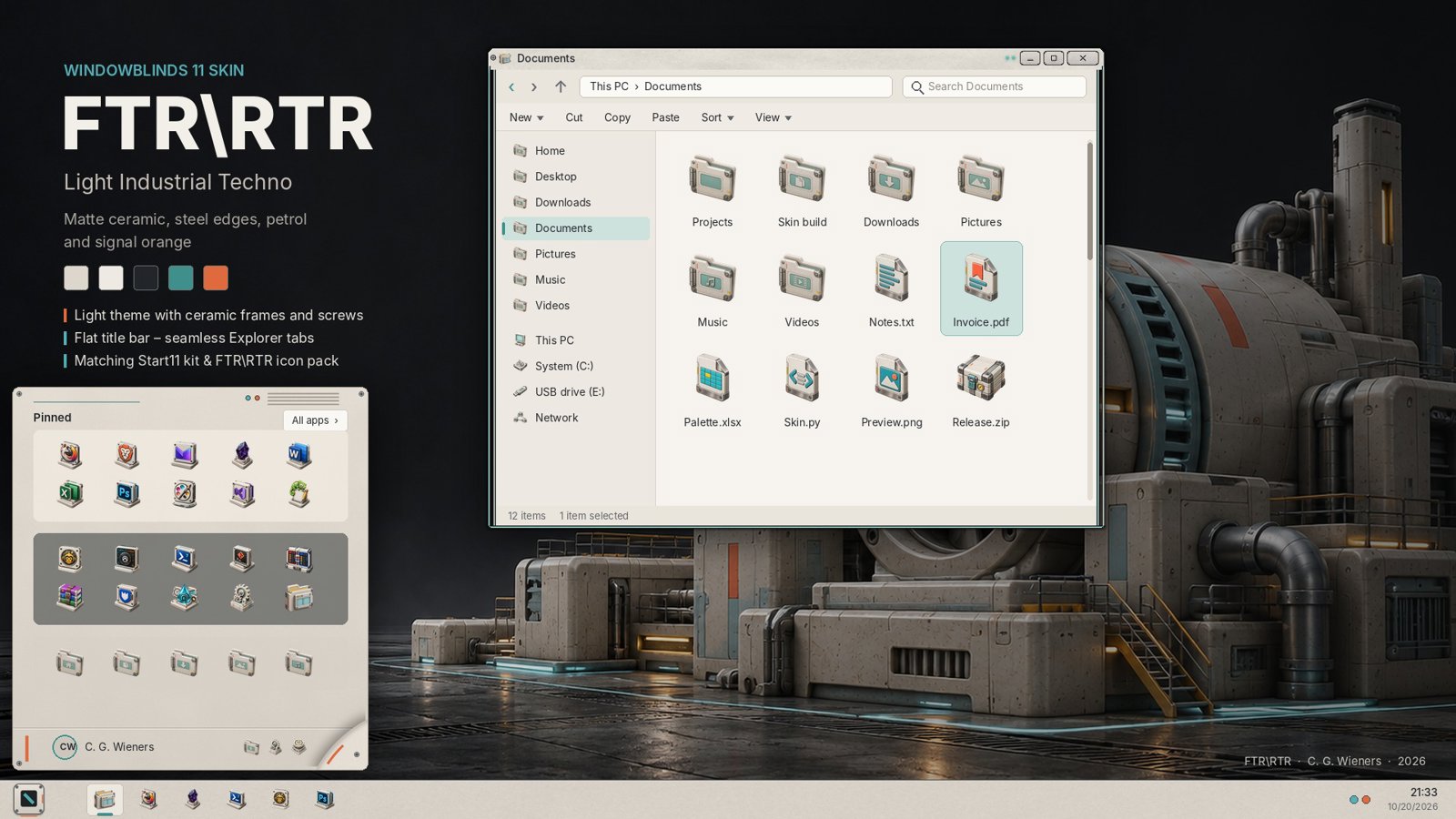
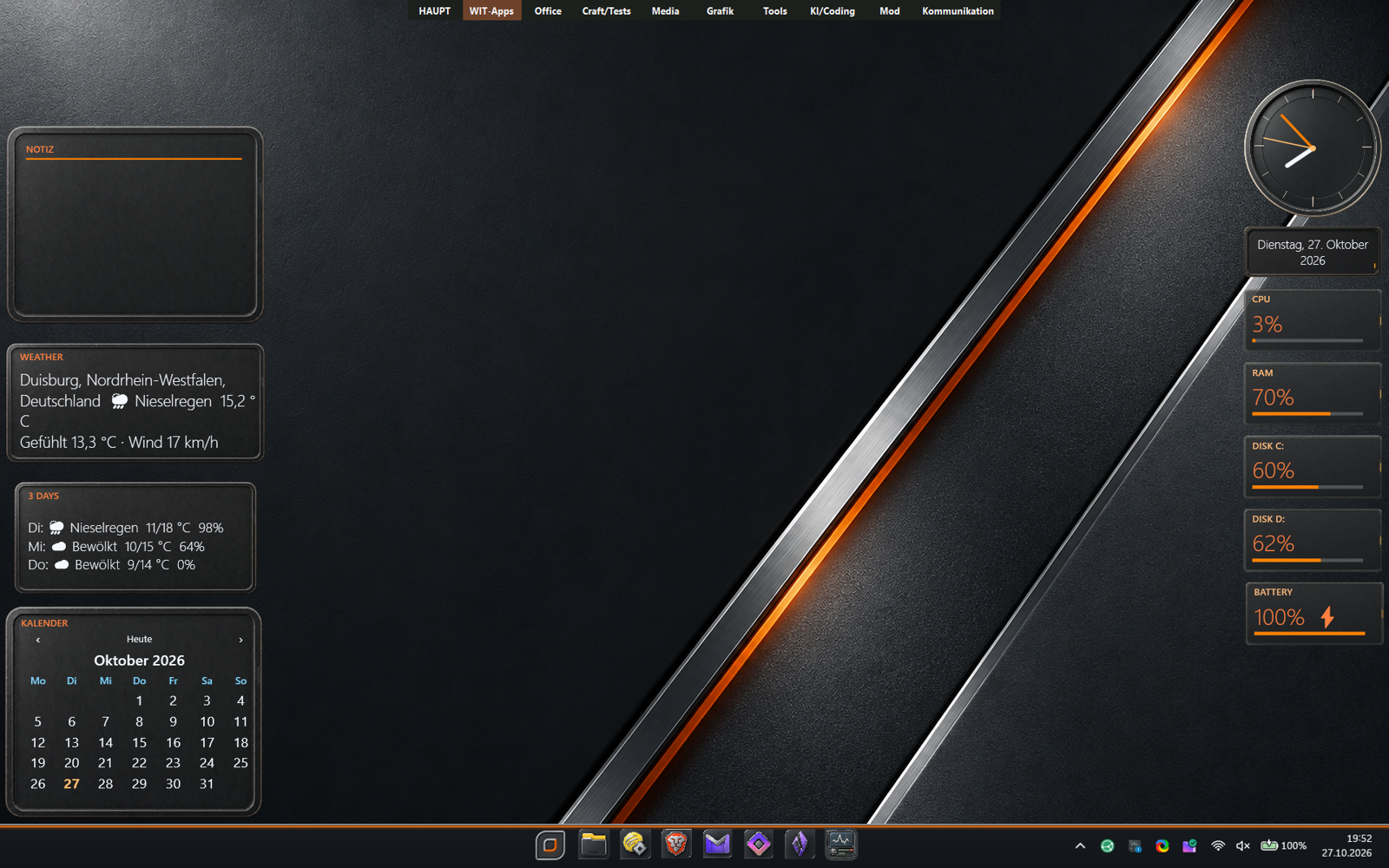
WIP. Not sure when I will be contend with it.

Reply #4 Top

WiP 2:

Reply #5 Top

Totally Agree With The Doc Carl, Your Work With AI Is Just Fantastic, Bookmarked Your Site, Cheers.:) 

Reply #6 Top
Quoting c242, reply 4148797

WIP. Not sure when I will be content with it.

End of c242's quote
Quoting c242, reply 4148798

WiP 2:


End of c242's quote

You'll probably be content with it when you've made a dark themed substyle.  ;) 

Reply #7 Top

So, did someone actually try some soft from the site? I am always keen on feedback or constructive criticism. 

+1 Loading…
Reply #8 Top

I've been using SysCanvas for a while now, and I really like the ability to create individual canvases which can be shown/hidden at any time. The new editor is awesome and allows me to be more creative with my canvases. The app has evolved into a fabulous tool. The only thing that could be improved is that scrollable menus in the editor don't scroll with the mouse wheel.

Reply #9 Top
Quoting c242, reply 4148962

So, did someone actually try some soft from the site? I am always keen on feedback or constructive criticism. 

End of c242's quote

Flipdock...trying to figure which is best for me, maybe replace my right sided docks with the three layered one. It has interesting possibilities. We shall see.

Reply #10 Top
Quoting DrJBHL, reply 4148968
Quoting c242, reply 4148962

So, did someone actually try some soft from the site? I am always keen on feedback or constructive criticism. 

End of c242's quote

Flipdock...trying to figure which is best for me, maybe replace my right sided docks with the three layered one. It has interesting possibilities. We shall see.

End of DrJBHL's quote


I did FlickDock 1st really because I didn't like how other docks handle how to assign icons to shortcuts. Why so many clicks? There is no sense to have a shortcut to an icon or PNG on a dock, so why not just having it assign a PNG per drag&drop to the shortcut? ;-) An then it went on. Can I have Tabs? How about just combining the quickstart-dock with all of it? And so on. ;-)


Reply #11 Top
Quoting pelaird, reply 4148965

I've been using SysCanvas for a while now, and I really like the ability to create individual canvases which can be shown/hidden at any time. The new editor is awesome and allows me to be more creative with my canvases. The app has evolved into a fabulous tool. The only thing that could be improved is that scrollable menus in the editor don't scroll with the mouse wheel.

End of pelaird's quote


Will look into that.

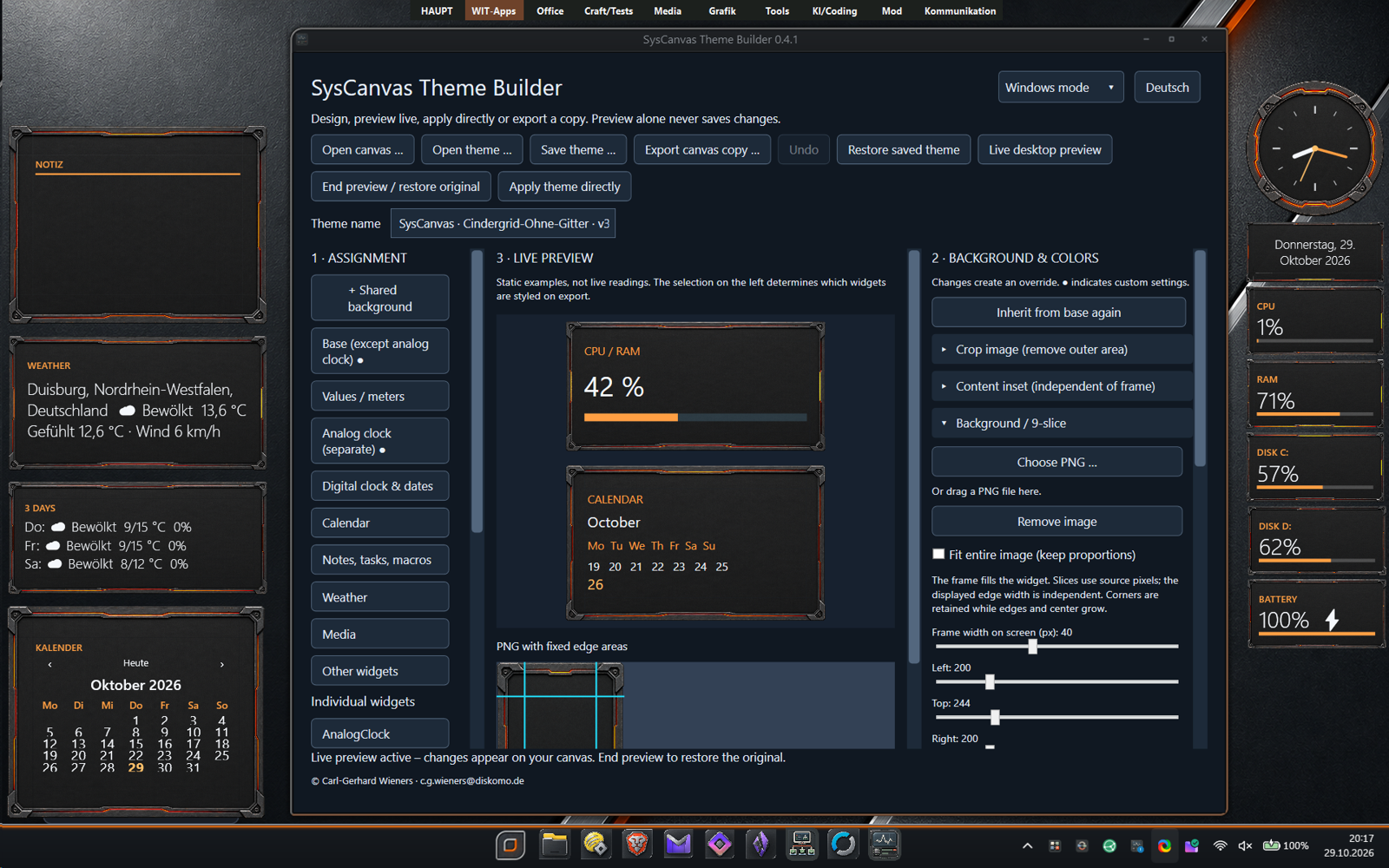
Thinking about doing a ThemeBuilder just to show the possibilities. I am quite proud of SysCanvas and I think it should spread a bit more.

+1 Loading…
Reply #12 Top

Update: All apps are updated to contain the newest .NET components and security updates.

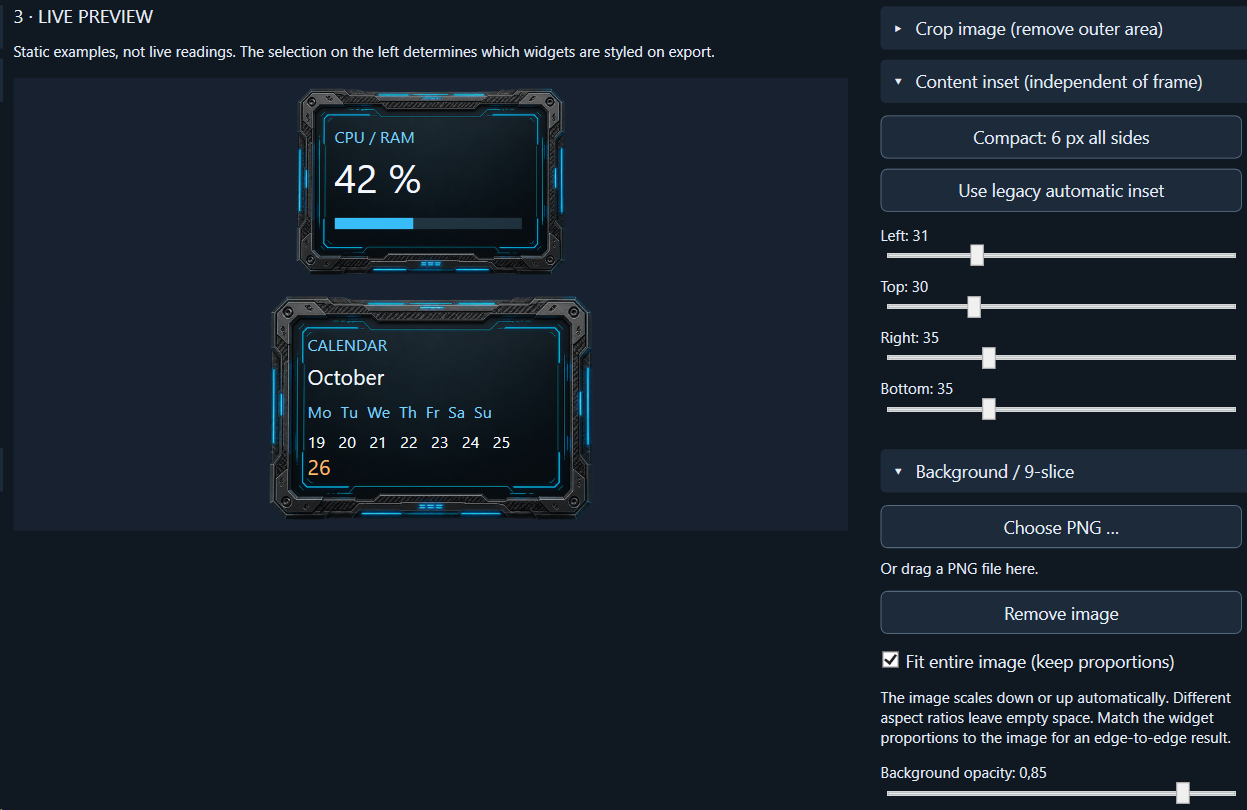
SysCanvas has a themebuilder now to play with. 

+1 Loading…
Reply #13 Top
Quoting c242, reply 4149050

Update: All apps are updated to contain the newest .NET components and security updates.


SysCanvas has a themebuilder now to play with. 

End of c242's quote

Thanks, Carl! :thumbsup: 

Reply #14 Top
Quoting c242, reply 4149050

Update: All apps are updated to contain the newest .NET components and security updates.

SysCanvas has a themebuilder now to play with. 

End of c242's quote

What is the version number and where can it be downloaded?

Reply #15 Top
Quoting pelaird, reply 4149056
Quoting c242, reply 4149050

Update: All apps are updated to contain the newest .NET components and security updates.

SysCanvas has a themebuilder now to play with. 

End of c242's quote

What is the version number and where can it be downloaded?

End of pelaird's quote

Hi, it's on the site 0.99.19 -> Right click tray icon to get the builder.

Reply #16 Top
Quoting c242, reply 4149060

Hi, it's on the site 0.99.19 -> Right click tray icon to get the builder.

End of c242's quote

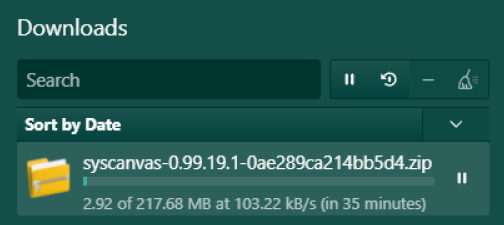
I've tried downloading this three or four times, but the site is running at about 100-150 kbs/s download speeds.

Reply #17 Top
Quoting pelaird, reply 4149061
Quoting c242, reply 4149060

Hi, it's on the site 0.99.19 -> Right click tray icon to get the builder.

End of c242's quote

I've tried downloading this three or four times, but the site is running at about 100-150 kbs/s download speeds.

End of pelaird's quote

Hm, loads pretty fast here from 2 different locations.

Reply #18 Top
Quoting c242, reply 4149064

Hm, loads pretty fast here from 2 different locations.

End of c242's quote

Reply #19 Top
Quoting c242, reply 4149064
Quoting pelaird, reply 4149061
Quoting c242, reply 4149060

Hi, it's on the site 0.99.19 -> Right click tray icon to get the builder.

End of c242's quote

I've tried downloading this three or four times, but the site is running at about 100-150 kbs/s download speeds.

End of pelaird's quote

Hm, loads pretty fast here from 2 different locations.

End of c242's quote

From here as well. 🤷‍♂️

Reply #20 Top
Quoting c242, reply 4149050

Update: All apps are updated to contain the newest .NET components and security updates.

SysCanvas has a themebuilder now to play with. 

End of c242's quote

Okay, I now have 0.99.19 with the Theme Builder.

Can you, in simple terms, explain the purpose of Theme Builder.

Reply #21 Top
Quoting pelaird, reply 4149072
Quoting c242, reply 4149050

Update: All apps are updated to contain the newest .NET components and security updates.

SysCanvas has a themebuilder now to play with. 

End of c242's quote

Okay, I now have 0.99.19 with the Theme Builder.

Can you, in simple terms, explain the purpose of Theme Builder.

End of pelaird's quote


The main purpose at the moment is to be able to have an easier way to position and slice backgrounds for the gadgets and to save themes without destroying the layout of the running canvas. Themes only assign graphics and colors on existing gadgets without reordering them or adding new ones. It is not perfect at the moment, have to fiddle arround with it a bit more. The clock for example needs work and I want to have the preview live on the desktop 


Reply #22 Top
Quoting c242, reply 4149074

The main purpose at the moment is to be able to have an easier way to position and slice backgrounds for the gadgets and to save themes without destroying the layout of the running canvas.

End of c242's quote

Got it. Thanks

Reply #23 Top


Quite proud of how easy SysCanvas can be setup.

V 0.99.20 is up.

+2 Loading…
Reply #24 Top

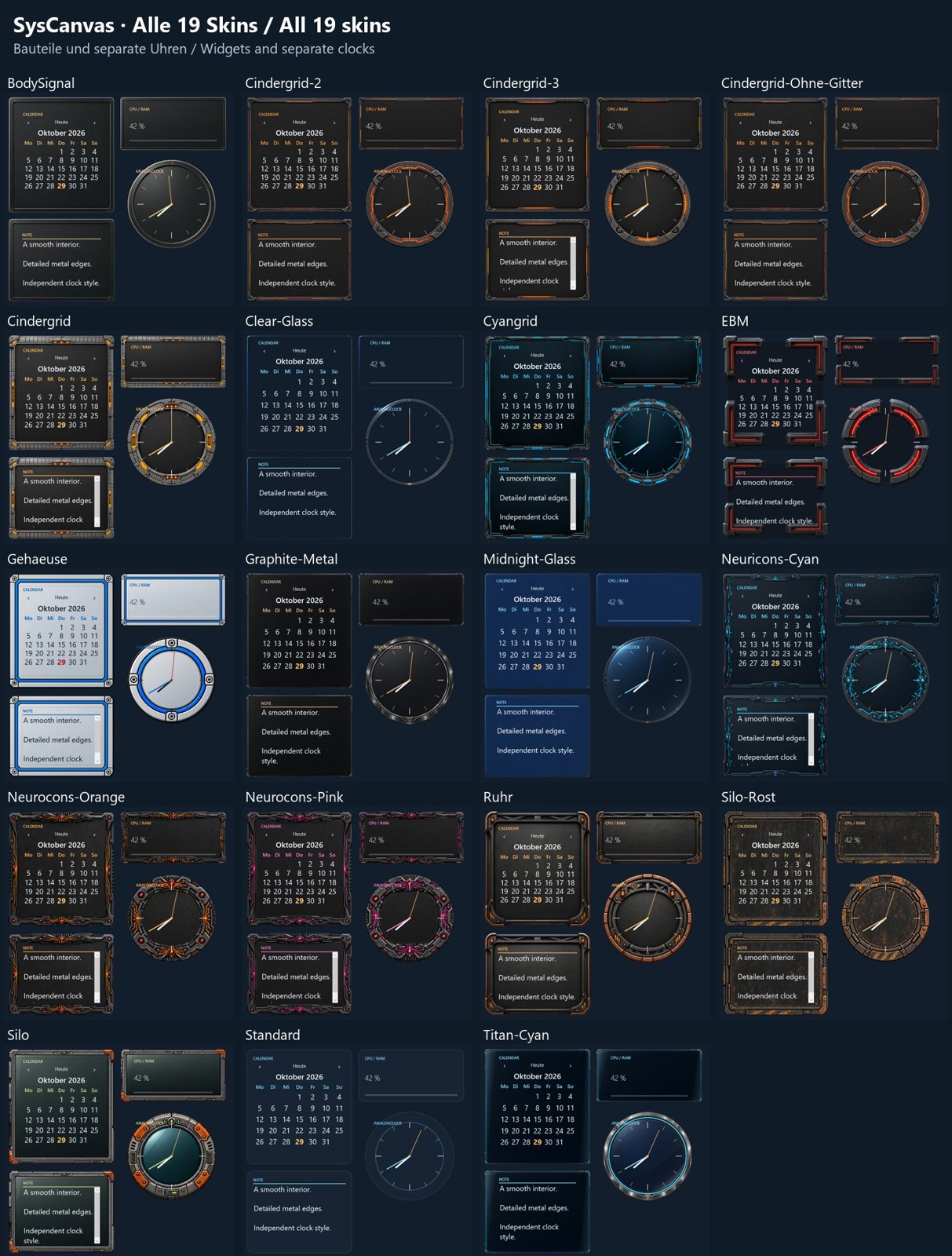
New in SysCanvas 0.99.22 - Themes and previews in ThemeEditor. Coming soon.


Reply #25 Top

+1 Loading…