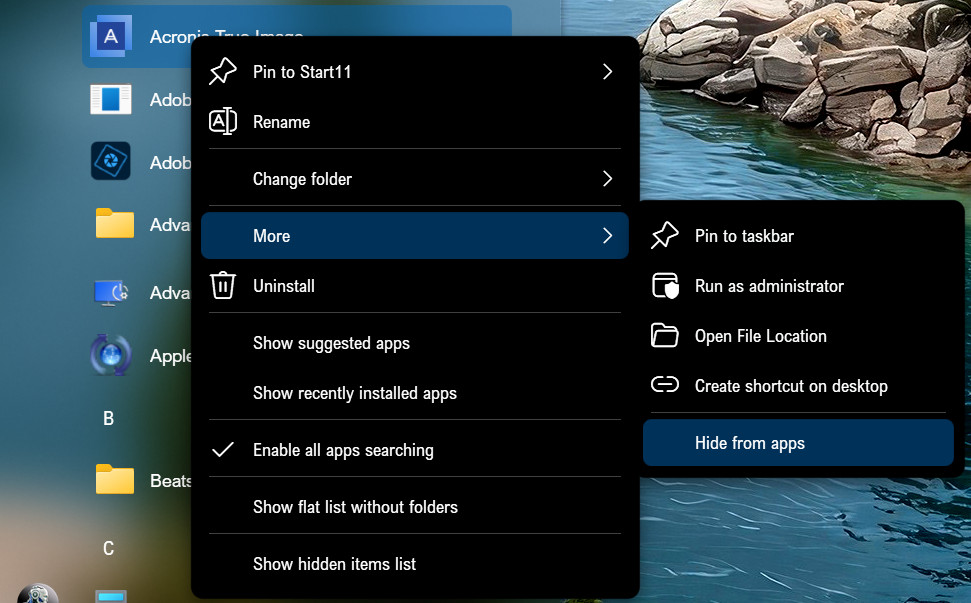
Start11 V2.1: Is there a way to hide selected start menu app and folder?
from  Stardock Forums
Stardock Forums
I'm curious if any individual app or folder in the all progra, list could be set to hidden.
For instance could 'Amazon Photos' be hidden by Start11 V2? Making it possible to reset the app to 'show' at some later time.
The alternative would seem to be using delete which has some negative aspects.
 WinCustomize Forums