Start11: Desktop Icons issue
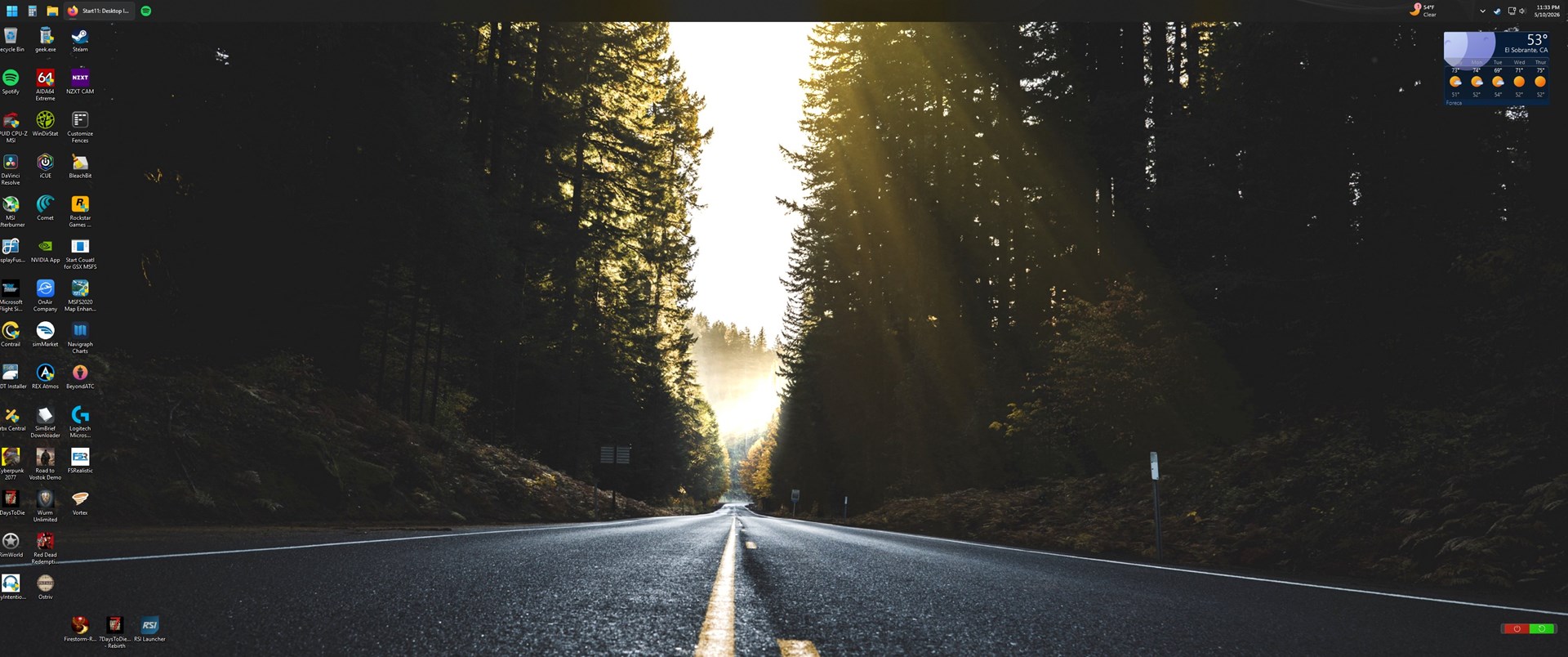
I run the taskbar/start menu on the top.
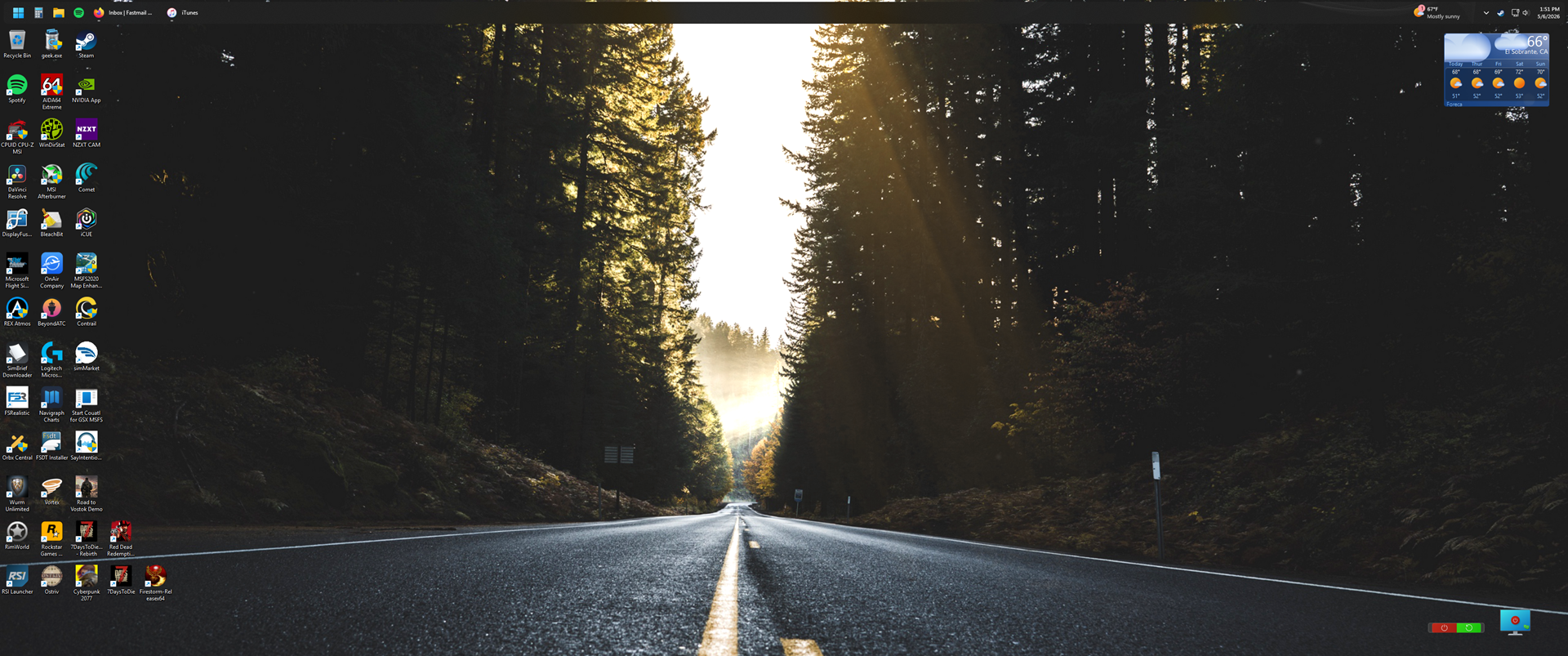
Sine I upgraded to Star11 2.7, I can no longer place desktop icons on the very bottom of my desktop, has I have been doing for years past.
Windows 11 25H2
Any ideas or a bug?
I run the taskbar/start menu on the top.
Sine I upgraded to Star11 2.7, I can no longer place desktop icons on the very bottom of my desktop, has I have been doing for years past.
Windows 11 25H2
Any ideas or a bug?
Hello,
I have forwarded your problem/question to Stardock Support Team for their assistance. Please keep an eye on this thread for any updates. We appreciate your feedback and patience. Thank you.
Basj,
Stardock Community Assistant
Hi Jaime510,
Thanks for posting.
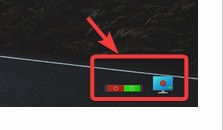
I tested as far back as Start11 version 2.5.3.1 to see if there was any difference in the behavior and didn't notice any. Same as the current one, I did see a very small area at the bottom of the desktop where I couldn't move an icon:

We'll have it logged for review.
Internal Ref: ODNT-12341
Best regards,
Adam McGuinness
Stardock Support Specialist

As you can see, I can't place any icons on the lowest part of the desktop. The current icons are the lowest it allows me to place.
Hello,
I am curious, what icons/overlay are those? Can it be move or disable temporarily and see if the desktop bottom icons gap lessen.

Thank you,
Basj,
Stardock Community Assistant
Those icons are from "GadgerPack" Shortcuts to power off/restart PC.
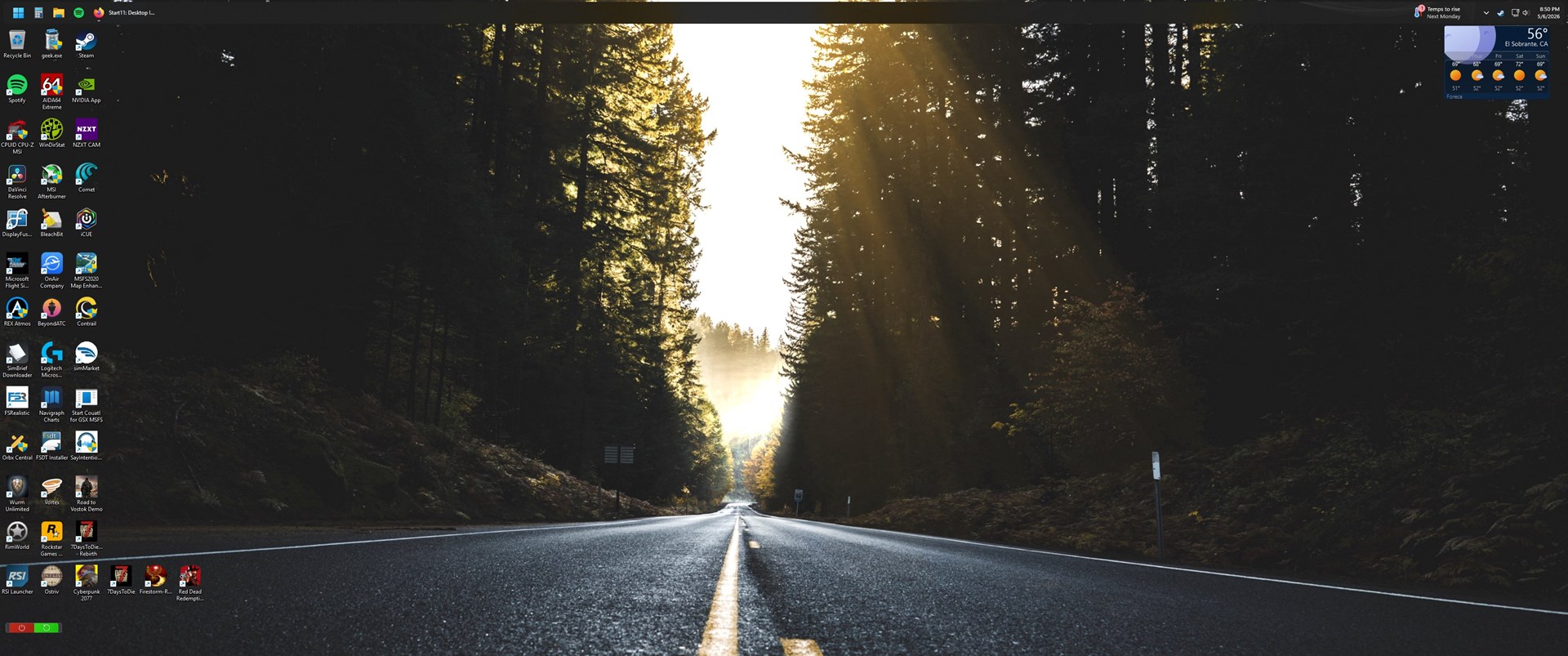
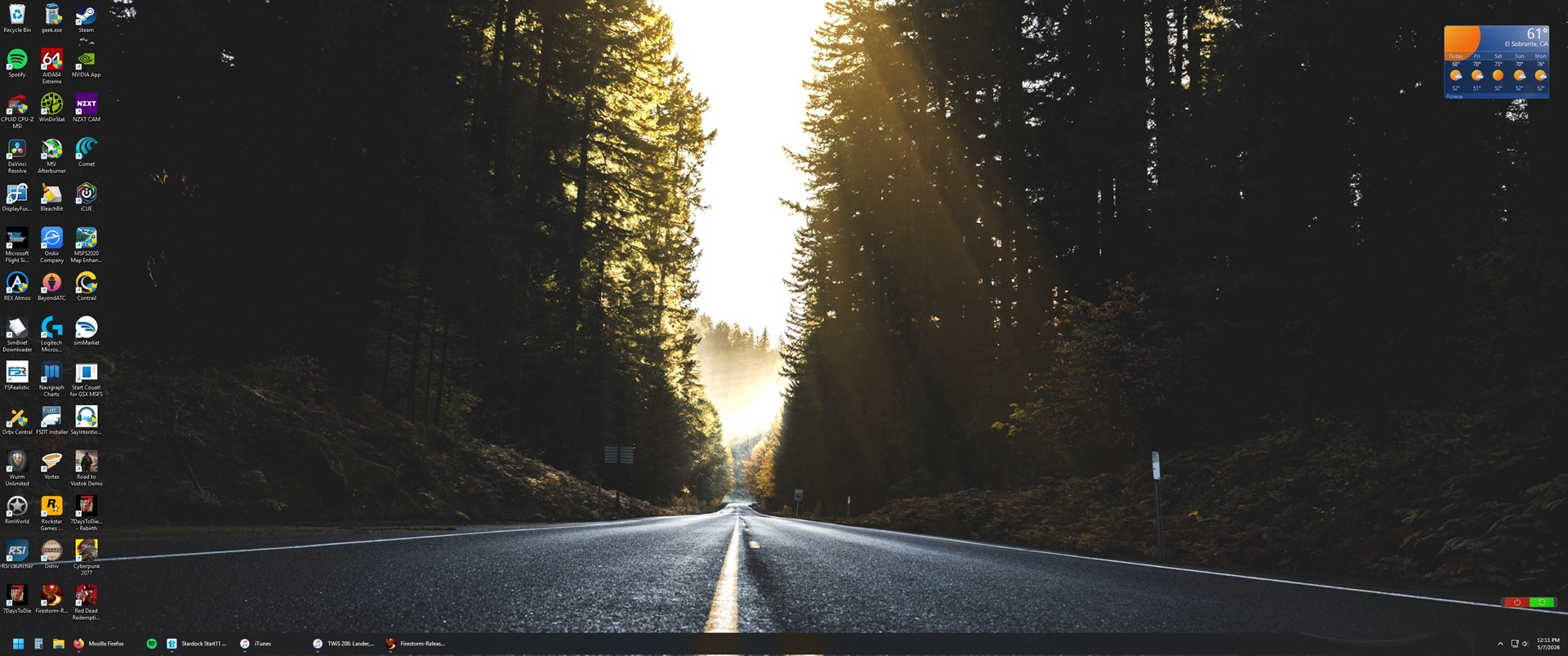
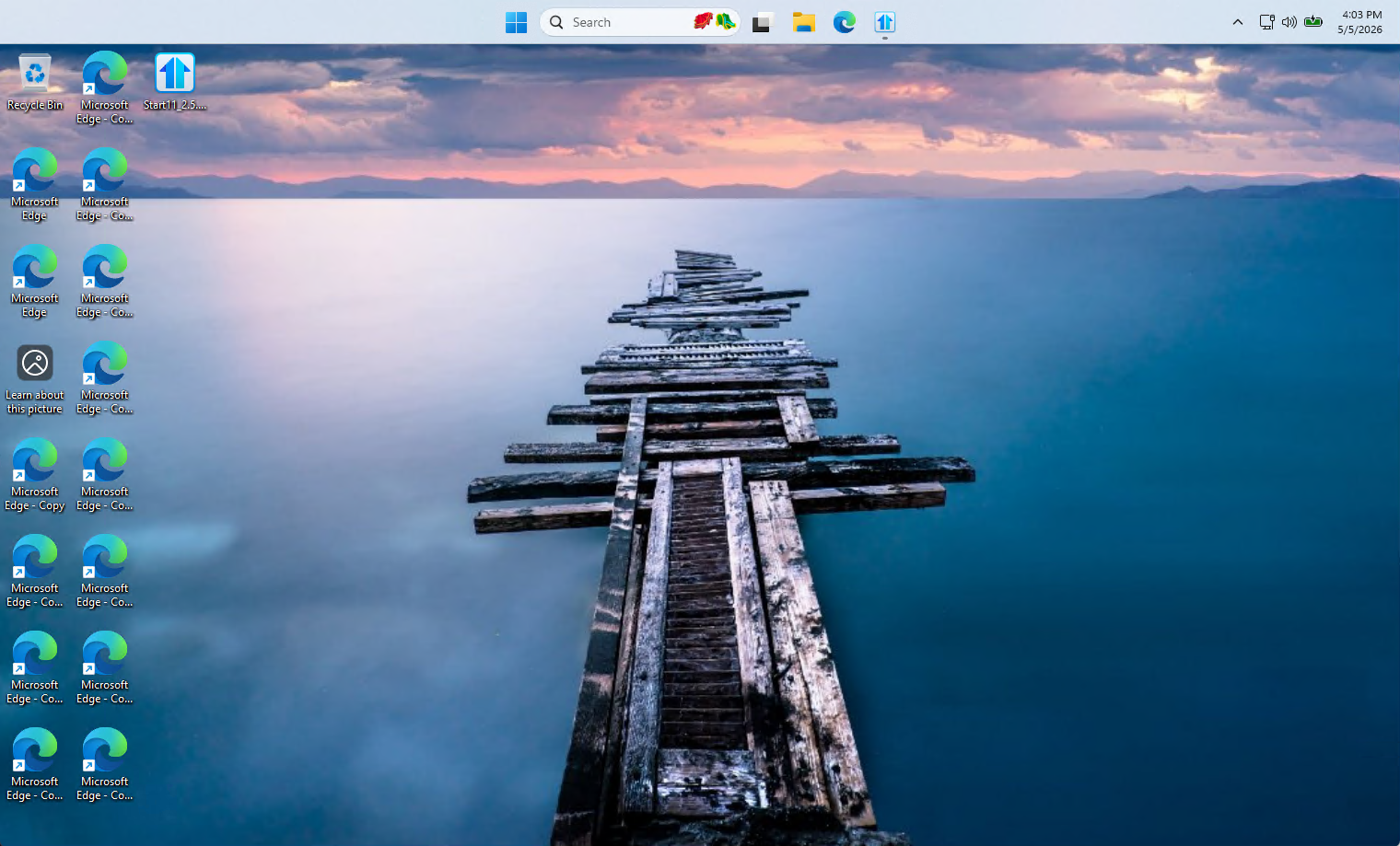
I'll attach two screens. One showing me putting one of those gadgets where I can't place any icons. And the other showing, when I place the start menu/taskbar on the bottom, all the desktop icons fit and behave properly.


Just as a test, please try disable that power off/restart PC and see if the issue still there. What I was thinking, perhaps that overlays is causing the icons not able to locate itself at the bottom area.
Thank you,
Basj,
Stardock Community Assistant
Closed and removed all gadgets from my desktop. Restarted PC and still no go.
For now, I'll use the trial of Fences. That seems to be the only solution. I've used Fences on my old PC on Windows 10 and liked it.
Just curious. If you change the size of the icons, larger or smaller using Ctrl+scroll, do the icons move further down on the screen?

Thats sort of works. I get some odd behavor when trying to drag incons around. Example, trying to drag an icon to the very lower left, it 'pops' over to the right, but seems to be landing on the lower row.
Didn't mean to make this to complex. Its not really that big of deal. But it was something to do with the most recent update. Anyways, I can use Fences and be happy with that.
Thanks for the help/looking to it.
Welcome Guest! Please take the time to register with us.