Groupy 2.31 breaks Modern Scroll extension buttons in Chrome / Edge
Confirmed compatibility issue: Modern Scroll works when Chrome/Edge are excluded from Groupy
https://github.com/Christoph142/modern-scroll/issues/237 Stardock Forums
Hello Stardock / Groupy team,
I would like to report a compatibility issue between Groupy 2.31 and the Chromium browser extension “Modern Scroll”.
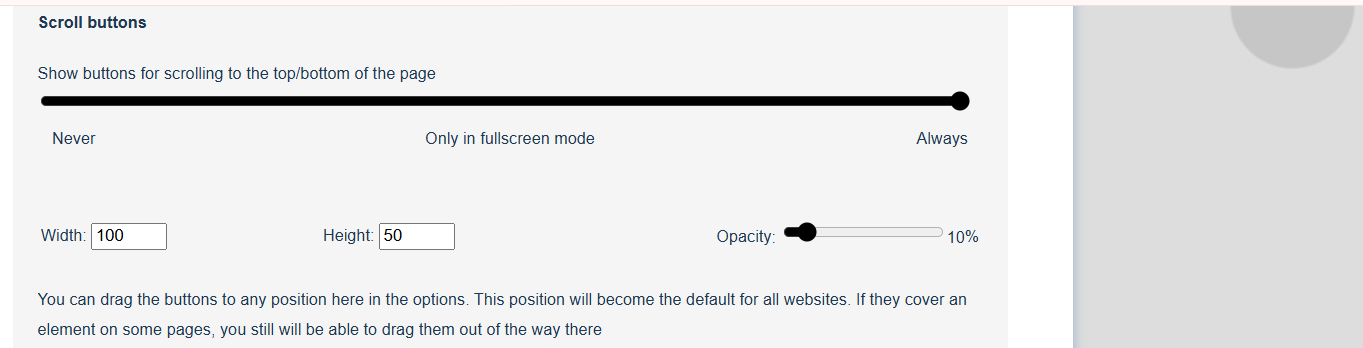
Modern Scroll adds custom scrollbars and scroll buttons to Chrome browser [147.0.7727.138 (Official Build) (64-bit)]
It happens as well in Edge browser so it is a Chromium issue.
When Chrome is managed by Groupy 2, the Modern Scroll scroll buttons stop functioning correctly.
I first reported this to the Modern Scroll developer because I initially thought it was a Modern Scroll issue.
That report includes screenshots of the behaviour: https://github.com/Christoph142/modern-scroll/issues/237
The Modern Scroll issue was closed.
After further testing, I can now confirm that the problem appears to be caused by Groupy 2.
Confirmed behaviour
When Groupy 2 is enabled for Chrome:
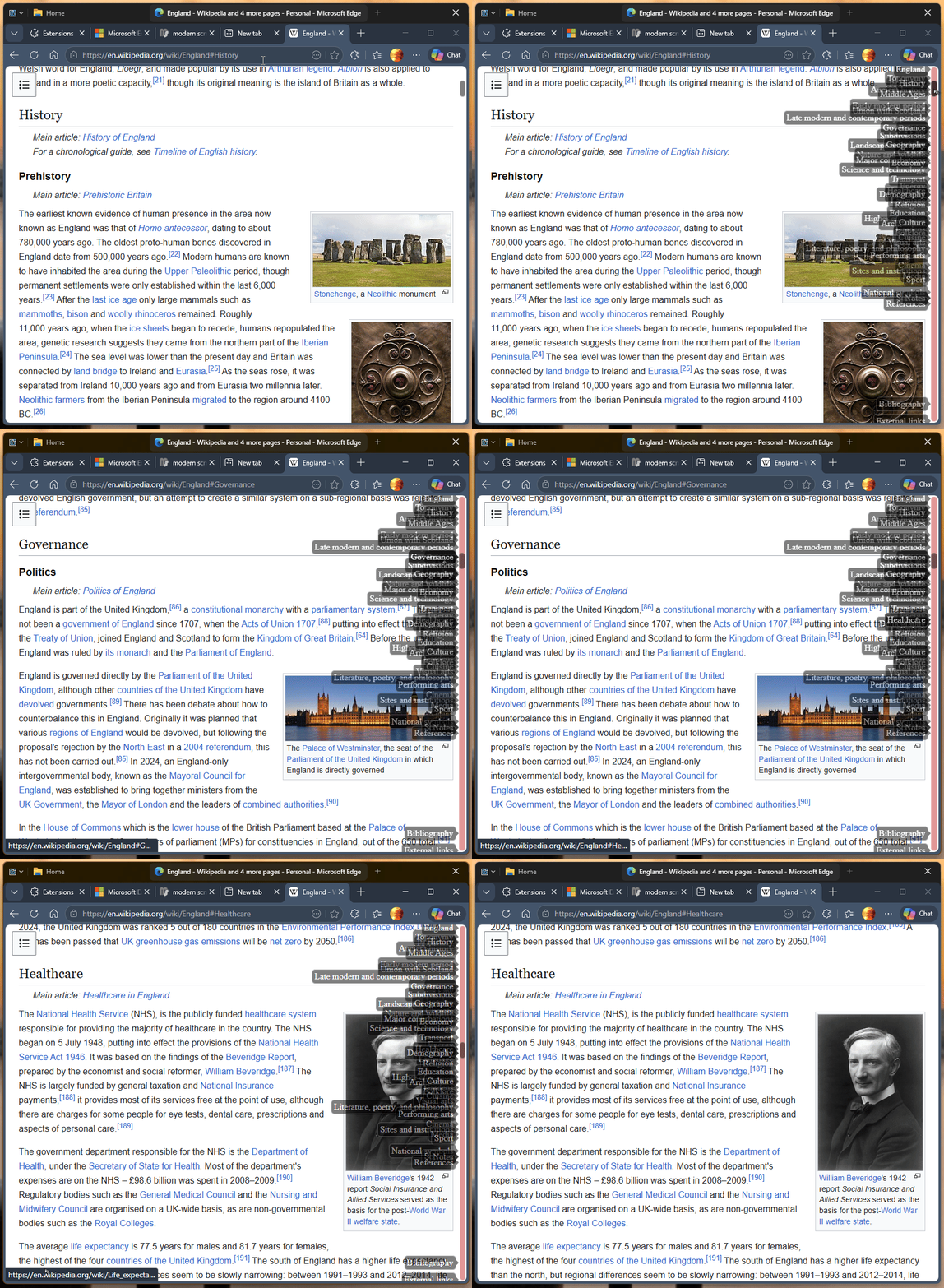
* Modern Scroll’s scroll buttons are visible.
* The buttons react visually when clicked.
* However, the webpage itself does not scroll.
For example, on a long webpage such as a Wikipedia article:
* clicking the top scroll button can briefly light up the greyed-out bottom button;
* clicking the bottom scroll button can briefly light up the greyed-out top button;
* this reaction can happen in sync with the click frequency;
* but the page does not move.
This happens in both Google Chrome and Microsoft Edge.
Important confirmation
When Groupy 2 is disabled, Modern Scroll works normally again.
When Chrome and/or Microsoft Edge are excluded from Groupy 2, Modern Scroll also works normally again.
So the issue appears specifically connected to Groupy 2 interacting with Chrome / Edge windows.
Environment
* Windows 11 Home 24H2
* Groupy version: 2.31
* Google Chrome: Version 147.0.7727.138 (Official Build) (64-bit)
* Microsoft Edge: Version 137.0.3296.52, 64-bit (not tested recently)
* Modern Scroll in Chrome: 4.3.1
* Modern Scroll in Edge: 4.3.0
Steps to reproduce
1. Run Groupy 2.31 on Windows 11.
2. Allow Groupy 2 to manage Chrome or Microsoft Edge.
3. Enable the Modern Scroll extension.
4. Open a long webpage, such as a long Wikipedia article.
5. Click the Modern Scroll top/bottom scroll buttons.
6. Observe that the buttons visually react, but the webpage does not scroll.
7. Disable Groupy 2, or exclude Chrome / Edge from Groupy 2.
8. Observe that Modern Scroll works normally again.
Expected result
Clicking the Modern Scroll buttons should scroll the webpage up or down.
Actual result
The Modern Scroll buttons react visually, but the webpage does not move when Chrome / Edge is managed by Groupy 2.
Possible cause
My non-technical guess is that Groupy 2 may be intercepting, wrapping, or altering something in the browser window or input handling, which prevents Modern Scroll’s button-click scroll action from reaching the page correctly.
Could Stardock please investigate whether Groupy 2.31 can interfere with Chromium browser extensions that create custom scroll UI elements?
It would be helpful to know whether there is:
* a Groupy setting that can avoid this issue;
* an exclusion rule or workaround for Chrome / Edge;
* or a possible bug fix in a future Groupy 2 update.
Thank you.