Hello and thanks for posting,
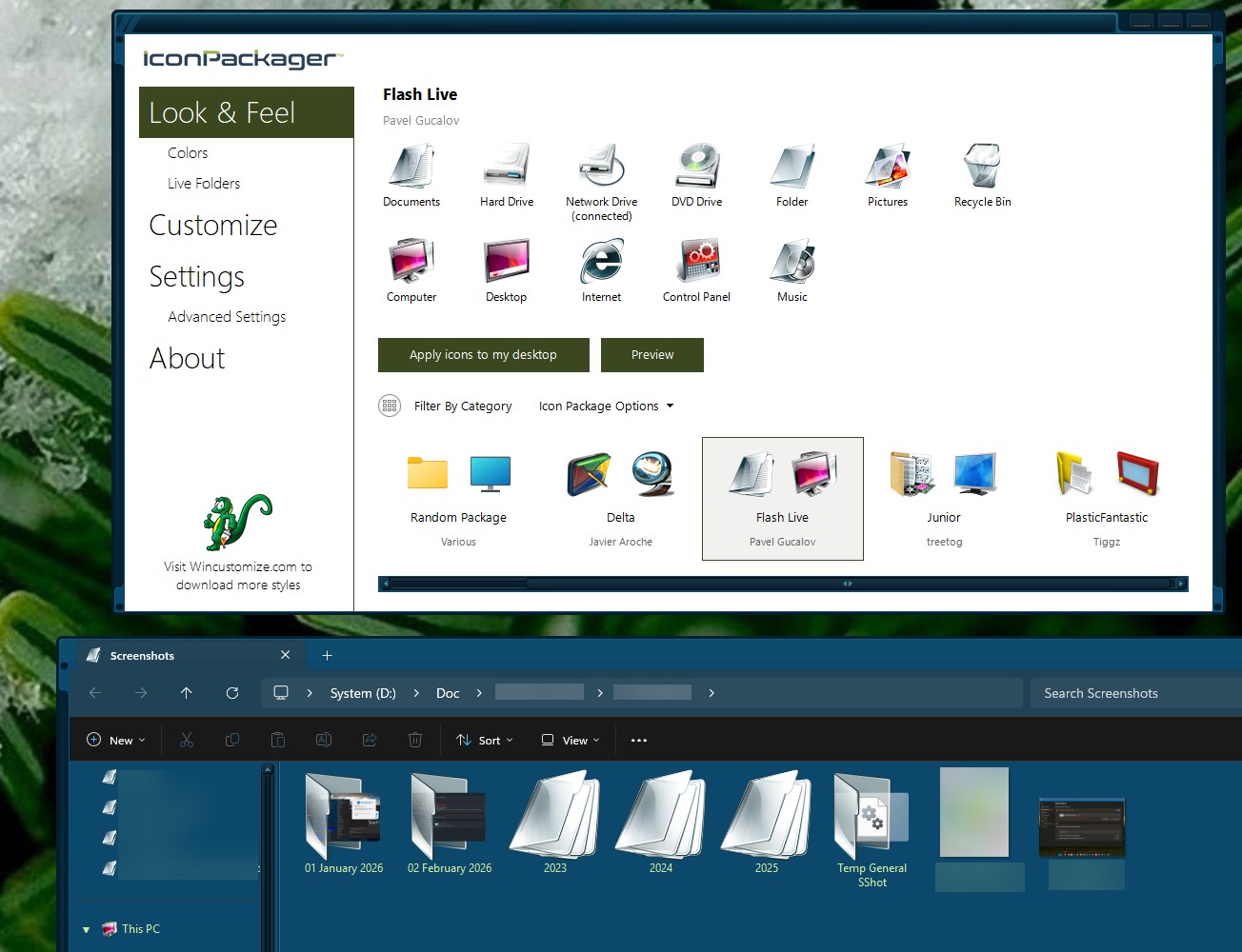
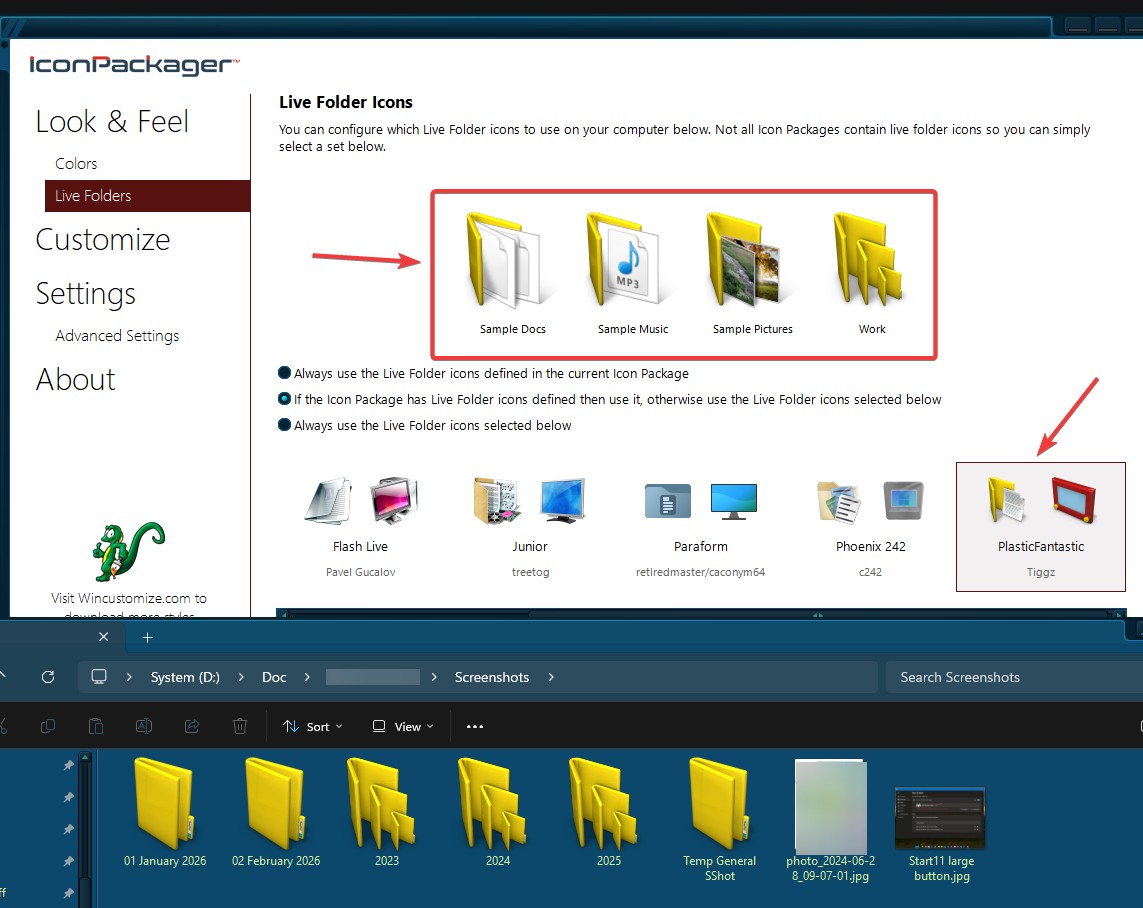
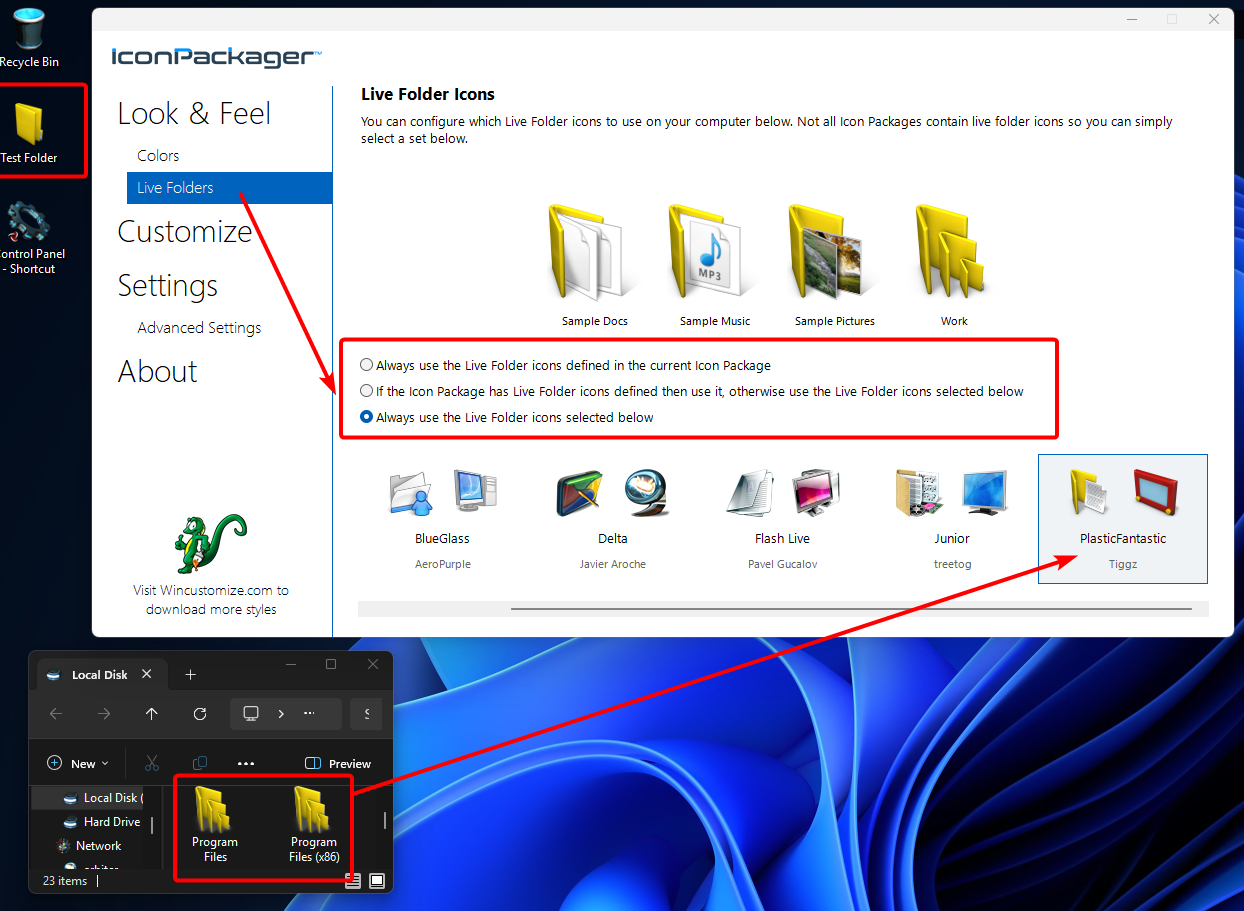
From basj's image, I am seeing the "PlasticFantastic" Folder icons in File Explorer as intended, no? If I'm missing something there, please let me know how it should look or clarify where exactly I should be looking.
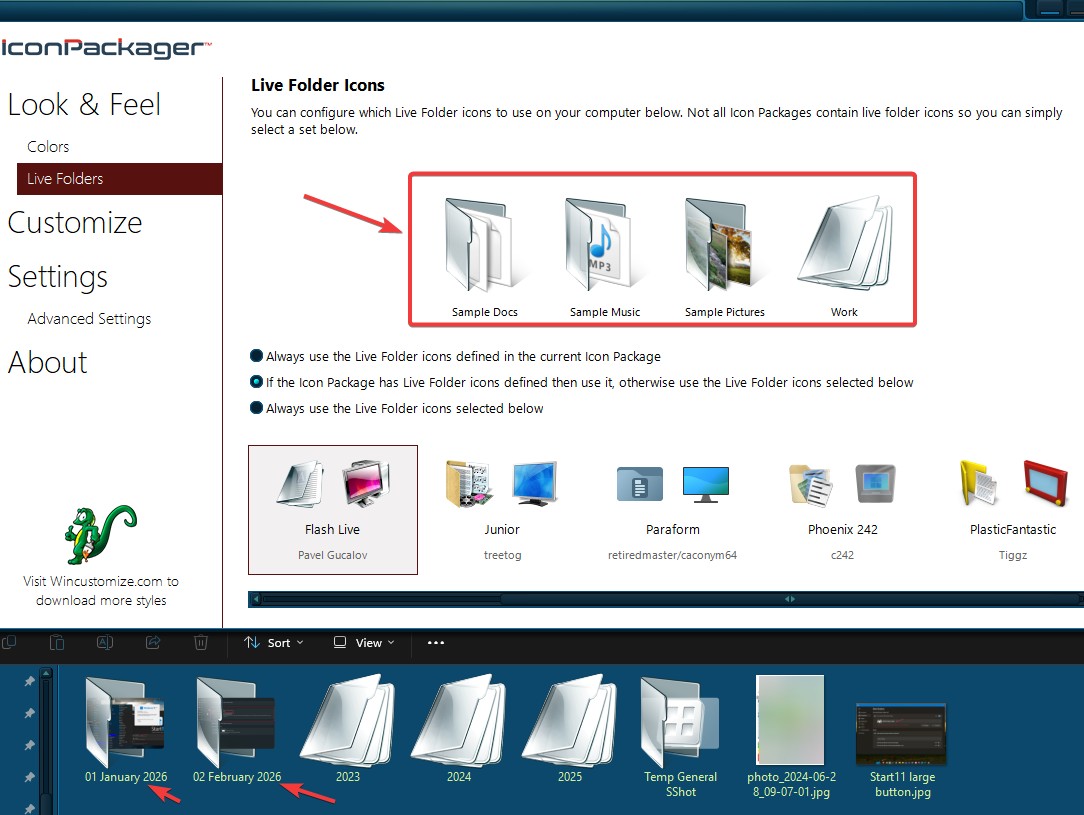
In my own testing of this, I did notice the "Live Folders" you pick only apply depending on which of these three radio menu options is set:

In the above picture, note that I have "Always use the Live Folder icons selected below" selected. If either of the other options here is selected, the package applied from the "Look & Feel" tab will overrule any "Live Folders" package when you apply it.
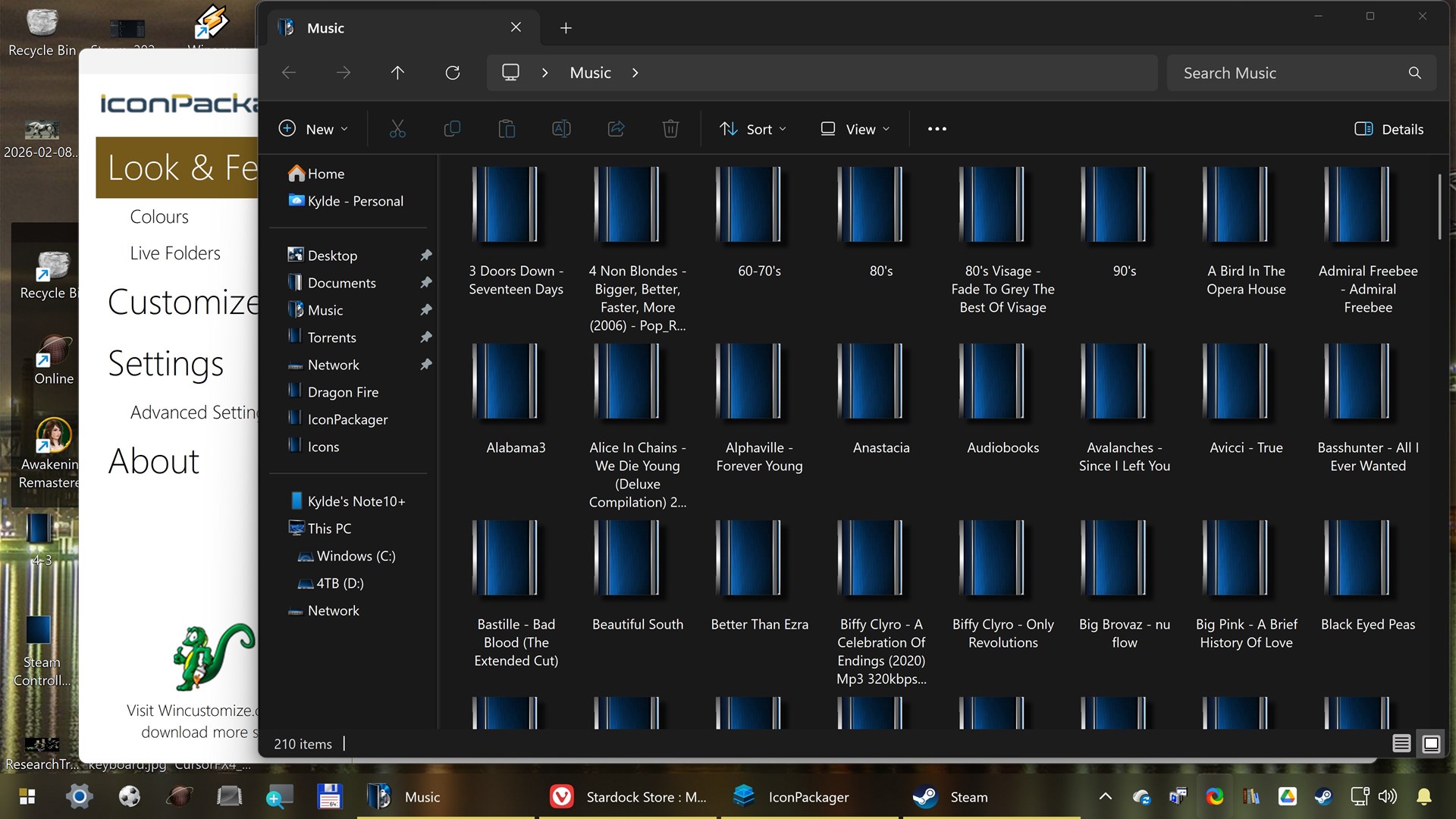
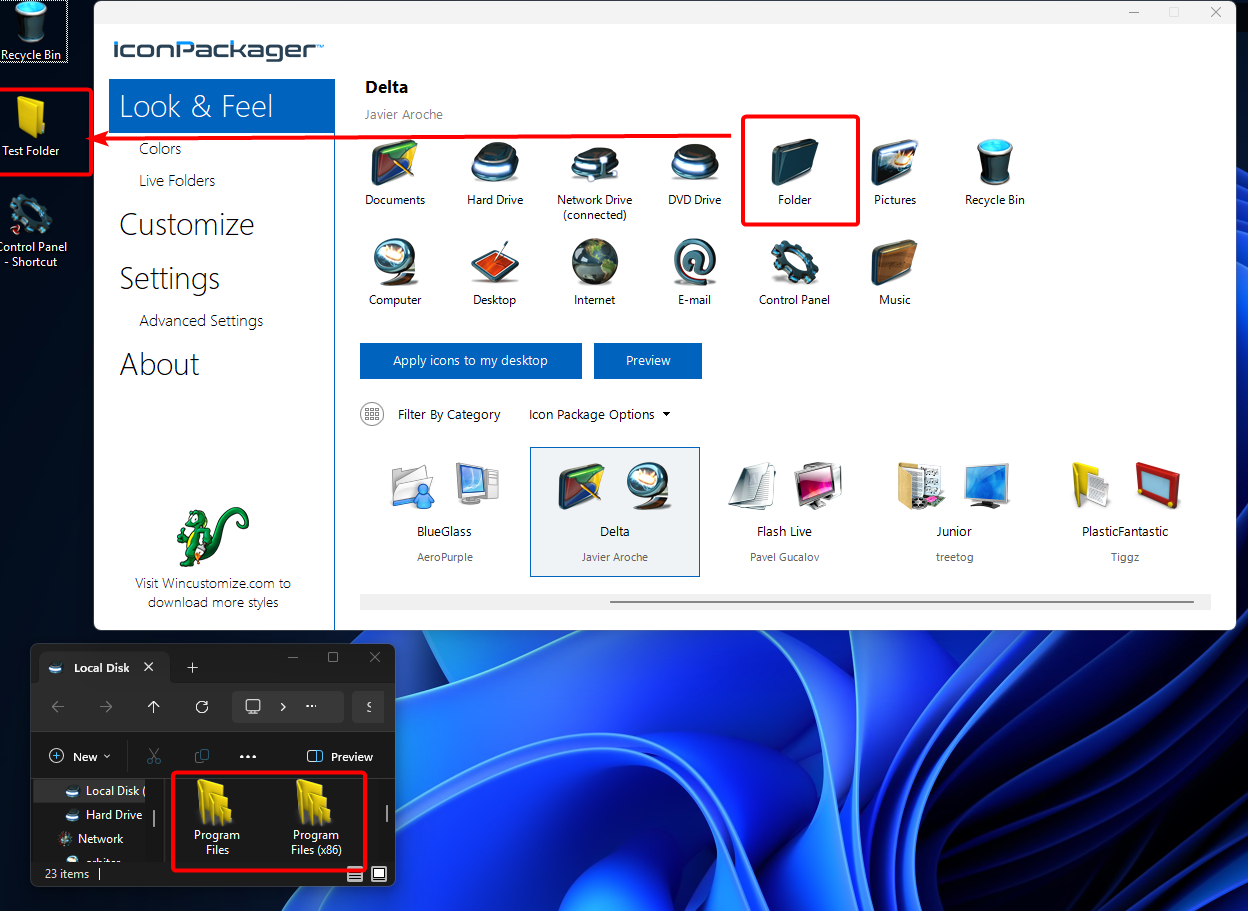
You can see in my next image, that when I "Apply icons to my desktop," the PlasticFantastic Folder icon remains as intended, despite the fact that I applied the "Delta" package:

If you're still having trouble, please try as I have above. If you're still having trouble, perhaps try clicking "Apply icons to my desktop" a second time.
Please let me know if this helps or if an issue remains.
Best regards,
Adam McGuinness
Stardock Support Specialist