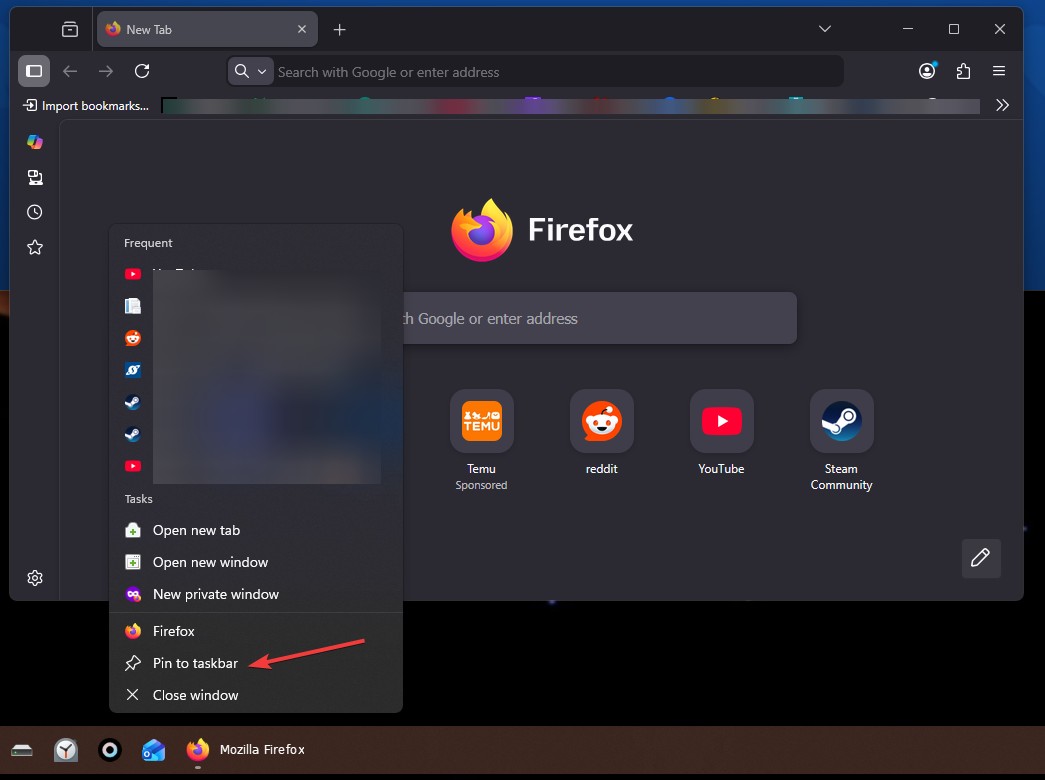
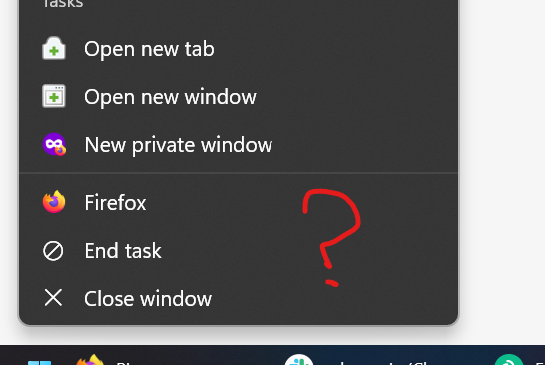
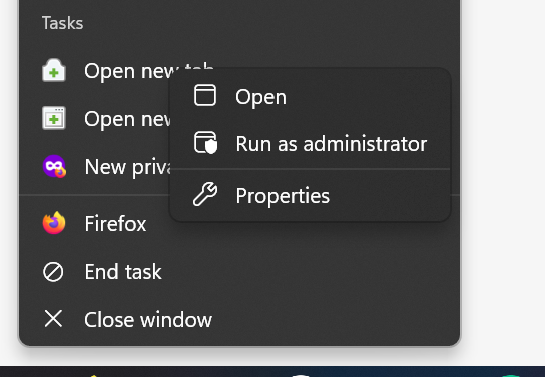
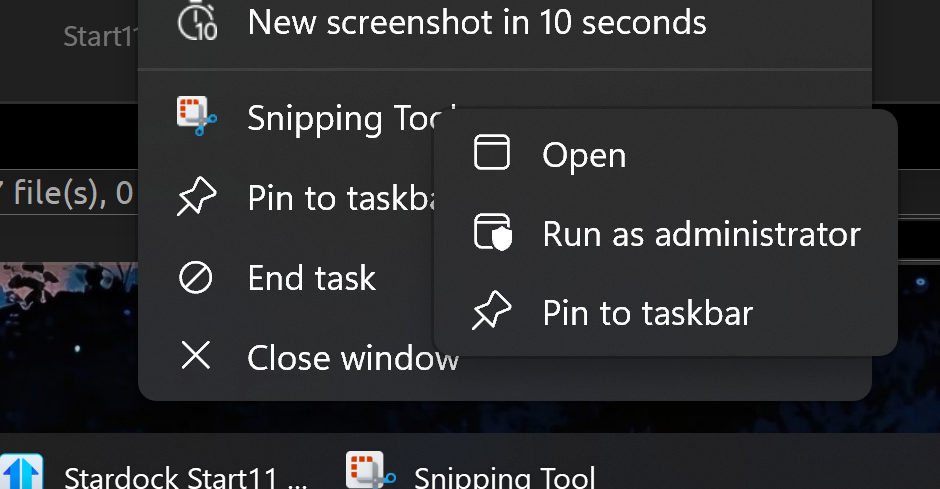
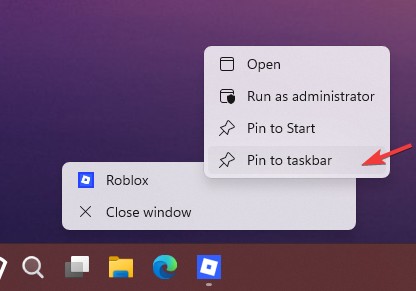
I got it working once, I guess, and I don't know how anymore. I followed your instructions today again, and what comes up is a contextmenu with:
- Open
- Run as Administrator
- Properties
But not "Pin to Start" or "Pin to Taskbar" like in your screenshot. How do I get them as well?
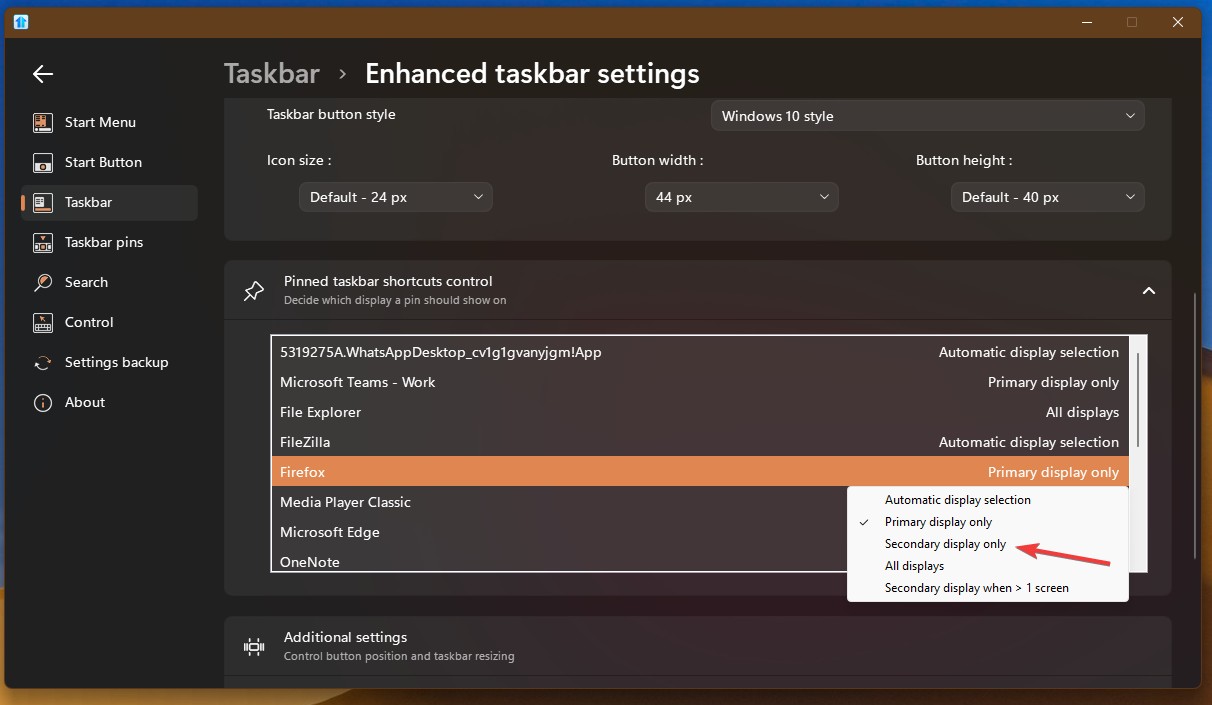
Some applications do show these two options. But for example Firefox does not. Even though I did manage to pin it using your instructions, I can now no longer pin or unpin it from that menu. Same for GitKraken. Same for Outlook. Same for Slack. Same for VSCodium.
But for example Windows Terminal and Teams do have the two pin options. So it's not completely broken. Just broken for most applications (that I use). Even the Start11 config application itself doesn't show the two pin options.
I have already upgraded to 2.71, to be clear.

 Stardock Forums

 Stardock.net Forums