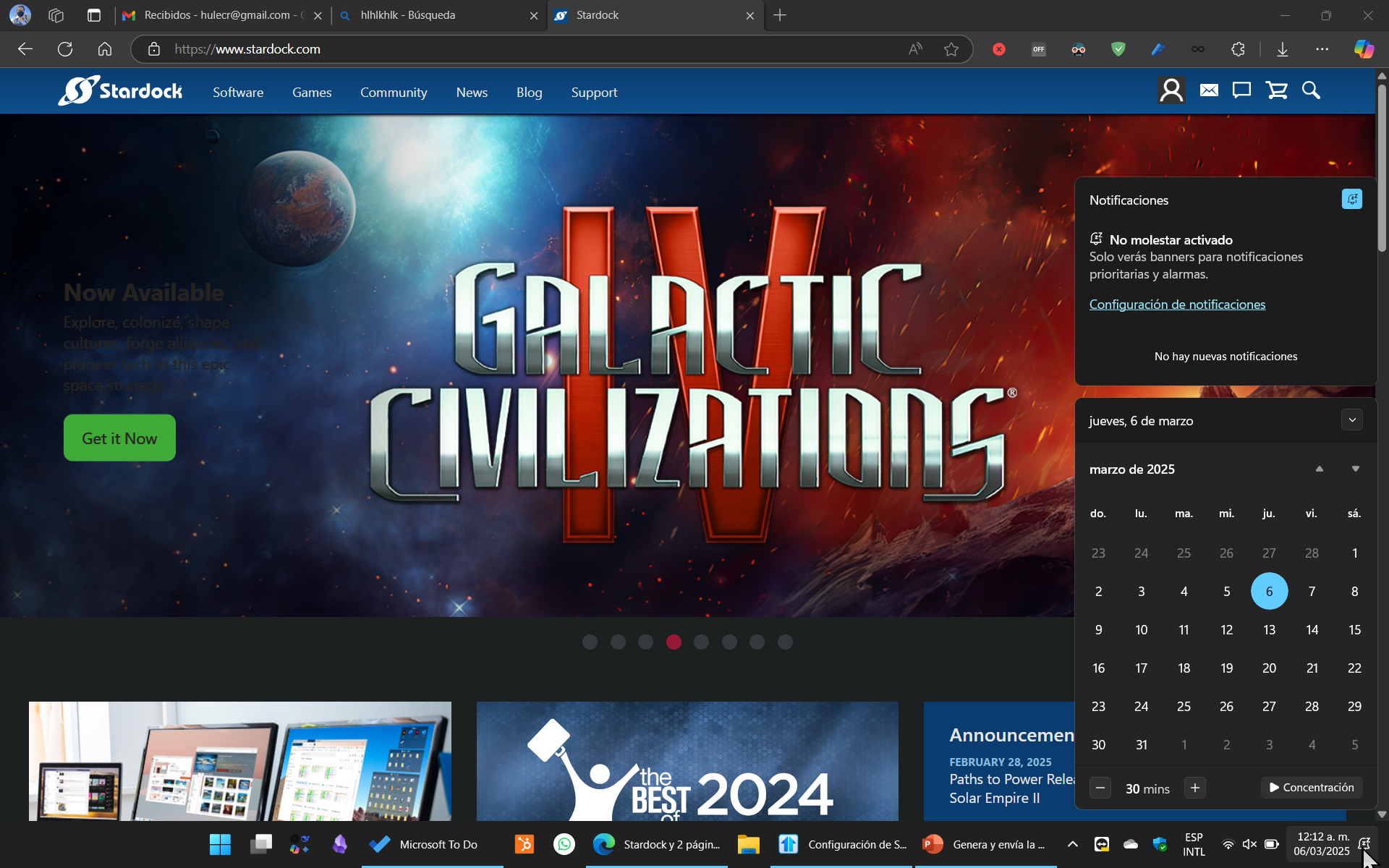
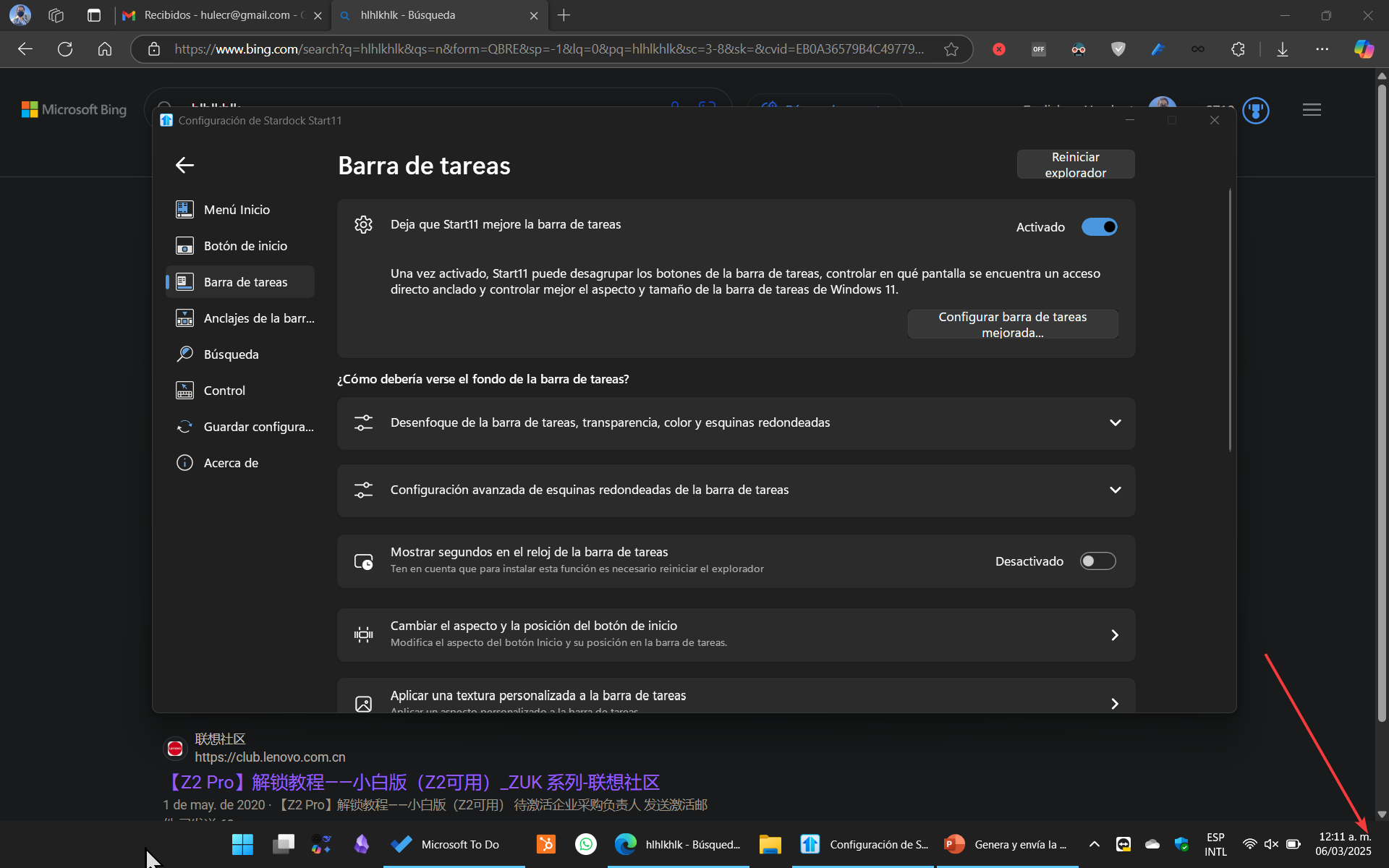
No notification icon

Hi. How can I get the notification icon to show? I can only see it when I have notifications silenced and haven't found a way to enable it. Thanks.


Window 11 24H2. Start 11 2.51
 

842 views 5 replies
Reply #1 Top

Hello,
Sorry to hear you are having issues. But, from what I know, you can excess your notification bar by just licking on the clock/date area. Hence there is no need of Notification icon to open up notification area. I believe this is introduced in Windows 11.

Thank you.
Basj,
Stardock Community Assistant.

Reply #2 Top

If I deactivate Start11 I do have the notification icon. And it changes when I have pending notifications so I can know if I have one while I was away. 

Reply #3 Top

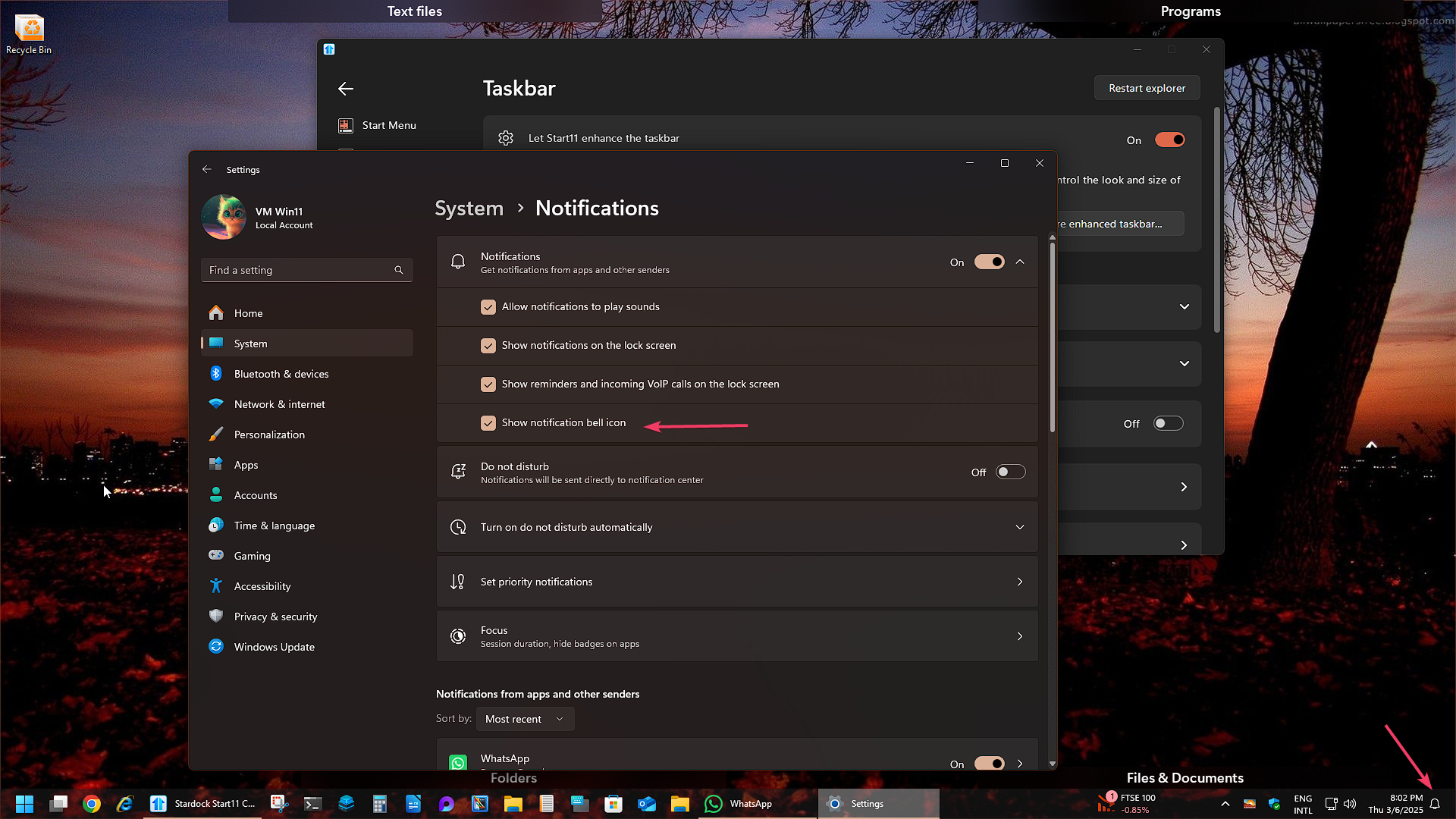
After looking into it more. I have one question, do you have this Windows setting turn on?

Thank you,

Basj,
Stardock Community Assistant

Reply #4 Top

Start11 should be having no impact on that particular indicator

Reply #5 Top

Hi.


I did have it enabled, when I disabled improved taskbar it was there. But weirdly (this must be indeed a bug), with improved taskbar enabled, I went and the setting was disabled (even though it was enabled beforte and could see the notification icon). I just had to reenable it.


Thanks.