
The position of the tasbar on the second display is always fixed at the top in Start11 v2.
from  Stardock Forums
Stardock Forums
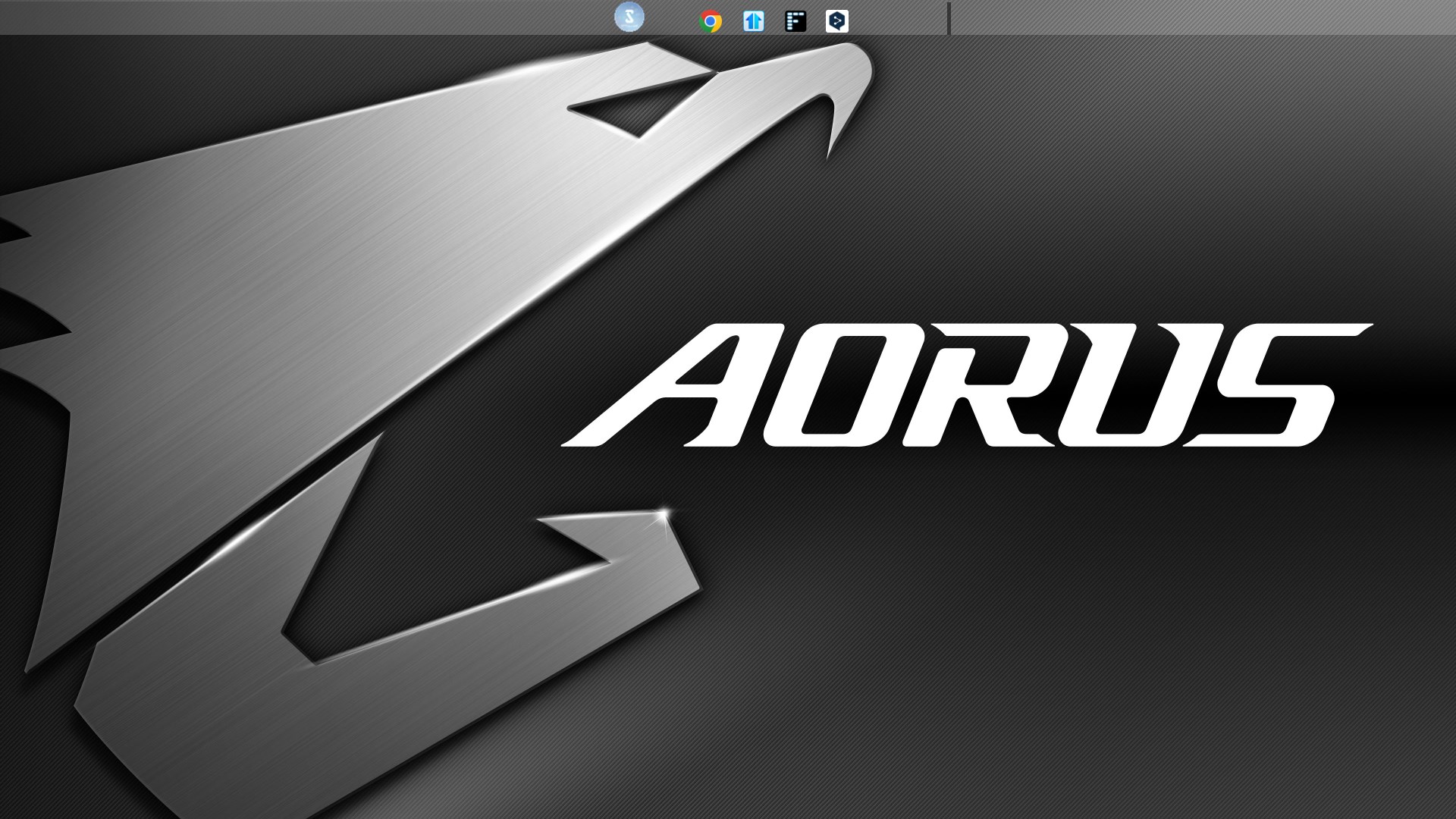
The position of the taskbar on the second display is not reflected even if it is changed in the settings, and is fixed at the top.
The taskbar fixed at the top of the second display seems to be displayed to hide the taskbar of the main display, and when the cursor is placed on top, the taskbar of the main display is displayed, and it does not function as the taskbar of the second display.
In the settings, the taskbar is placed at the bottom of the secondary monitor.
Below is an image of the secondary monitor.
For your reference, the current versions of Windows and Stardock products are as follows:
OS: Windows 11 Pro Version 23H2 (OS build 22635.3286)
Start11v2: 2.06