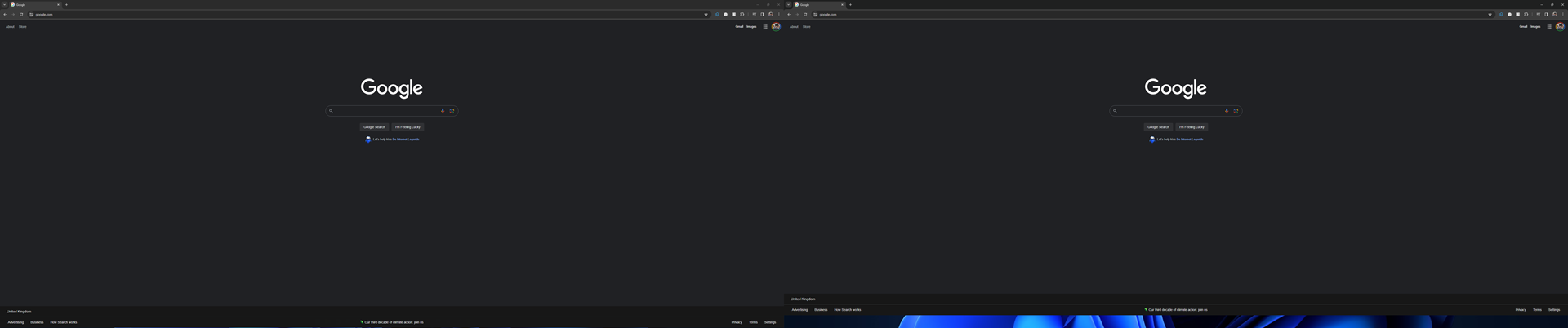
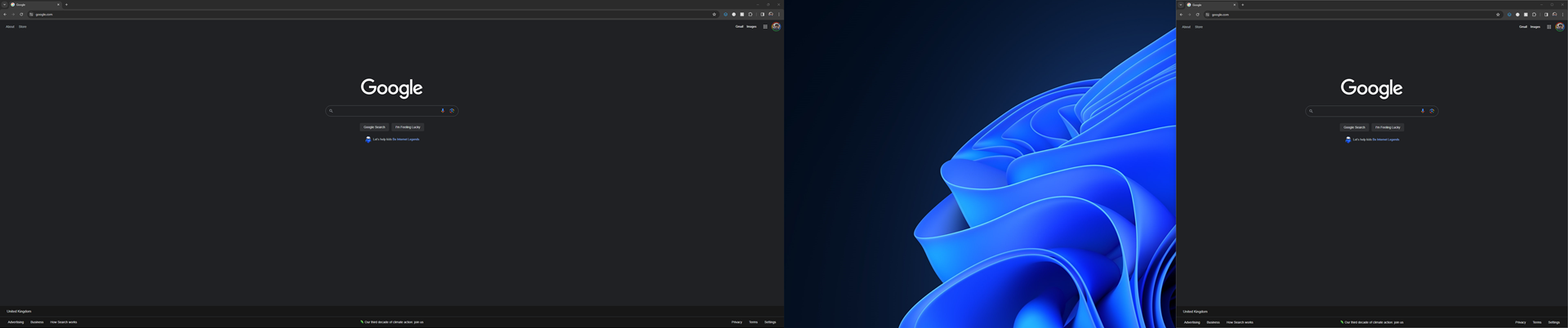
Autohide Issue - Gaps at Bottom of Screen, One Pixel Height for Primary Monitor, Entire Taskbar Height for Secondary Monitor
 Stardock Forums
I've noticed when I only have one monitor connected or even two, the primary or only display constantly has a one-pixel-tall gap between the bottom of the window when maximised and the bottom of the screen when the task bar is set to autohide (autohide disabled on Windows 11 but enabled through Start 11 v2).
When a second monitor is connected, the height differential between the bottom of a maximised window and the bottom of the screen is the entire taskbar height.
This gap is persistent when snapping windows left and right on the secondary monitor, as well as setting the window to fullscreen.
I honestly don't expect a paid upgrade to a software within the same OS generation to have this many issues, as these are fairly simple asks from a customer that the autohide works and you can use it without it causing a distracting and unsightly gap on both the primary and secondary monitor.