Taskbar Alignment for Start11

Windows 11

G'day,

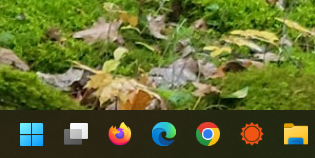
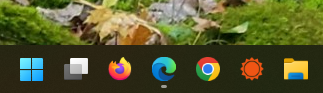
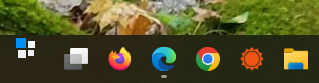
I have 6 copies of this Start11 software and have been using it on all my PCs and laptops since version 8. I have a current problem on only one laptop (HP Envy 360) (see grab below) and also not on my other HP laptop, or several PCs running Windows 11. All machines use the same Start11 setup parameters. I believe I have tried everything possible on the HP Envy and so far the only way I can solve this problem is to turn of "Let Start11 enhance Taskbar" and then turn it back on, every time I do a power up. This is so frustrating that I uninstalled Start11 on that laptop and waited for several Start11 updates until trying it again today. Sadly the problem continues.

Does anybody have any ideas as there seems to be no support that I can find for non commercial end users?

Thank you in advance,

Jan

2,967 views 11 replies
Reply #1 Top

Hello,
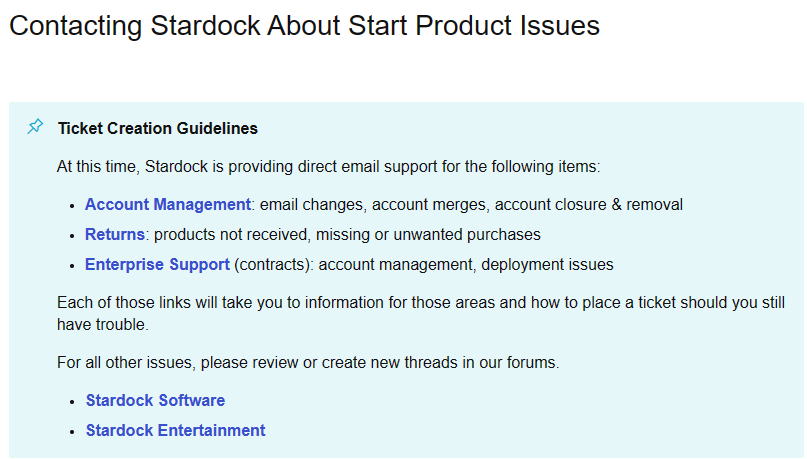
Sorry to hear you are having issues. Need more information on your system: Refer here: https://support.stardock.com/space/SHC/1387003915/Contacting+Stardock+About+Start+Product+Issues.

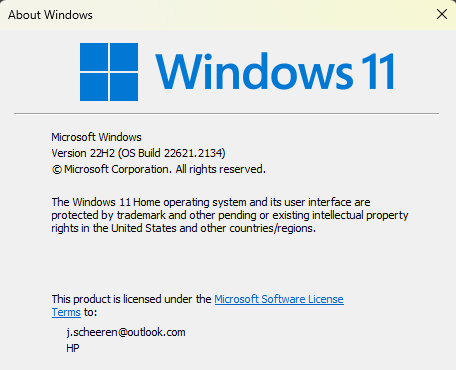
  1. Windows full version numbers. Use Winver.exe.
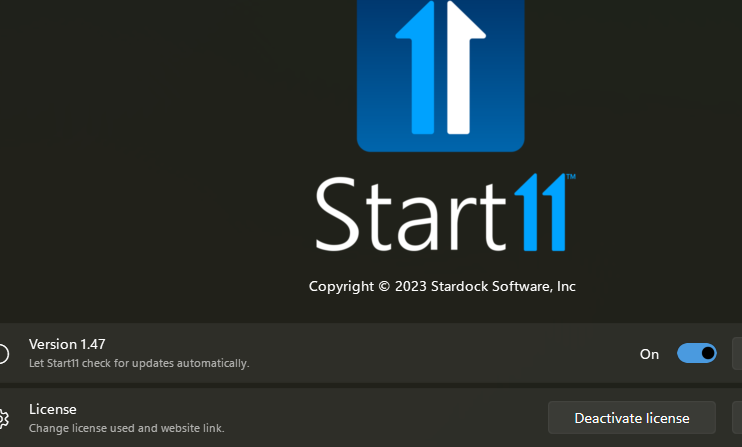
  2. Start11 version numbers.

Thanks
Basj,
Stardock Community Assistant.

Reply #2 Top

Thanks Basj,

I tried your link but ended up where I have been earlier. Reading this, it appears to me at least, that support is not enabled for end users (i.e. not commercial customers)

Jan


Reply #3 Top

Hello,
I think you misunderstood those words. Those are for ticket creation. For forum post, which more on technical issues, you don't need to create a ticket for it. We will support it here, in the forum. I linked you to that page, to show you what we need from you on your system. Just report back with those two items I asked in my 1st reply should get the ball rolling again.

Thanks
Basj,
Stardock Community Assistant.

Reply #5 Top

First, try this, update you Windows 11 to latest release. Mine is currently on OS Build 22621.2215. See if that help. If not, try these. Uninstall Start11, reboot immediately after it finished uninstalled (important). Re-download the latest Start11 from your product page: https://store.stardock.com/myaccount/products. Install it. Reboot immediately again after installation finish. Retest it and report back.

Thank you,

Basj,
Stardock Community Assistant

Reply #6 Top

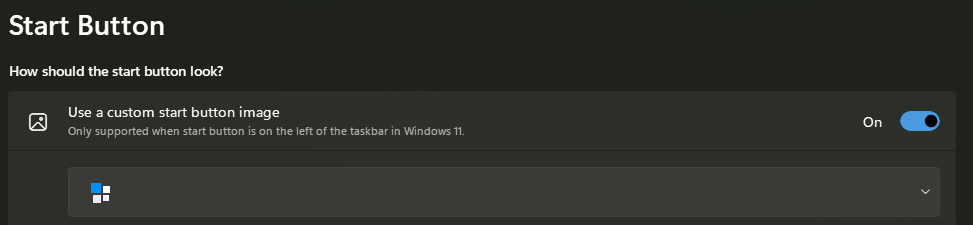
Thank you Basj, I did all of that but problem persists. Here are a couple of examples:

With:

I get this

With:

I get this:

With: 

and this

I get this:

But, with this:

I get this:

Reply #7 Top

Is the system on touch capable system?

Thank you,

Basj,
Stardock Community Assistant


Reply #8 Top

Basj,

Yes, the laptop has a touch screen, but I am on an external monitor and with the lid closed.

Reply #9 Top

I also went to Device Manager/HID and disabled the Touch Screen, but this made no difference.

Reply #10 Top

I remember some reports about touch capable system and Start11 taskbar issue. I have forwarded your problem/question to Stardock Support Team for their assistance. Please keep an eye on this thread for any updates. We appreciate your feedback and patience.

Basj,
Stardock Community Assistant

Reply #11 Top

Can you turn off tablet mode in Windows and see if that corrects things?

  • Go to Settings > Personalization > Taskbar. 
  • Expand the Taskbar behaviors section, then uncheck the box for "optimize taskbar for touch interactions when this device is used as a tablet

Paul Scroggins
Associate Technical Support Analyst