Some icons are smaller than others after reinstalling Windows 11

I just reinstalled my Windows 11 Pro 22H2 (Build 22621.963). After installing Start11 1.36 and arranging all of my icons, it looks like some icons are smaller than others.

Before reinstalling Windows 11 I already used Start11 1.36 and the icons looked good.

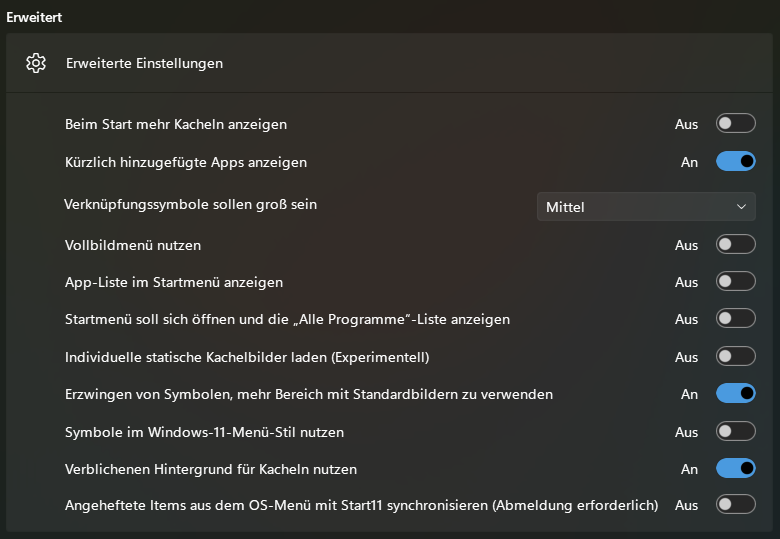
These are my settings.
I already tried removing Start11 and all of its settings. But after reinstalling and arranging icons again, the problem still exists. 🤔

What could be the problem here? What can I do?

4,698 views 5 replies
Reply #1 Top

Are you using any software to create custom tile images?

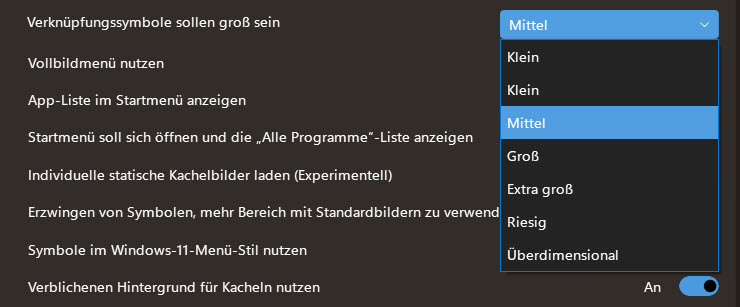
I pinned Microsoft Edge to the Start11 menu with the "Shortcut icons should be sized" set to medium as you have it set, and this is what I get. As you can see, it is much smaller than it appears on your screenshot.

Reply #2 Top

If an icon gains a small grey box around it this means the OS has upscaled a lower resolution icon to get a larger size.

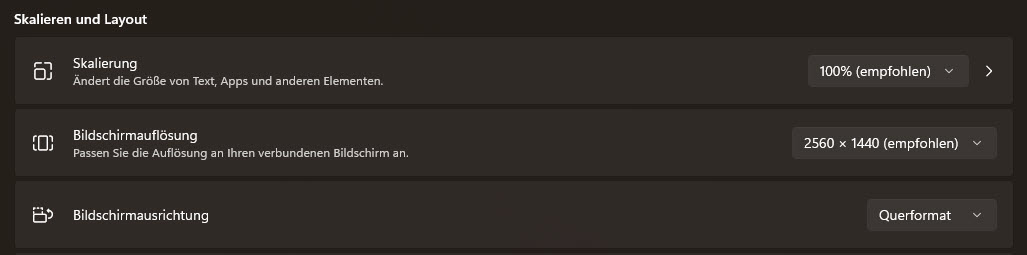
Are you using the same OS scaling factor as you were before?

Reply #3 Top

Quoting pelaird, reply 1

Are you using any software to create custom tile images?
End of pelaird's quote

No.

When I pinned the Edge icon for the first time, it looked like yours. Then I played a bit with the settings and switched back to medium and it looked as it looks now and as it looked in my former Windows 11 installation.

Quoting Neil, reply 2

Are you using the same OS scaling factor as you were before?
End of Neil's quote

Yes.

Reply #4 Top

I just removed the icons from Start11. After that I created shortcuts on my desktop for these programs, and then I pinned the icons from the desktop to Start11. It looks good so far.

Maybe I have to go this way to get small icons fixed. 🤔

Thanks for helping. 👍