Start11 Taskbar stays on top during some games

I love the way the taskbar looks when I let Start11 control it.  However, when I do, the taskbar will stay on top during the games I play, like World of Warcraft and Hearthstone.  When the game starts, all is fine, but if I alt tab to look at something on the web and then alt tab back, the taskbar is on top and intrusive.  I have to alt tab a few times and click on taskbar icons of different programs (I have Outlook and Chrome running) and eventually I can get the taskbar to disappear during the games, but this is really annoying.  Is there a fix?

Thanks

2,840 views 6 replies
Reply #1 Top

Hello,
Sorry to hear you are having issues. I have forward your problem/question to Stardock Support Team for their assistance. Please keep an eye on this thread for any updates. We appreciate your feedback and patience.

Thanks

Basj,
Stardock Community Assistant

Reply #2 Top

I had this issue way back with another Blizzard game, Diablo III. Can you check if your games are set to run in "Fullscreen" and not "Windowed Fullscreen". You should have a similar setting in-game.

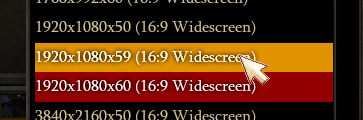
Another thing you could try is setting the game to a slightly different refresh rate than your desktop. That might help and will hardly be noticeable.

Reply #3 Top

Yes, my settings are set to fullscreen.  Does not fix the problem.

Reply #5 Top

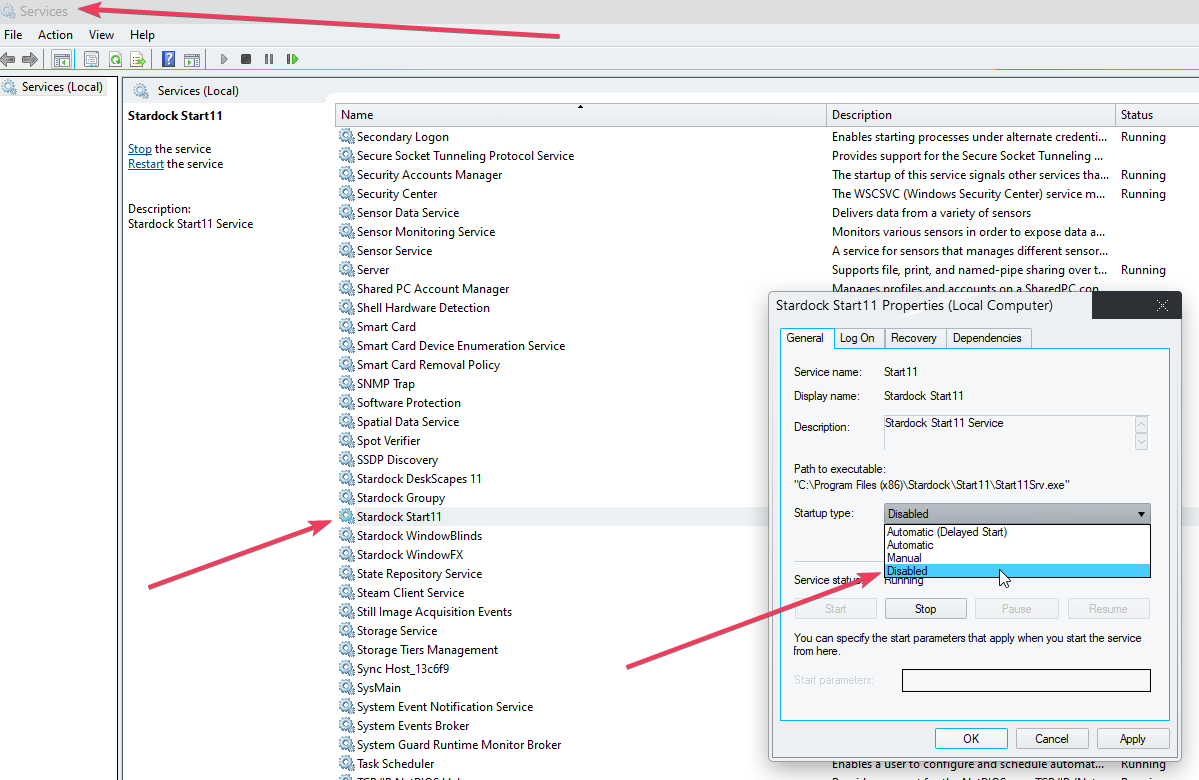
If you set Start11 not to load:

Reboot, does it still happen?

Sean Drohan
Stardock Product Lifecycle Manager

Reply #6 Top

Well, I do not have time to try that at the moment, but if I do not have Start11 manage the taskbar, the problem goes away.