


Disabling the Apps list
from  Stardock Forums
Stardock Forums
Greetings -
I've just downloaded the Start11 application from Stardock and it seems to work as expected. The only thing I was unable to find was how to disable the Application List.
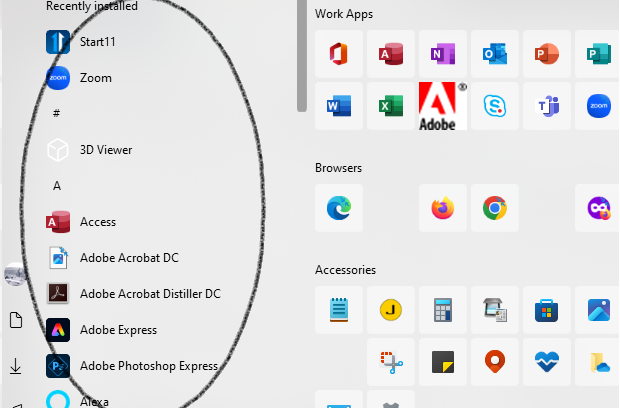
In the Start Menu for WIN10 these were the steps to make this change:
- Open Settings.
- Click on Personalization.
- Click on Start.
- Turn off the Show app list in Start toggle switch.
This toggle switch is missing from Smart11.
Is there away to do this? or can this be added as a feature to an update?
Thanx for your help - NMRwizard
