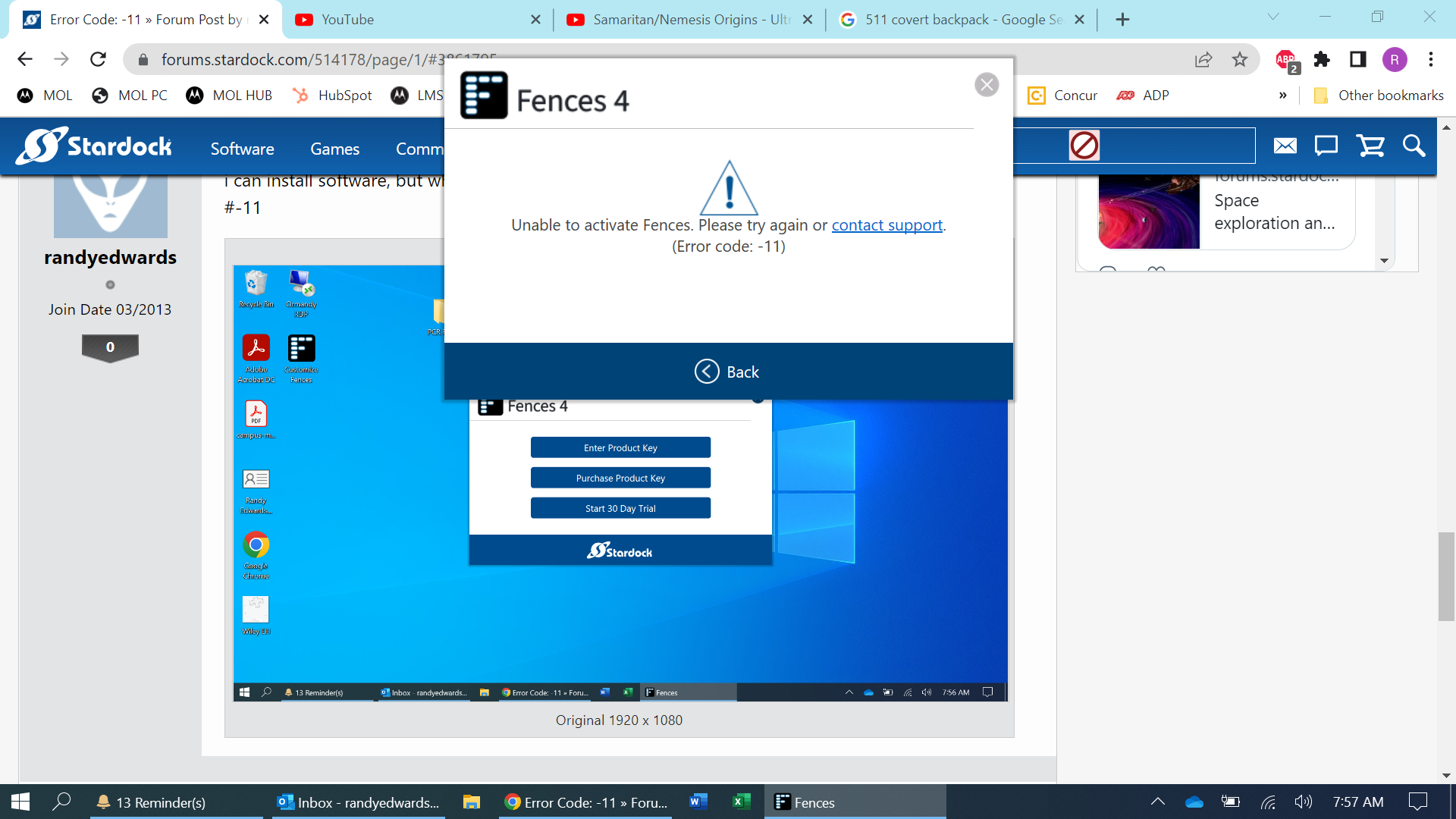
Error Code: -11

installing fences 2 on new laptop, and keep getting "Error Code: -11" on activation.

Windows 10 Pro

Fences 2

tried activating by account and by key

tried running as admin

remove all my activations


What am I doing wrong?

5,477 views 10 replies
Reply #2 Top

same issue with #4, free trial.

Tried to buy #4 for my last laptop (also a windows 10 pro) and purchasing process was so convoluted I simply stayed with #2 (previously purchased)

Reply #3 Top

Is your laptop running an Arm Processor. ?

Reply #5 Top

Quoting randyedwards, reply 2

same issue with #4, free trial.

Tried to buy #4 for my last laptop (also a windows 10 pro) and purchasing process was so convoluted I simply stayed with #2 (previously purchased)
End of randyedwards's quote

Hello,
Sorry to hear you are having issues. Really not sure if you have issue activation if you're using a trial version? Please elaborate on your activation issue.

Thanks
Basj,
Stardock Community Assistant.

Reply #6 Top

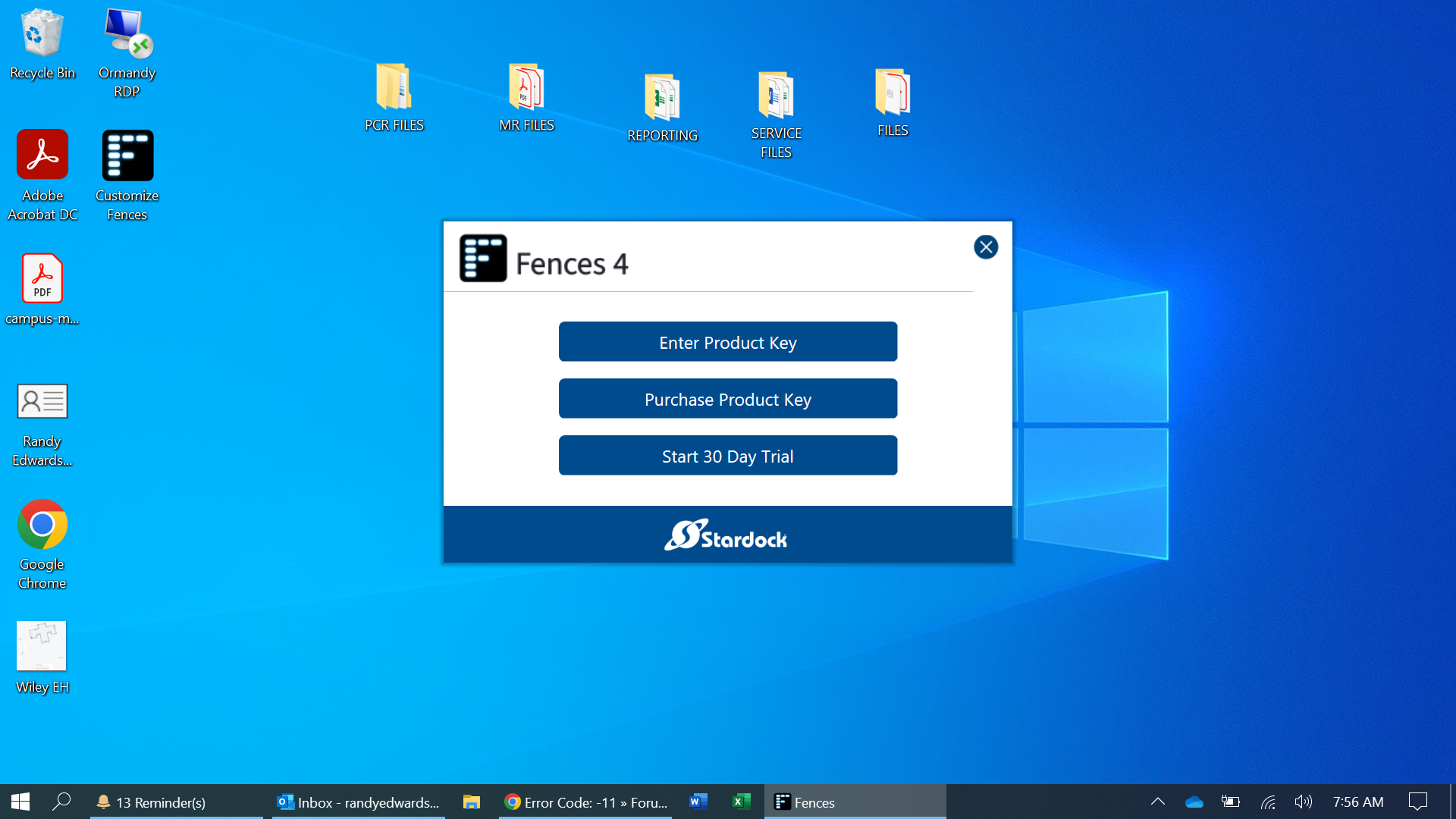
i can install software, but whenever I go to activate/enter key/trial version it gives me error code #-11

Reply #8 Top

Just to confirm, which fences version do you have listed in your product account page? V2 or V4? https://store.stardock.com/myaccount/products . Just to clearify, do know that each of this version has different keys it will not work on both.

Thank you,

Basj,
Stardock Community Assistant


Reply #9 Top

I own v2.

i tried to activate v2 with key, account, and trial...no go

I tried to activate v4 with trial, thinking maybe it was problem with older version...no go

it's work computer, with Windows Security and SentinelOne (neither of which I have access to personally)

Reply #10 Top

First, you will never be able to activate Fences V4 with your V2 key. As for V2 keys for Fences V2. Please check if you have not reach maximize activation count. You should try deactivate old activation using this guide : https://forums.stardock.com/486311/accounts-and-activation-support-faq#deactivateproduct.

Try those and if still fail, please raise a support ticket using the link below. Choose account management option. Include all information details. Remember to record down the ticket number for future reference if needed. Do not raise multiple ticket, that will make your ticket back to the end of the line. Send once and wait. Ticket will be answer by the order they send in.

https://stardock.atlassian.net/servicedesk/customer/portal/4

Thanks
Basj,
Stardock Community Assistant.