Start 11 Enhanced Taskbar Icon Rendering Error- MS Outlook Calendar
from  Stardock Forums
Stardock Forums
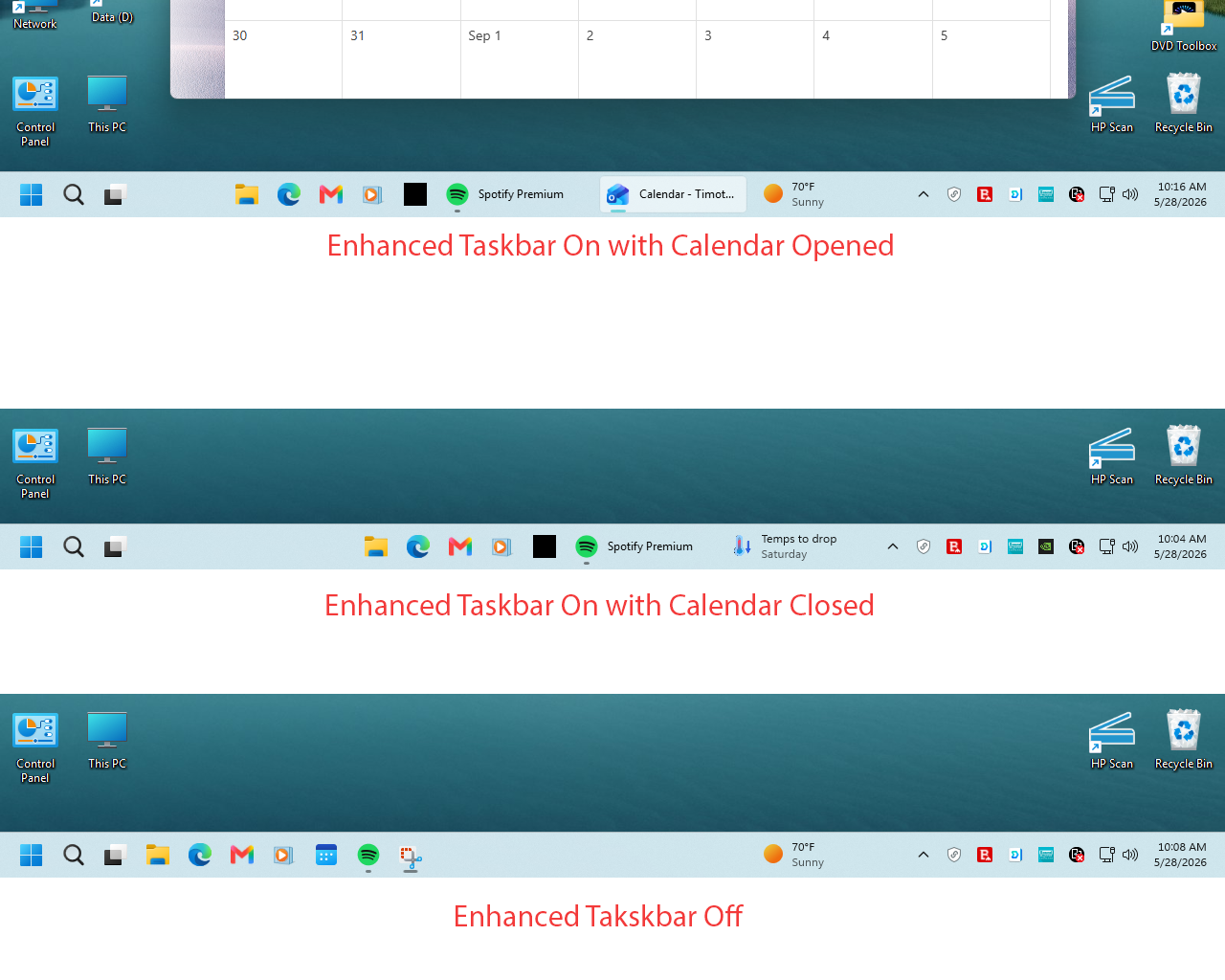
I have a reproducible taskbar icon rendering error using Start 11 v 2.72. The icon is for Microsoft Outlook's Calendar (Open Outlook- hover and right click over Calendar icon on left side of screen- select pin shortcut to taskbar).
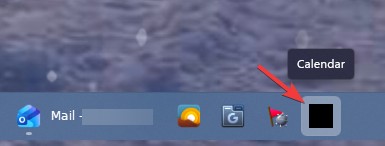
When enhanced taskbar is turned on the icon appears as a black square, regardless of whether Calendar is actually opened or closed. If enhanced taskbar is turned off the icon appears normal (see attached screenshots). I have multiple (new) installations of Windows 11 and the problem is the same on all of them.