Problem
from  Stardock Forums
Stardock Forums
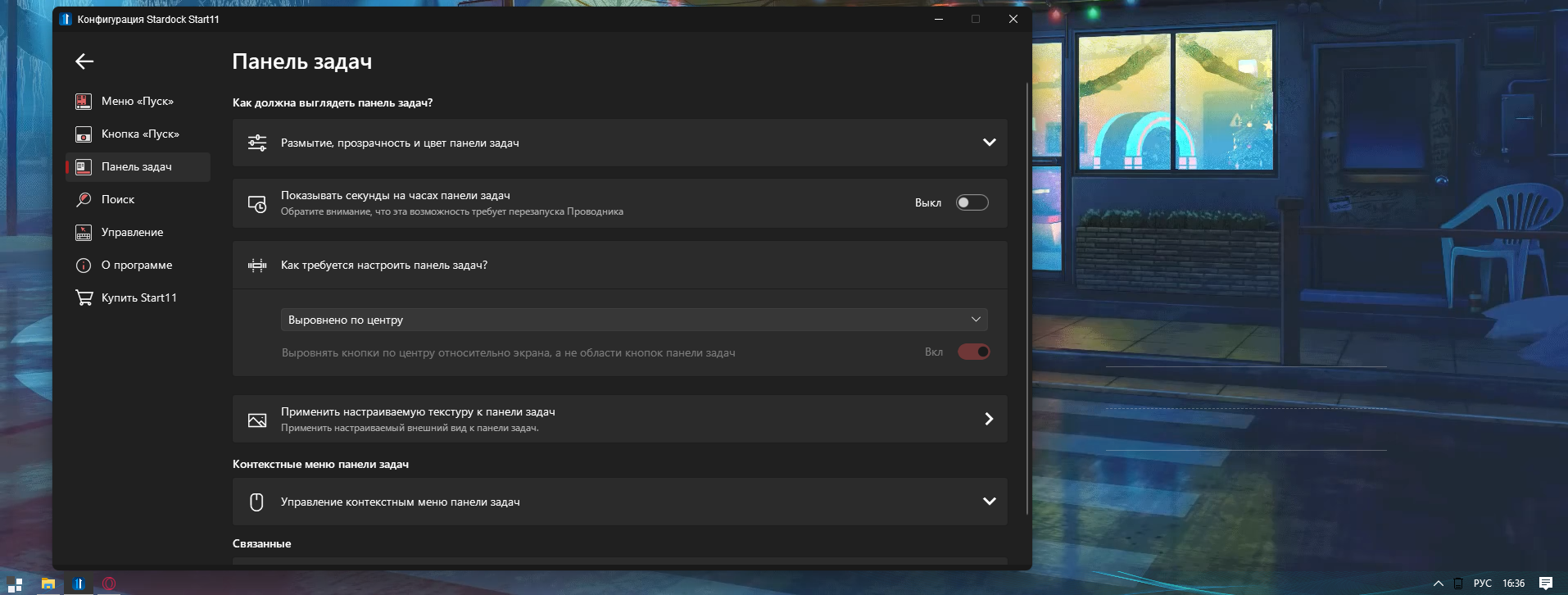
I'm not centered, what should I do? I set it to the center in the settings, and restarted the computer. What to do?


 Stardock Forums
I'm not centered, what should I do? I set it to the center in the settings, and restarted the computer. What to do?
Stardock Forums
Top
Hello,
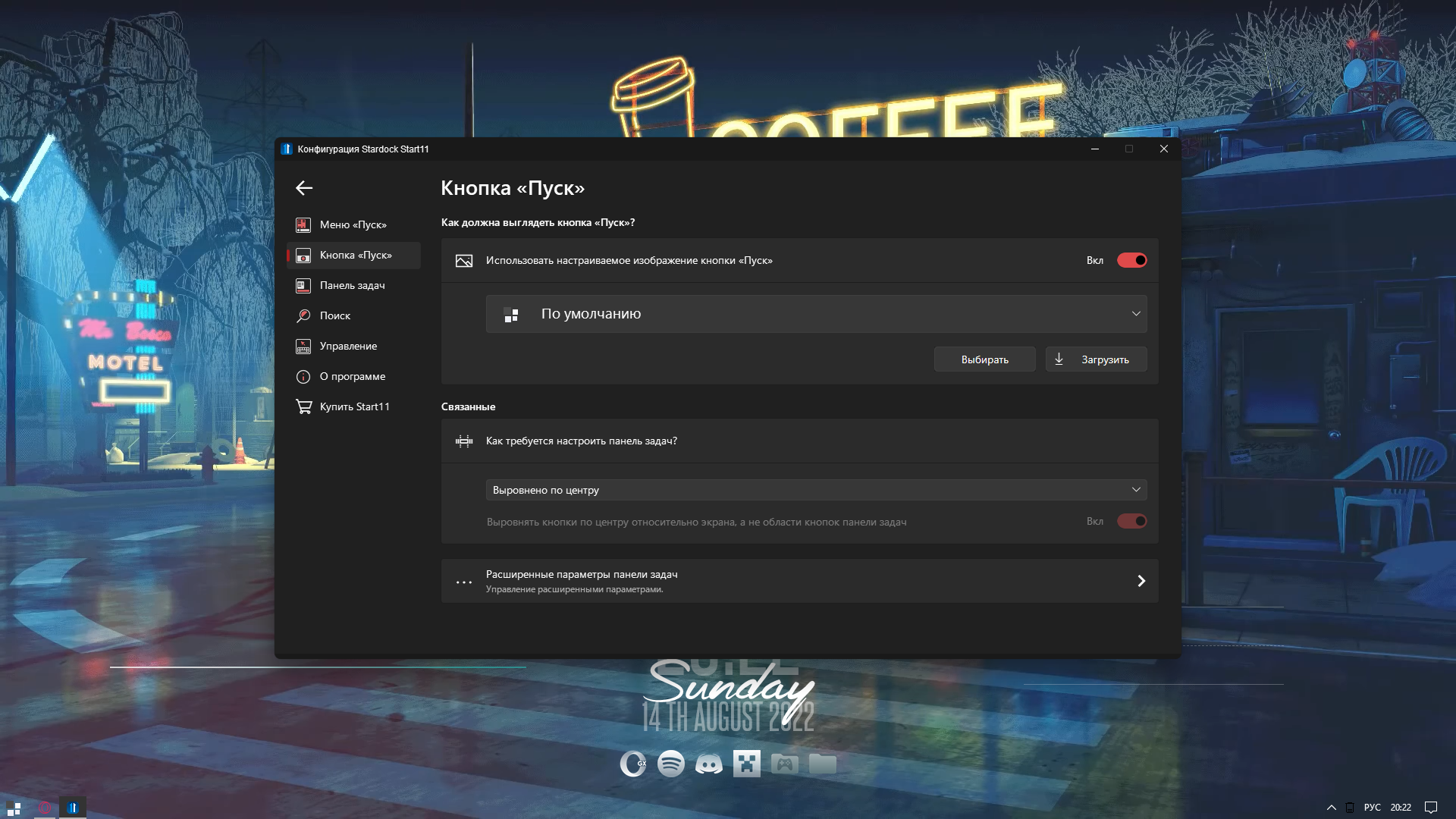
Sorry to hear you are having issues. What is not centered? Your Start Button? Do you turn on the Taskbar enhance option? If you do, than your Start Button will not be in the Center. If you talking about something else, please post a screenshot of what is your issue.
Thanks.
Basj,
Stardock Community Assistant.
Stardock Forums
Top
 Stardock Forums
Top
Stardock Forums
Top
You on which version of Start11? Also need to know your Windows 11 full version numbers. Use Winver.exe to get those.
Thank you,
Basj,
Stardock Community Assistant
Stardock Forums
Top
Vetsion Start11 - 1.25
Version Windows - 10, 2H1H
Stardock Forums
Top
Try, uninstall Start11, reboot (important), reinstall Start11, reboot again. Retest it and report back.
Thank you,
Basj,
Stardock Community Assistant
Stardock Forums
Top
did everything, nothing has changed
Stardock Forums
Top
Hello ,
Would you Please do a Clean Boot: https://forums.stardock.com/505872/start11-support-faq#cleanboot
Test and report back please .
AzDude
Stardock Community Assistant
Stardock Forums
Top
Not helped
Stardock Forums
Top
Hello,
I have forwarded your report to the Stardock support team for their review and recommendations.
Please keep an eye on this thread for any updates.
We really do appreciate your feedback, thanks.
Stardock Forums
Top
Hello,
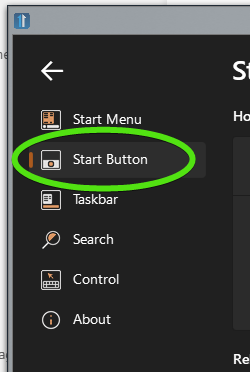
Can you post a screenshot of your StartButton Settings please
Paul Scroggins
Associate Technical Support Analyst
Stardock Forums
Top
Welcome Guest! Please take the time to register with us.