Recent files not showing
from  Stardock Forums
Stardock Forums
I am using Start11 on a freshly installed Windows 11 system.
All updates run on Win11 and Start11. Not beta software.
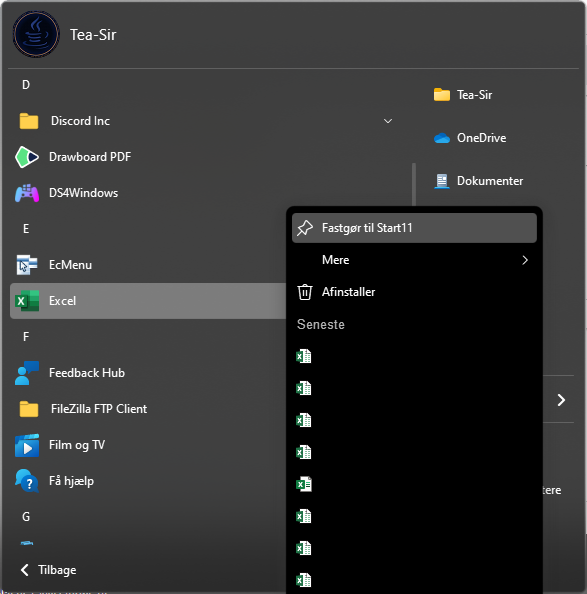
For some reason, the most recent files I open in Word and Excel will not show up in the start menu.
I am using the modern style in Grid view.
The tiny arrow that should appear next to either Excel or Word is not showing, and thus my recent files are not showing.
My work PC with Windows 10, is doing the same, but I just thought it was because it was Windows 10.
I have been looking in settings for Start 11, and can't seem to find anything I can enable to enable this feature.
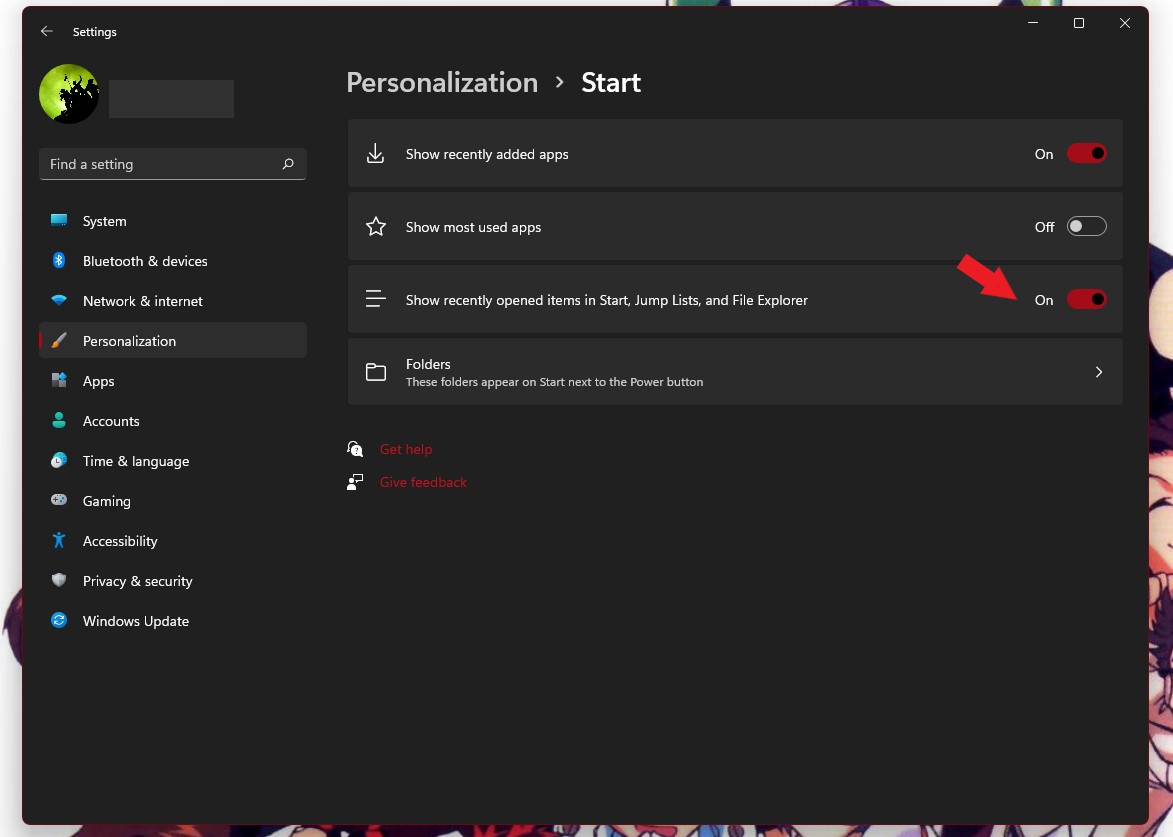
Windows Jump lists and recent are enabled. When I right click Excel in the taskbar, all my recent files show up.