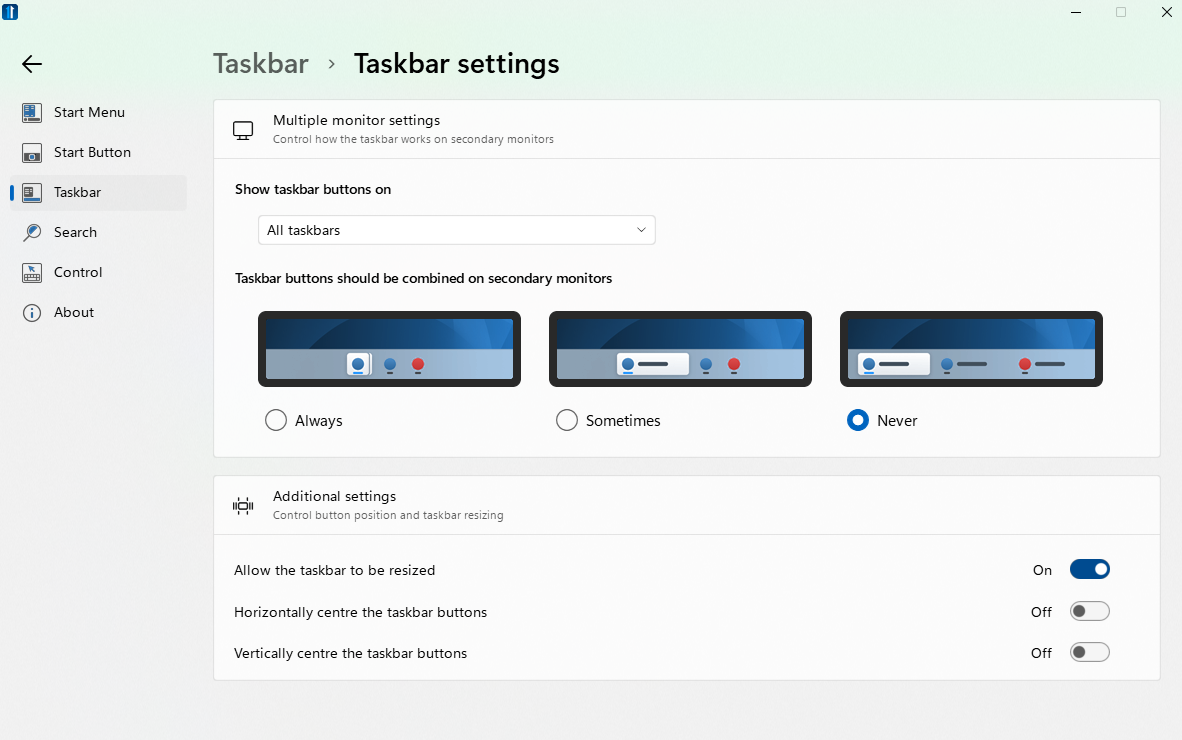
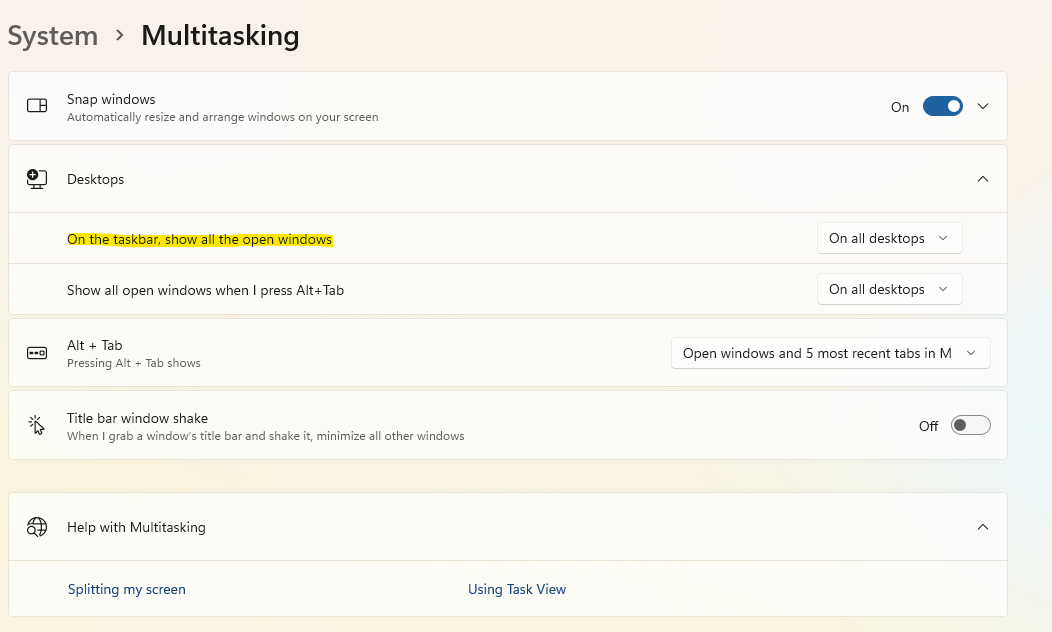
My experience of Win 10 and Win 11 with the native taskbar is different from yours. You say, "the icons on the taskbar relate to the windows on that desktop only." In my experience of Win 10 & 11, the icons in the taskbar remain the same regardless of which desktop is active. Hence in native Windows, following the setup which I mentioned in my original post, when the "mail" desktop is active, I can see the icon for the Python IDE in the taskbar and can switch to the "Python" desktop by clicking on the IDE icon.
If the only icons that are visible on the taskbar are those from the programs that are active on the current desktop, then in order to switch programs, I have to first bring up the all desktop view (Win + Tab), guess on which desktop the desired program or desired browser tab is active, then click on that desktop. It's doable, but I found it annoying (strictly personal preference - YMMV) and felt better overall giving up the ungroup feature, which I like. I'm only mentioning this because you were soliciting feedback on the ungroup feature - I really enjoy what you guys are doing with customizing the UI.
Thanks