Hi
I followed your instruction and here are the results:
1. A new administrator account has been created
2. Logged in to the new account
- left taskbar OK,
- right taskbar - still the same problem.
3. Performed a "clean" boot as per MS instructions
- left taskbar OK
- right taskbar still the same problem.
4. Run the batch file
- left taskbar OK
- right taskbar still the same problem.
5. Restarted to the original account
- left taskbar OK
- right taskbar still the same problem.
- the Start menu is broken
6. Restored a system backup, which was made before the above exercise.
7. A message about the new version of Start11 popped up. I accepted update.
8. After the update.
- Start menu completely messed up. Start11 added "Windows Start" shortcut and reorganized all the other shortcuts
- left taskbar OK
- right taskbar is not working. If "hide the taskbar" is deselected, both taskbars are visible and have the same height. However, if "hide taskbar" is selected, only the left taskbar works. The right taskbar is invisible and the only way to get it up is to move the cursor on the right screen down "outside" the desktop and right-click (by the way, it is still taler once it come up).
There is one thing that I have noticed that may be of importance. The higher taskbar isn't taller at all, it's just shifted by approx. 20 pixels up. This space of about 20 pixels is inactive, or rather right click will result with the "show the desktop" button. Most peculiar.
I think at this point I will just restore the backup, discard any Start11 updates and wait for Microsoft to give users option to configure the Start menu and taskbar the way most people like it, i.e. Windows 10
Right now, I'm a bit concerned about using Start11. The problem with the taskbar on the second monitor is pretty trivial, but who knows what else might be hiding in this app, which isn't quite OK.
Thank you for helping me in solving this problem, but right now it seems to be dead end.
Kind regards
Starazaba

 Stardock Forums


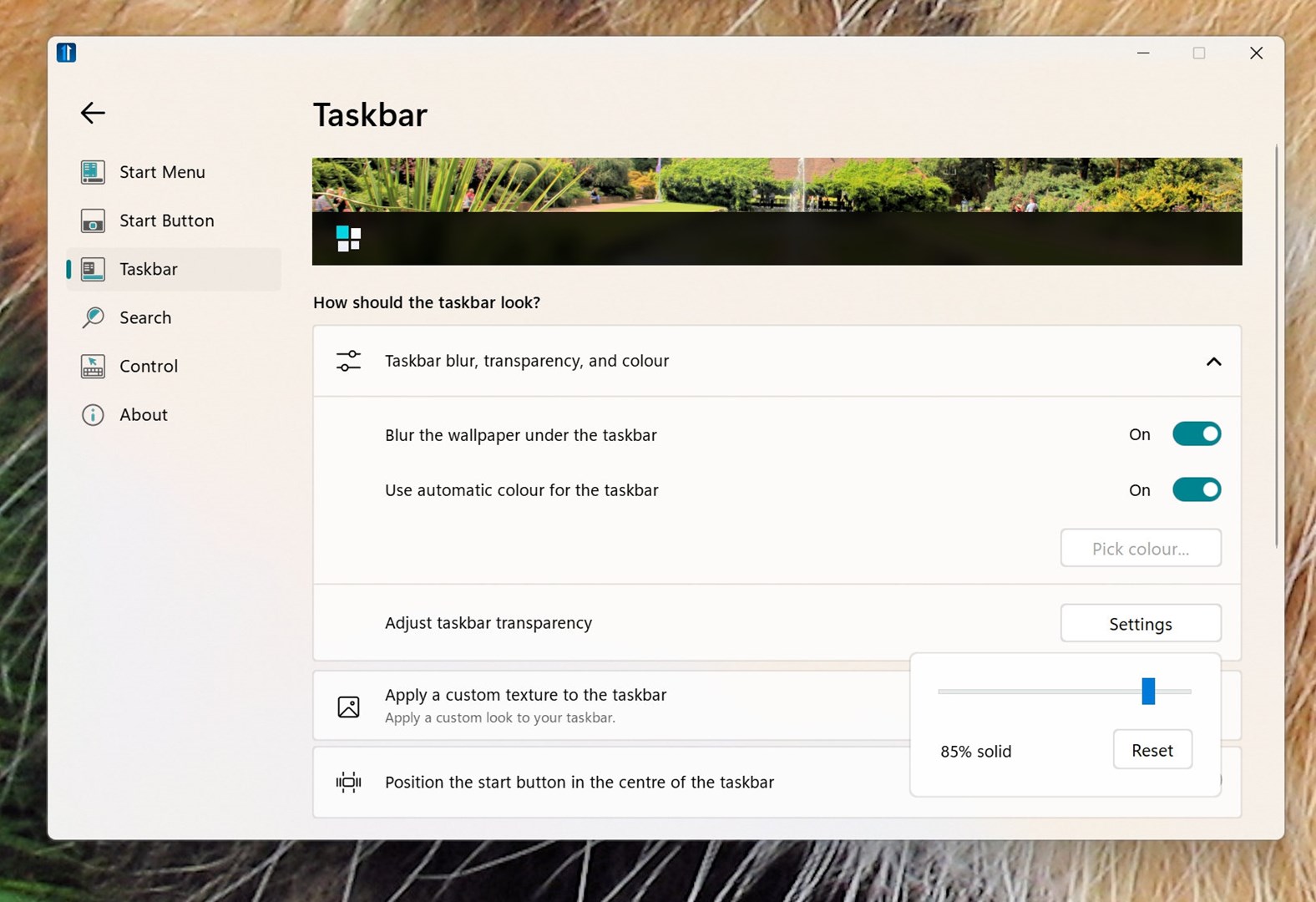
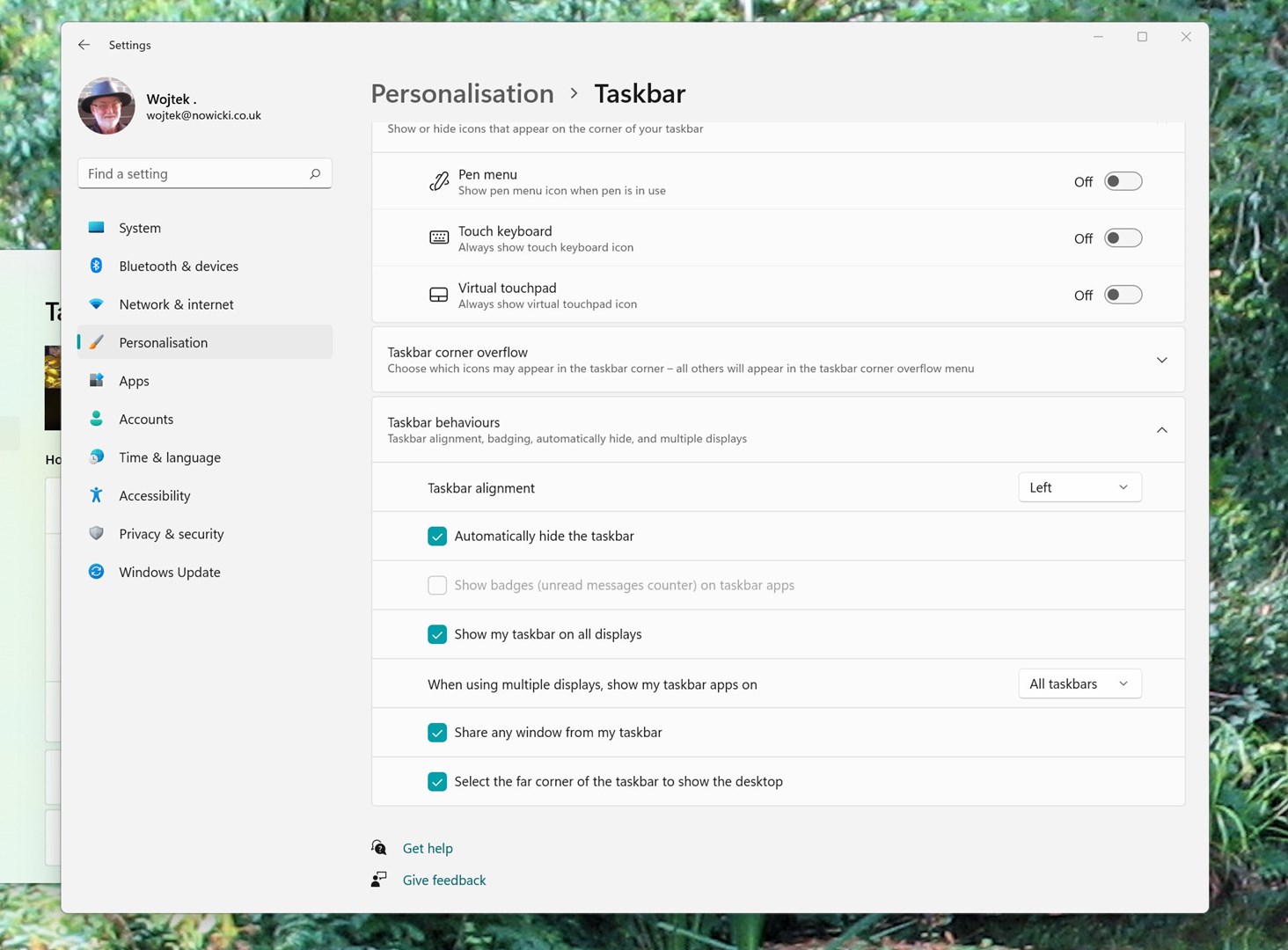
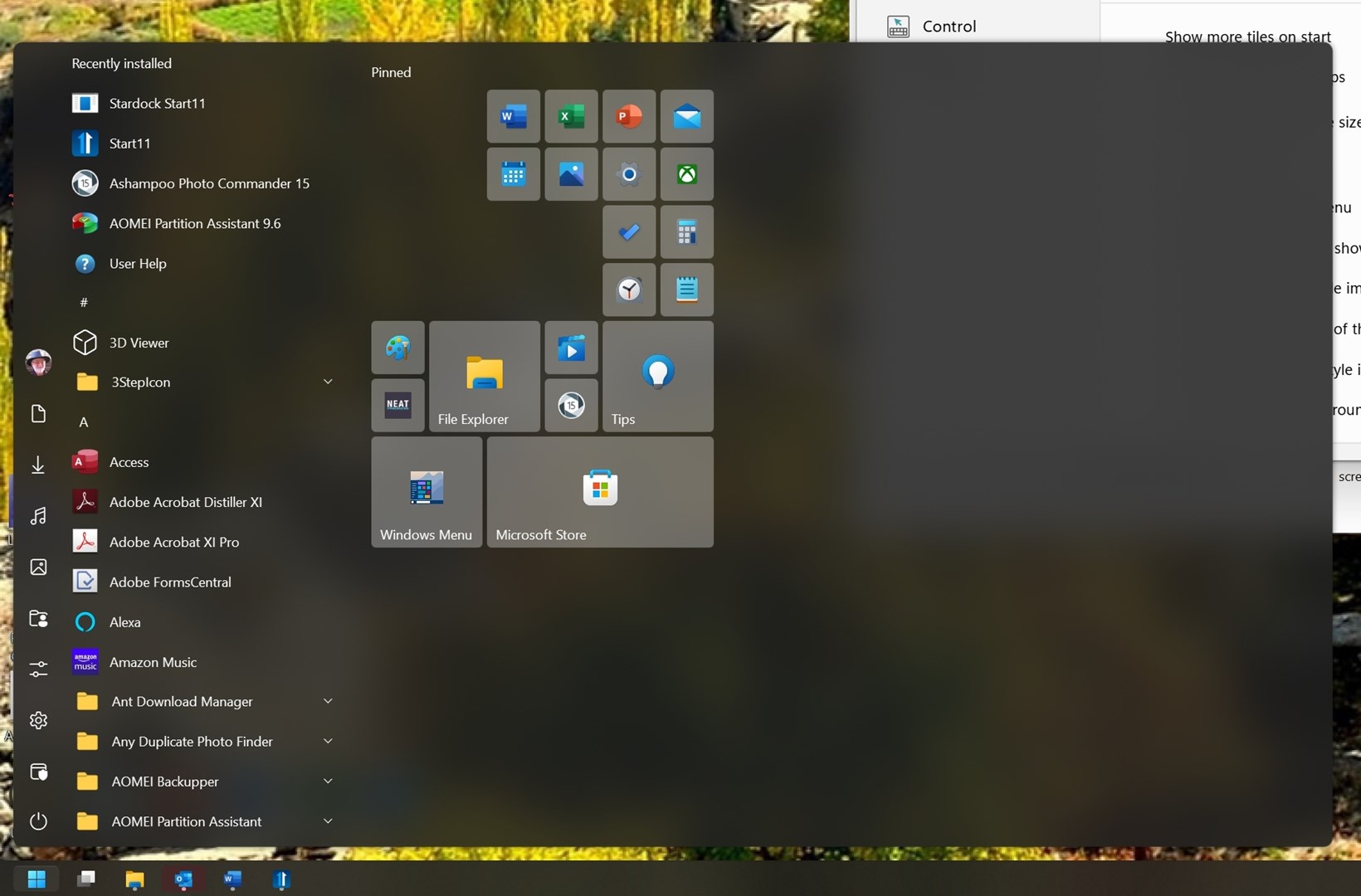
 and
and