One of my fences disappeared

Only one of my fences disappeared, possibly after a Win10 update a few weeks ago because after the update, all fences were misshaped (longer) and scattered around. I fixed them but probably didnt realize this one missing till now. I checked and they are NOT on another desktop and it is not hidden either. I do see the folders in the Fine Manager under Desktop, but not on the desktop display. Pls help

7,560 views 6 replies
Reply #1 Top

Hello,

Sorry to hear you are having issues.

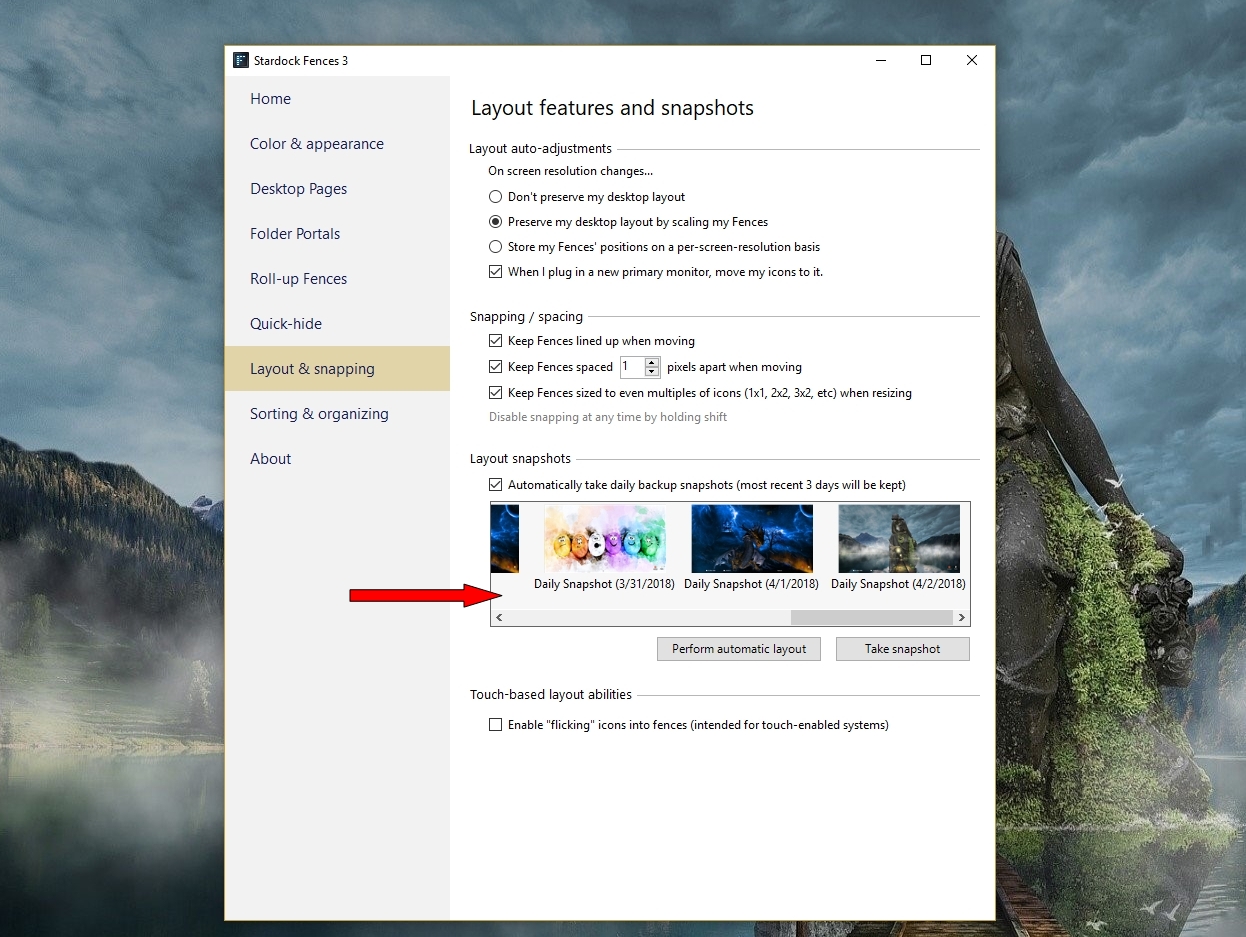
In your Fences app you can restore a snapshot to get it back 


AzDude
Stardock Community Assistant

Reply #2 Top

I had already checked but there are only last 3 days' snaps, and the loss happened earlier so I dont have that snapshot

Reply #3 Top

Hello,

Sorry to hear you are having issues.

You will need to re create your lost fence.

Moving forward do snapshots and backups from time to time https://forums.stardock.com/486084/fences-support-faq#backupsnapshots

and restore from a backup if needed .


AzDude
Stardock Community Assistant

Reply #4 Top

OK, I created the fence but since I dont see the folders & files that were in the old fence, on the desktop, I cant place them in the new fence. When I try to move them into the new fence from File Explorer, it tells me that the file is already on the desktop. Please advise a fix for this


Reply #5 Top

Its one thing to lose a fence, but its pretty unpleasant to lose the view of the files & folders in it from the desktop view, so I really need a fix for this.

Reply #6 Top

So when you right click on your Desktop to View and

scroll down to Show desktop icons they're not there ?

If so maybe try a Windows System restore point when they were there .